Cadence
Cadence
Overview
- Product design
- Desktop app
- Design system
- Local data model
- AI Coach
- Interface testing
What We Did
The Outcome
Show what each paycheck has to cover, and what is left
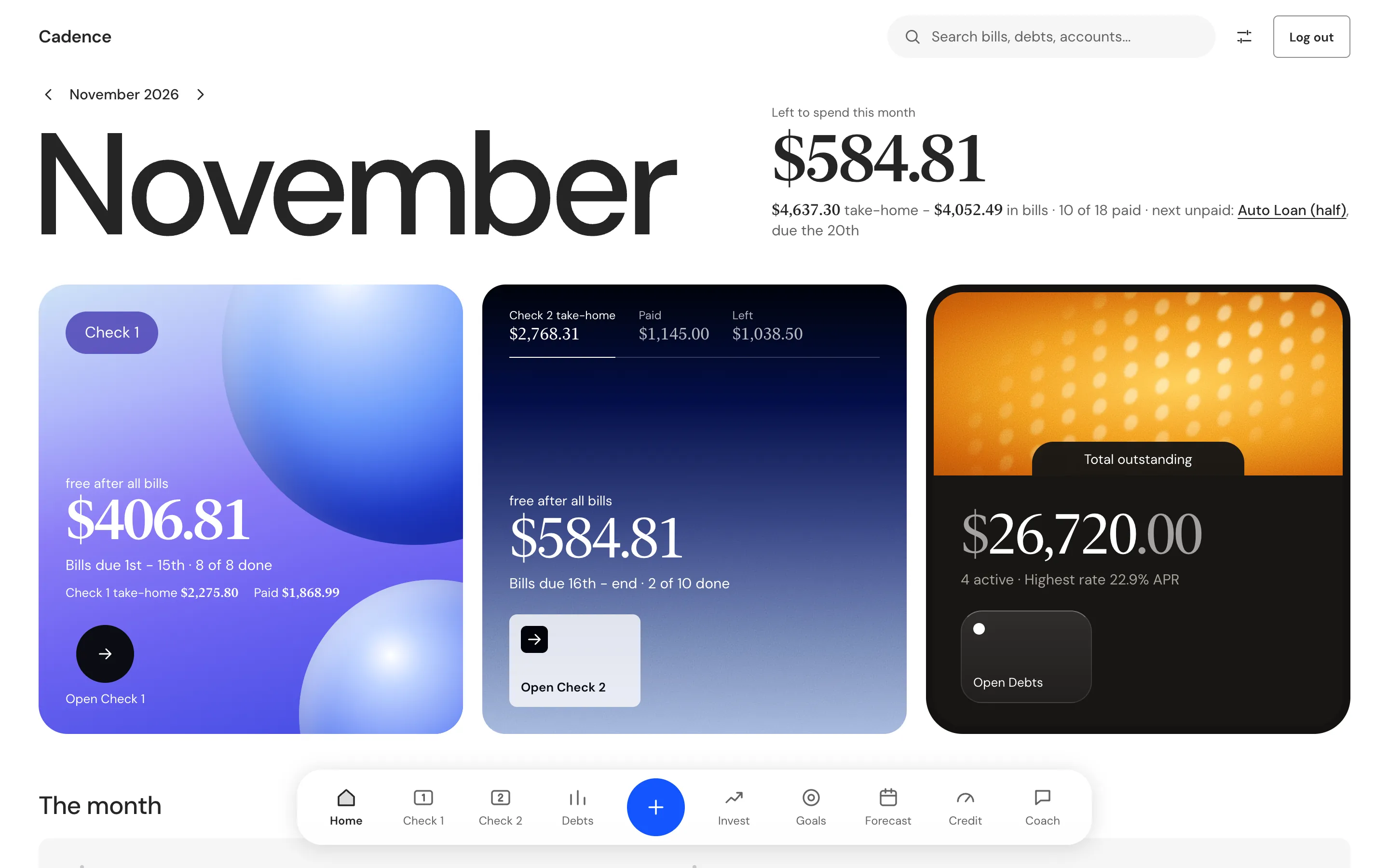
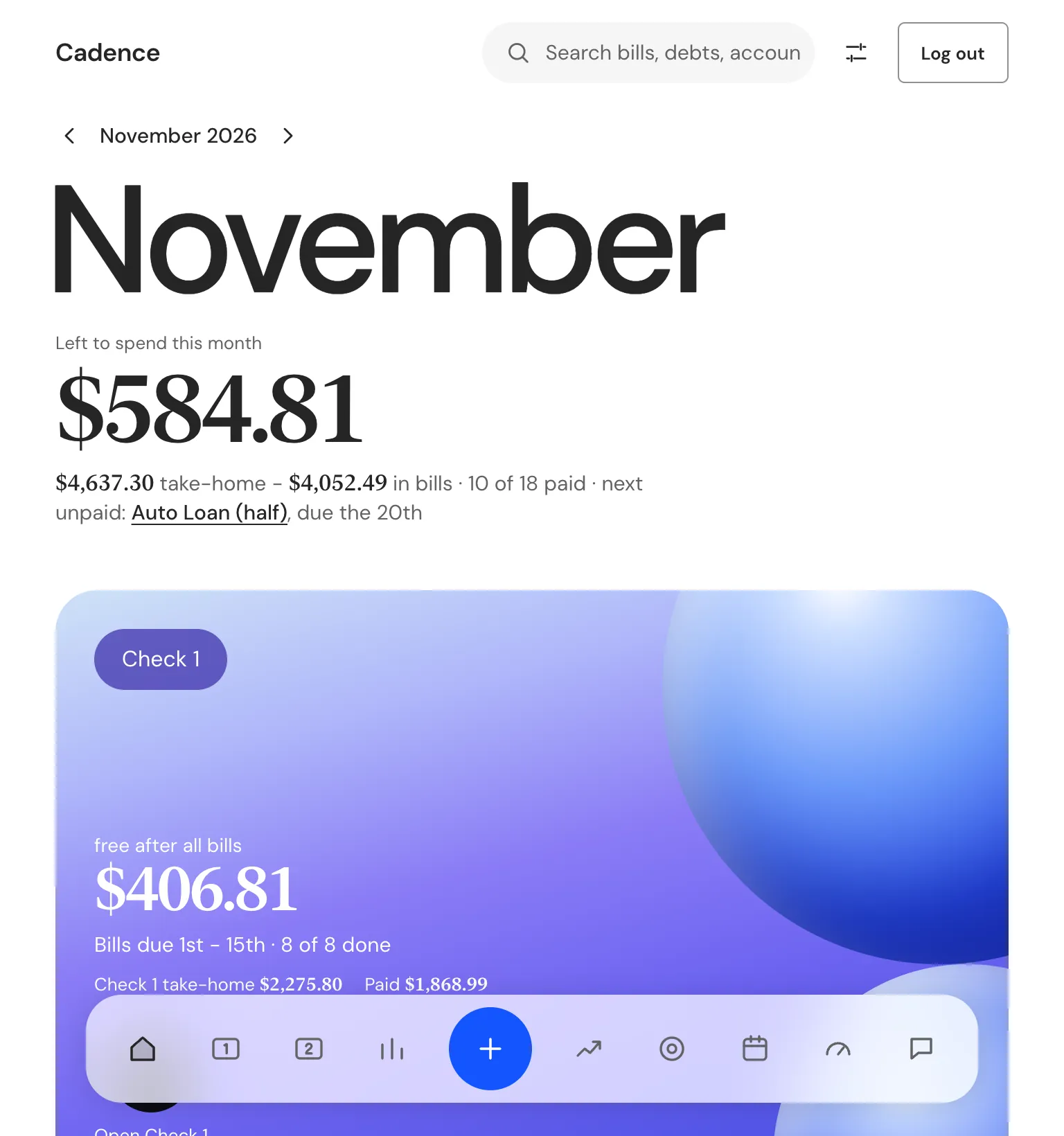
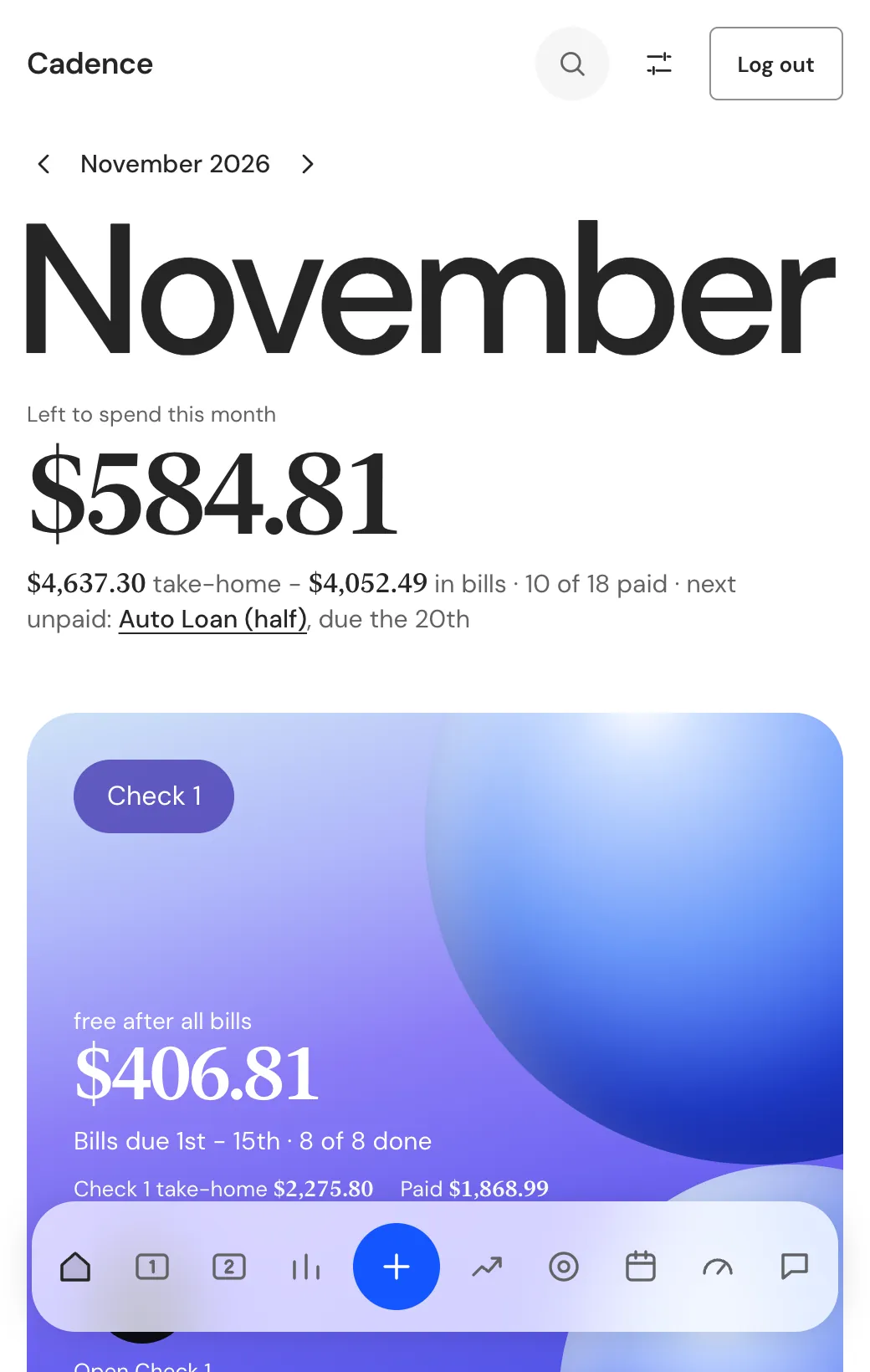
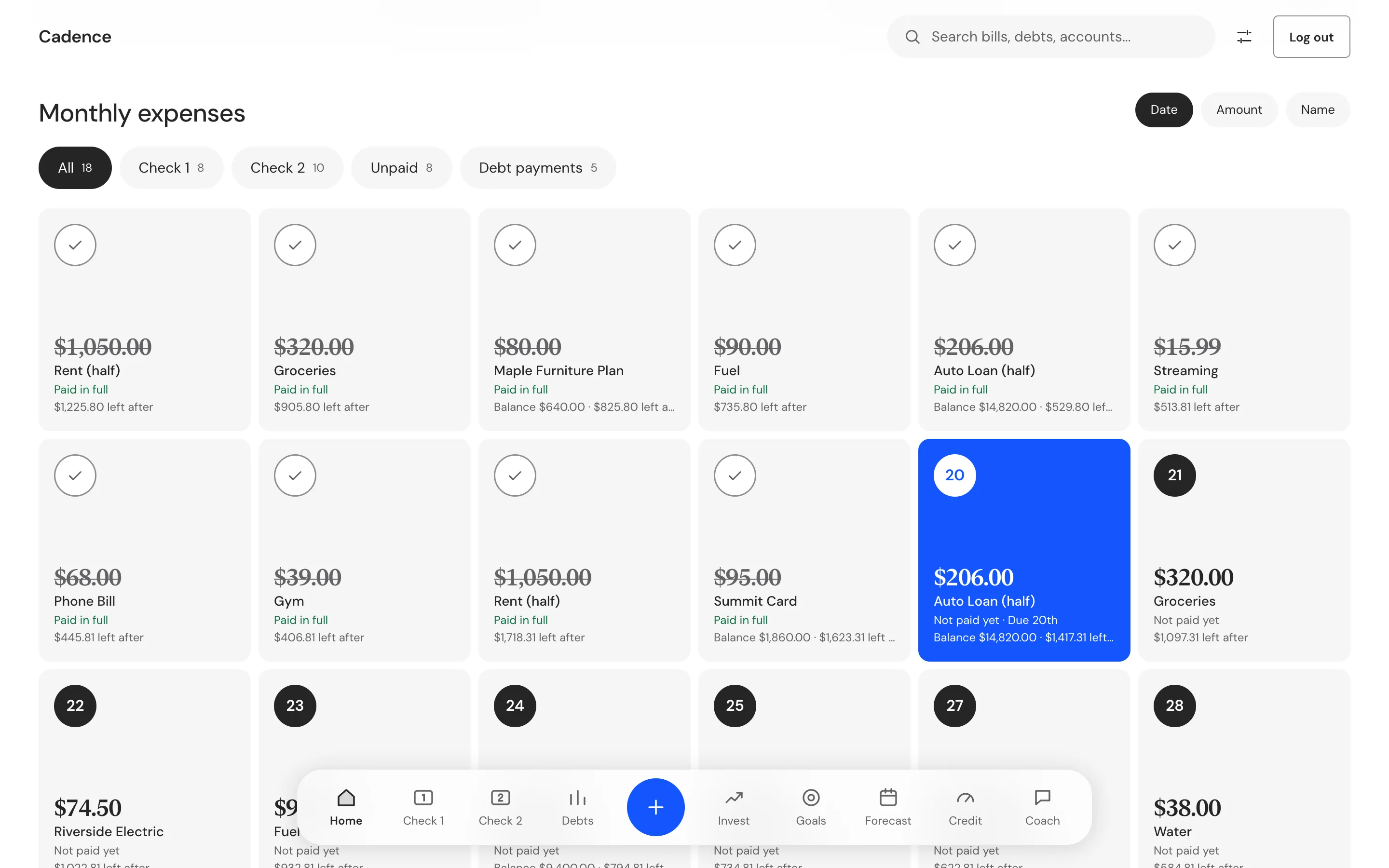
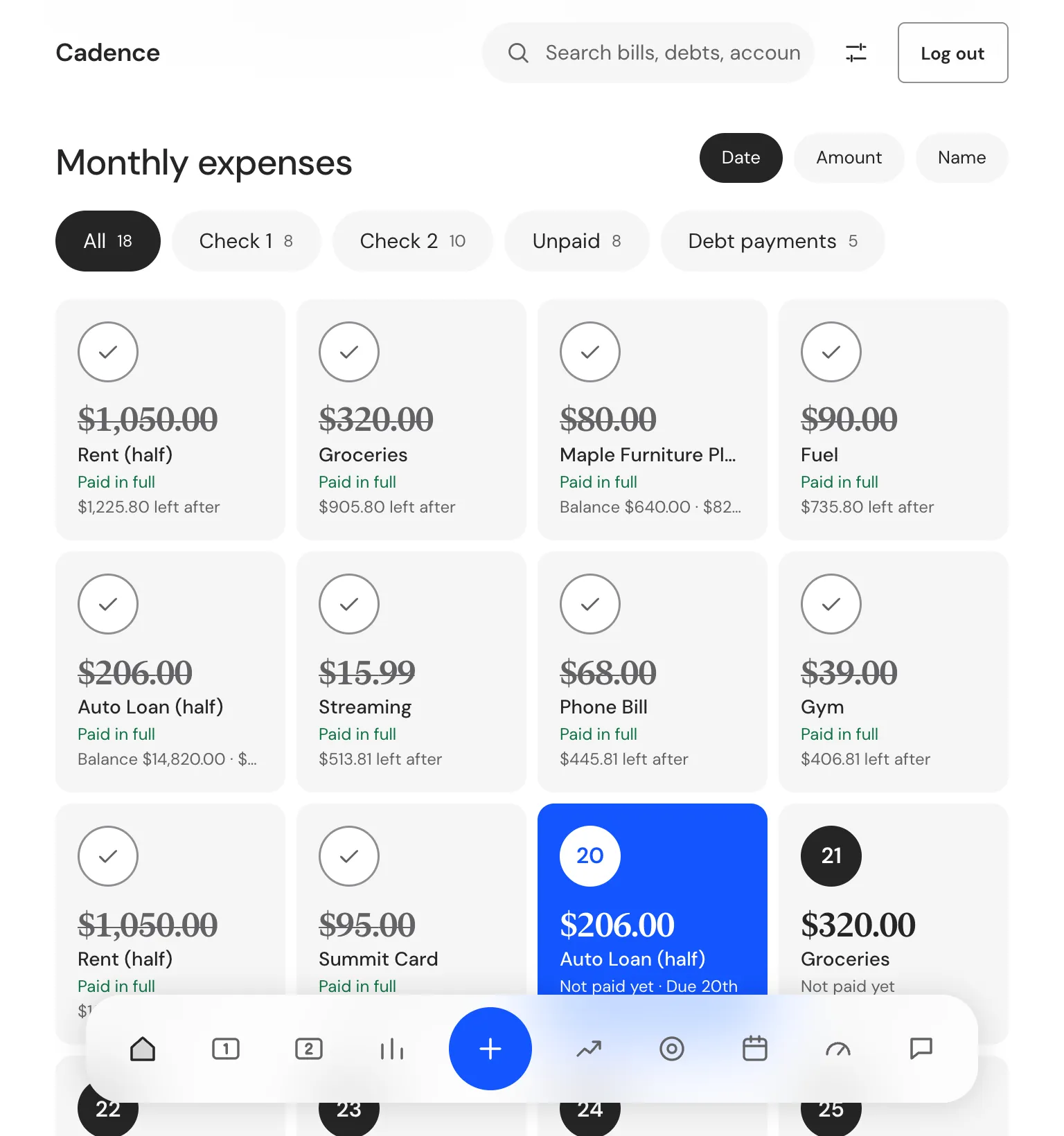
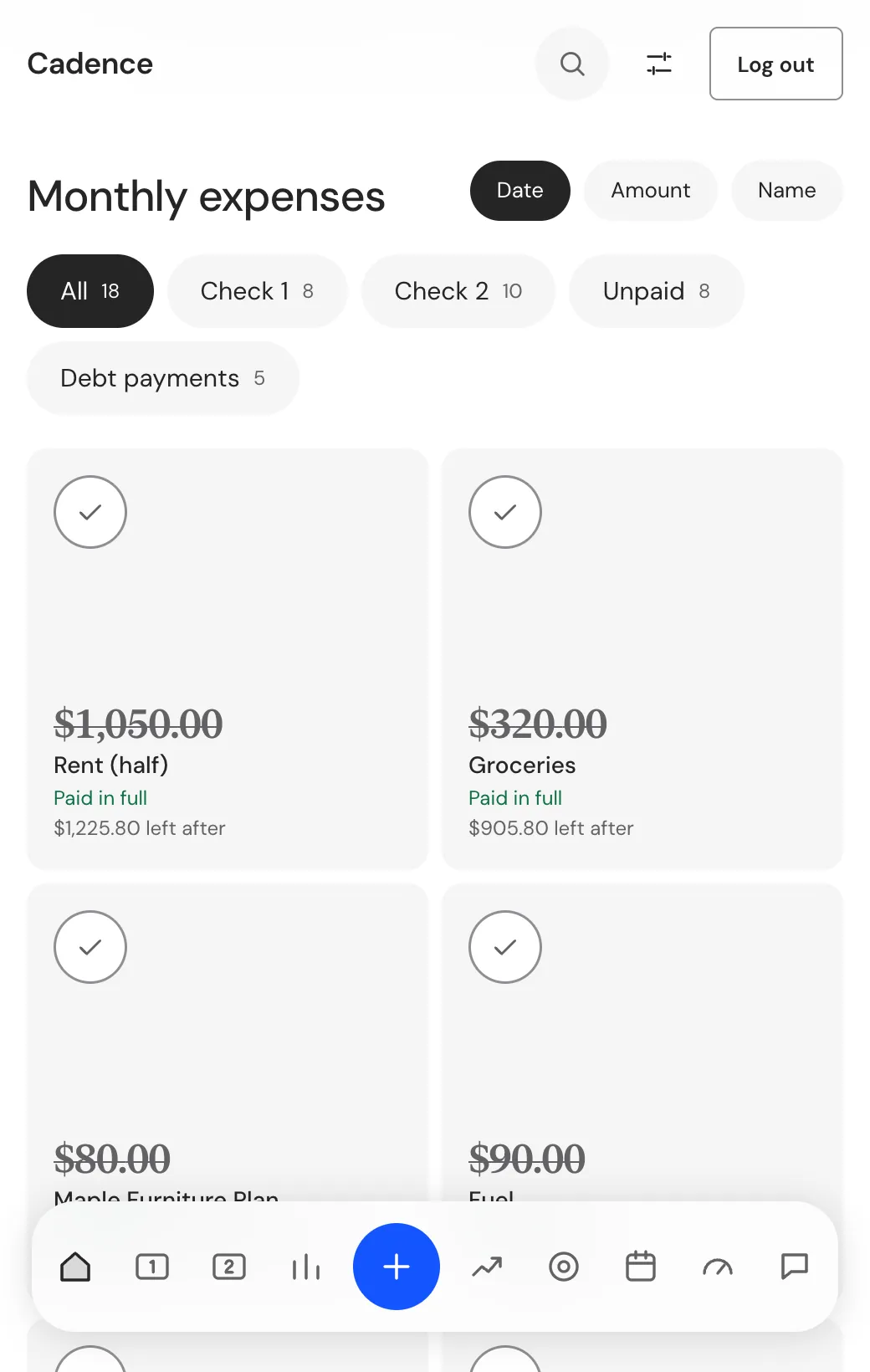
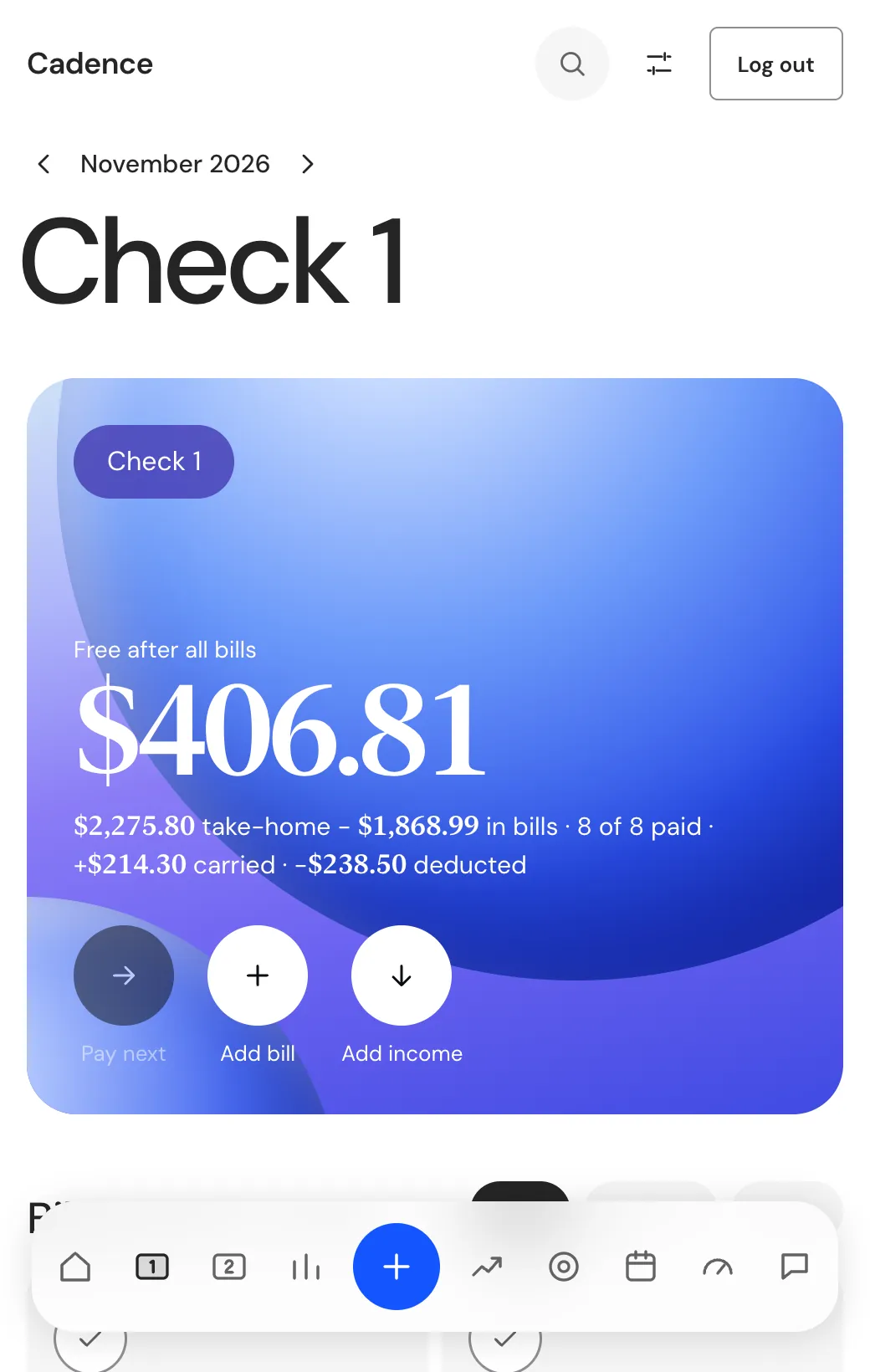
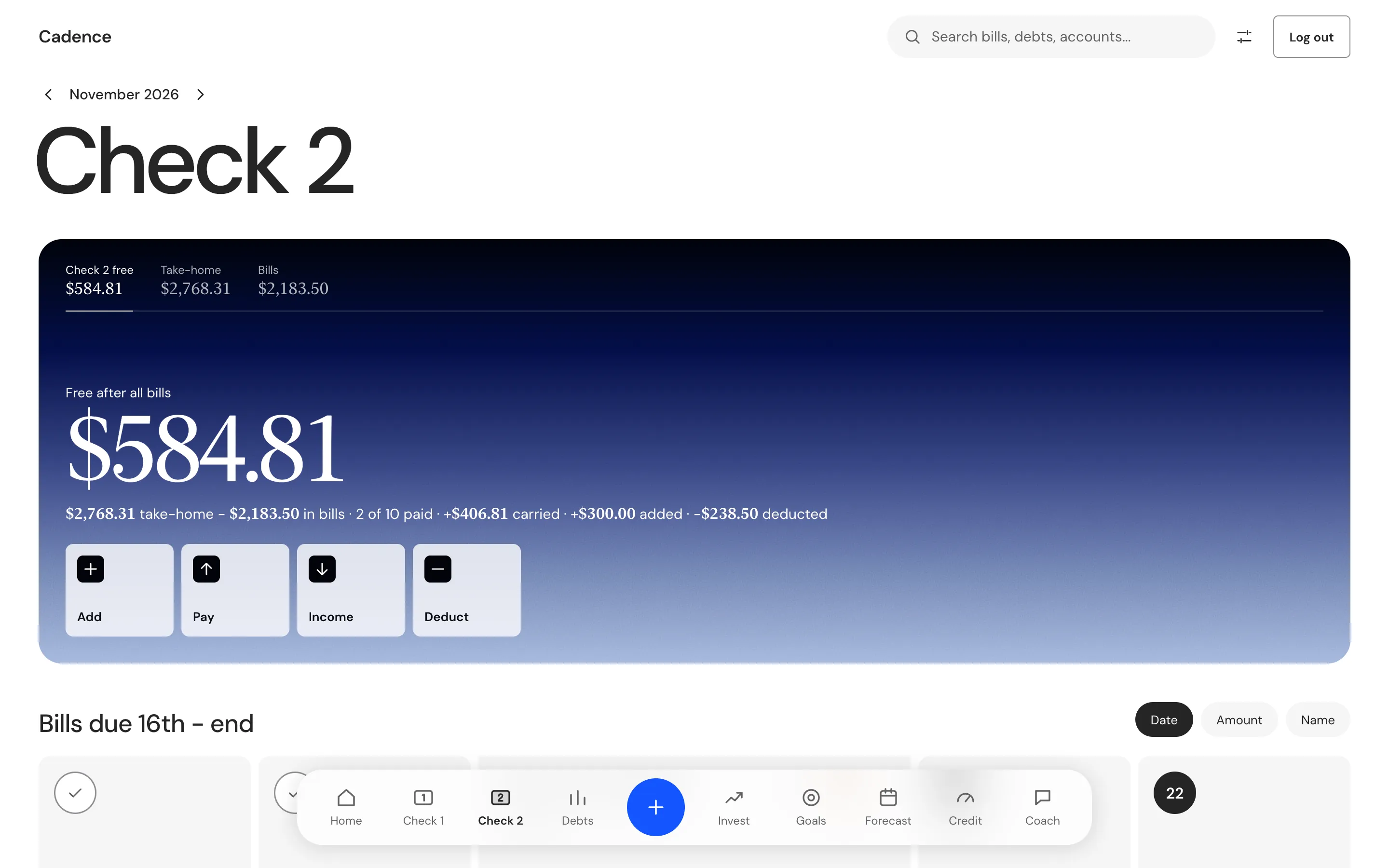
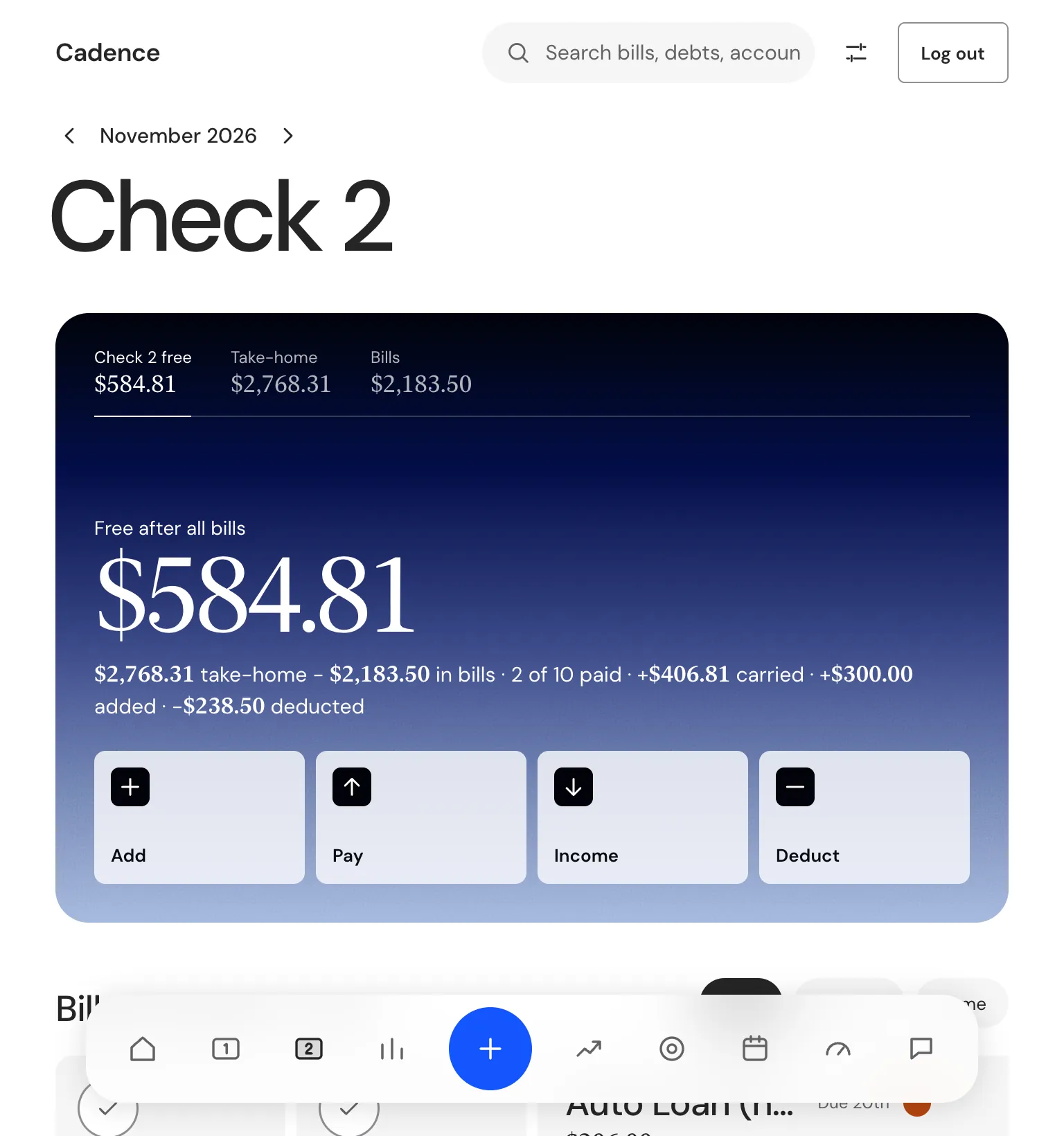
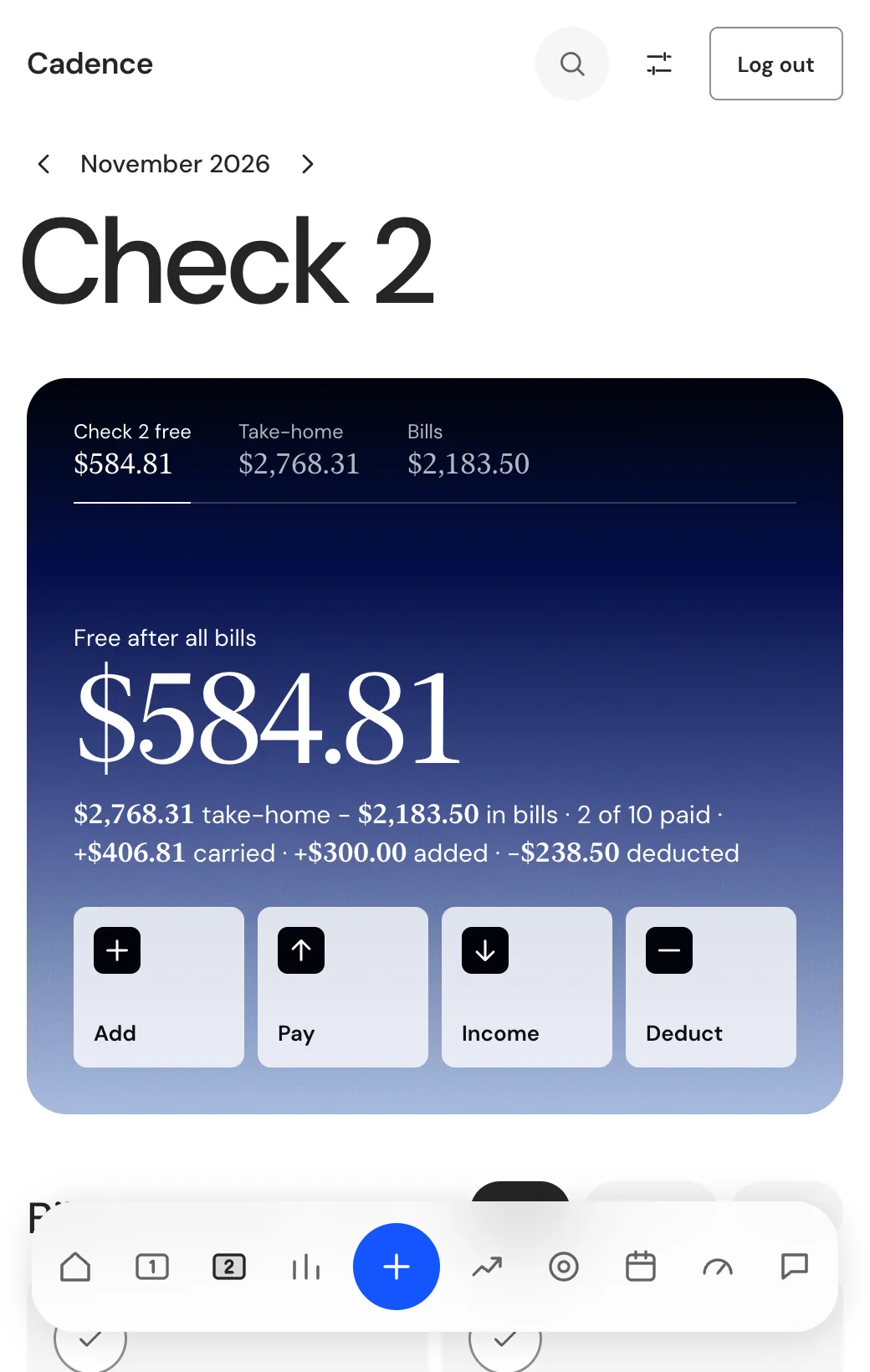
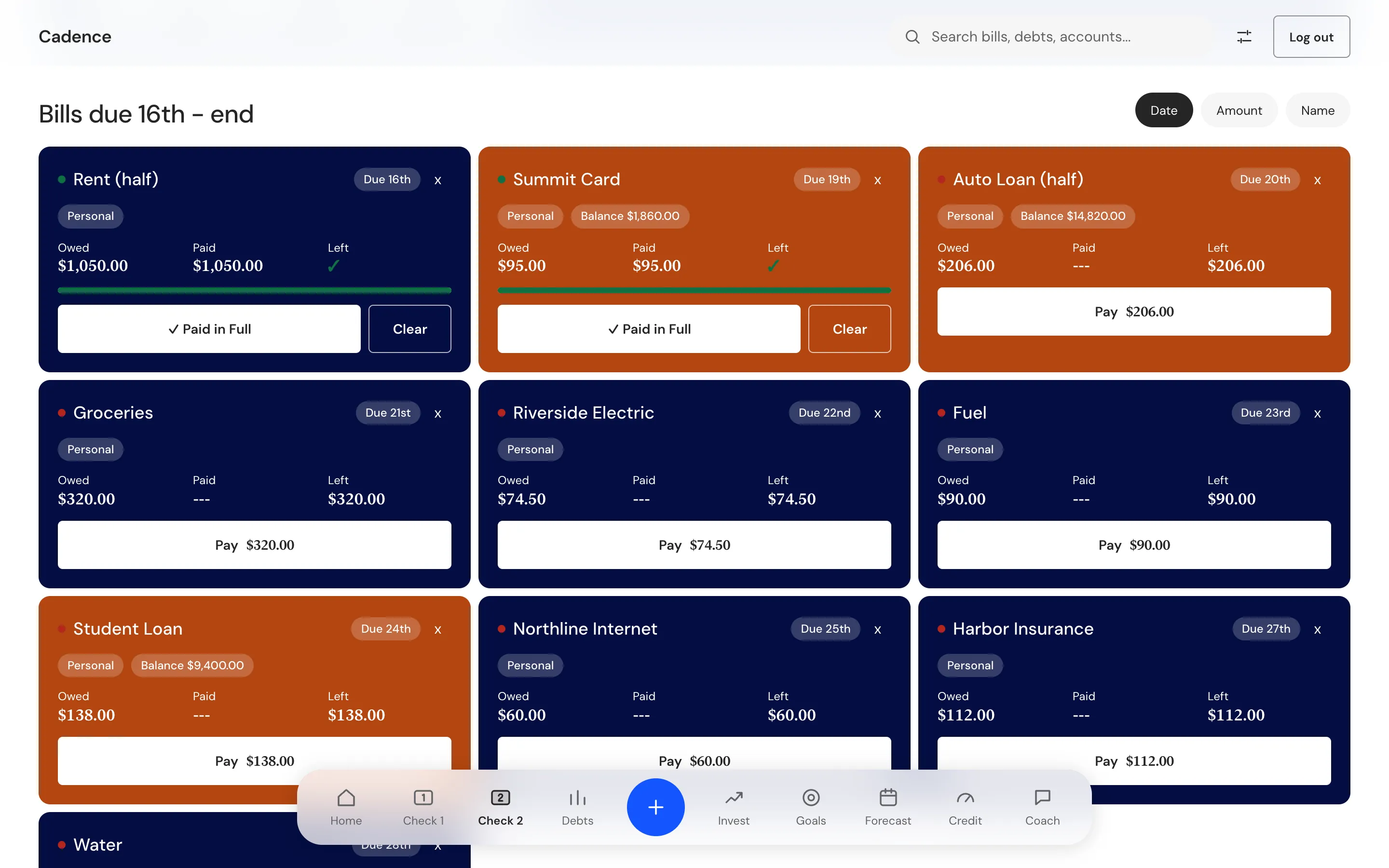
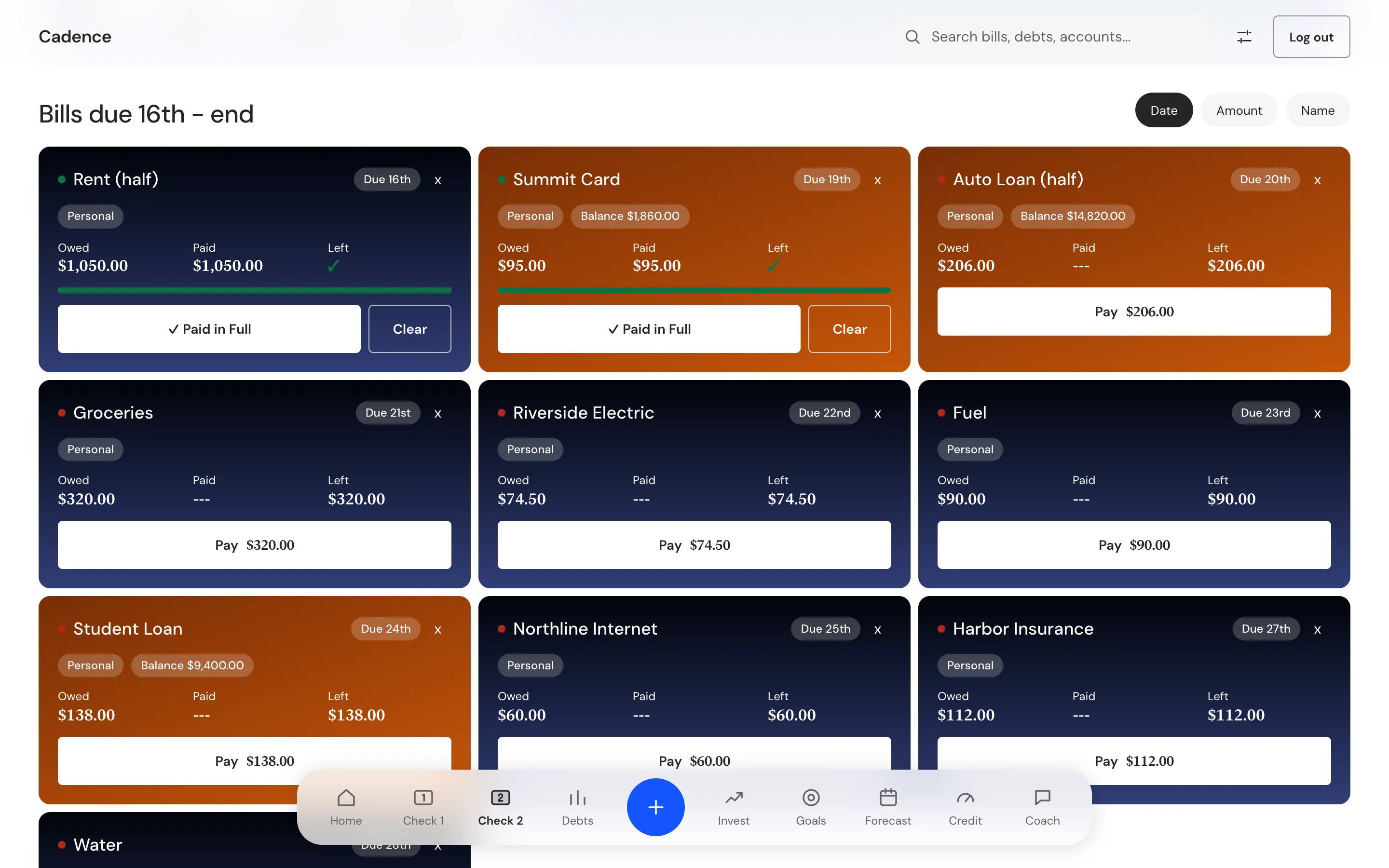
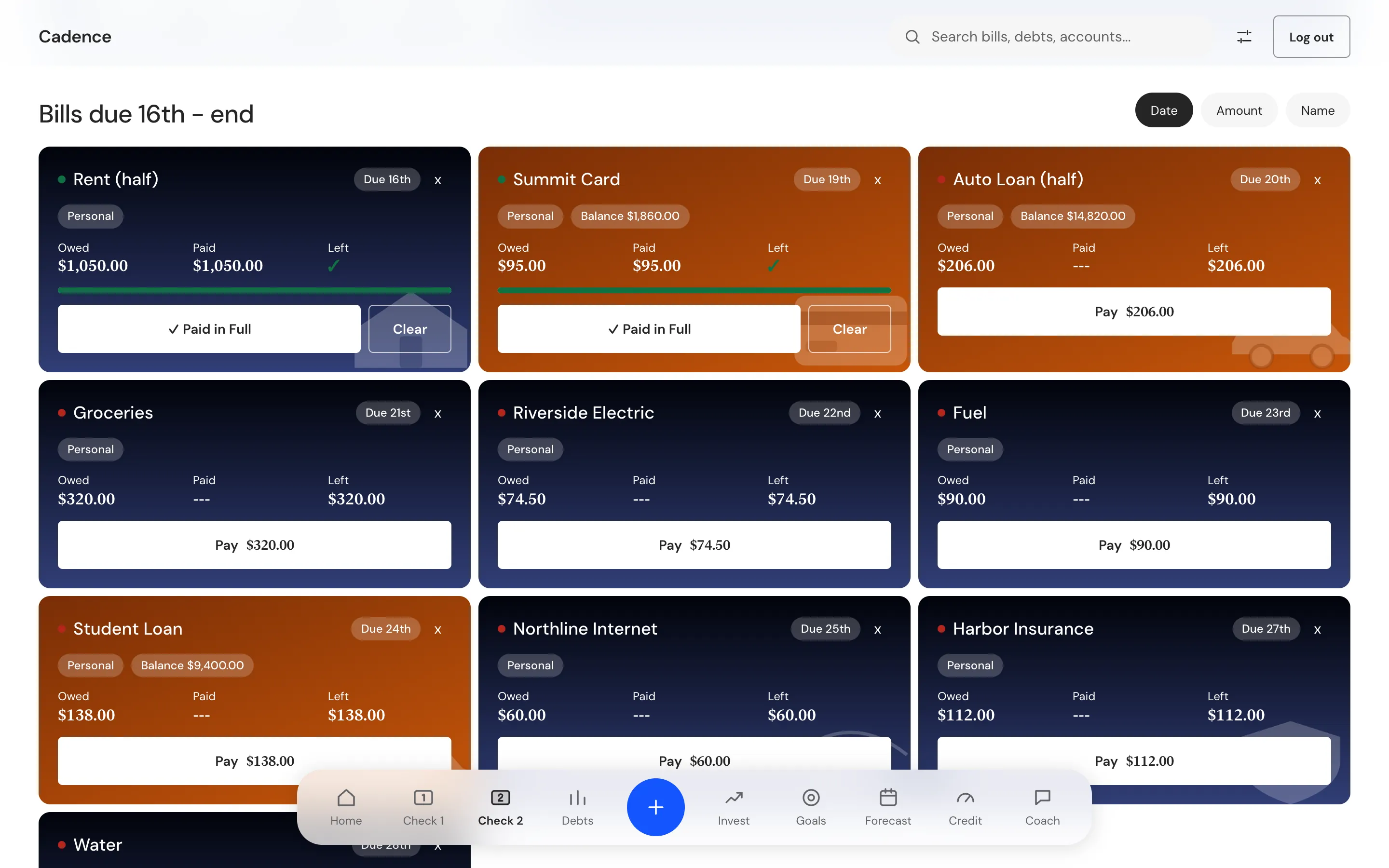
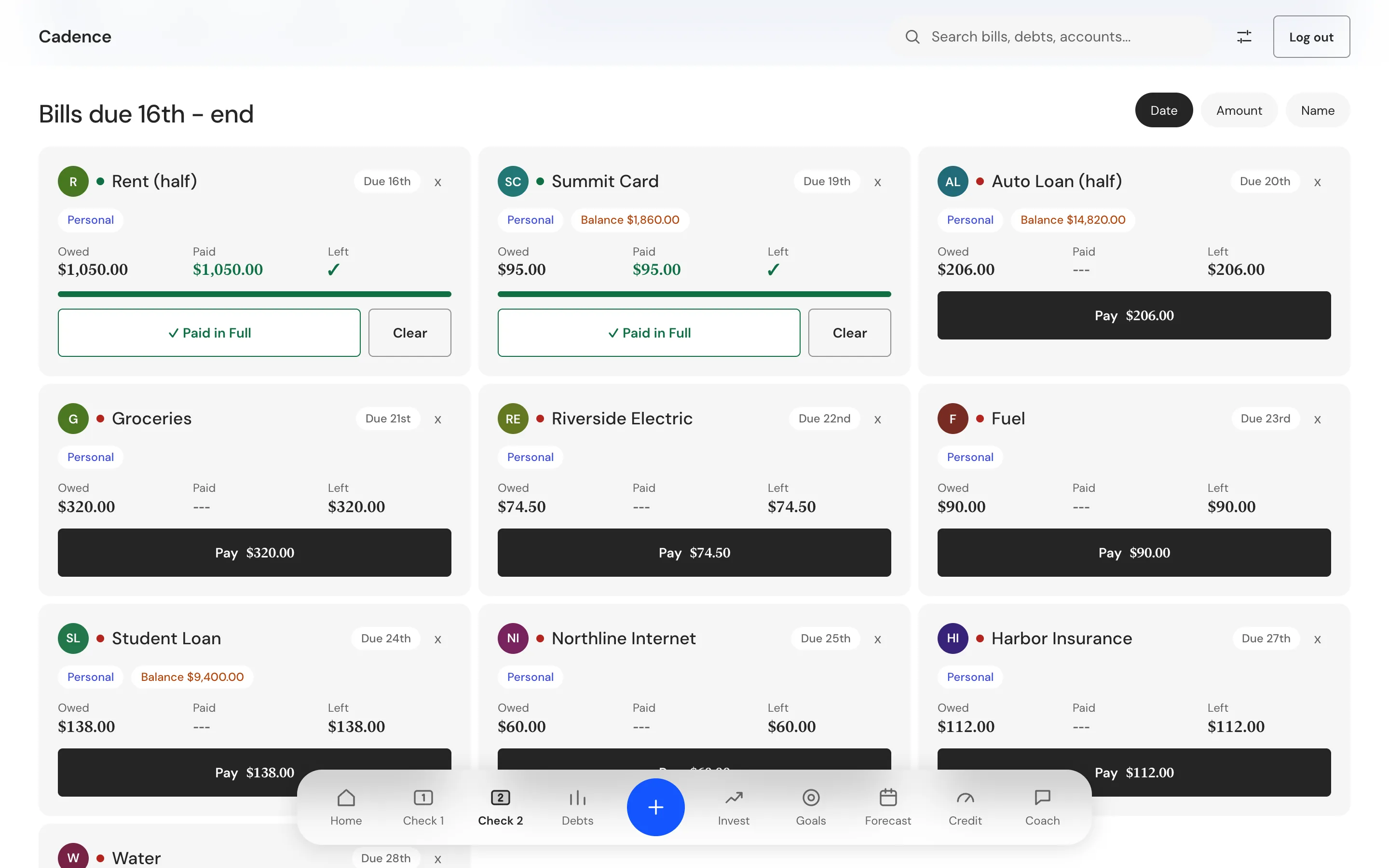
These are the real screens of the Cadence desktop app, run on a sample person with invented bills and amounts. Desktop shows the app window at 1440 wide, Tablet at 768, and Mobile at 520, the width the window opens at. There is no phone app yet.
The brief was a budget that starts with the paycheck. It had to show when you get paid, what each bill costs and when it falls, and which paycheck should pay it. It also had to split a bill across two paychecks and help you keep as much of each month as possible.
Two limits came with it. The money data stays on the computer, in a local database. Anything that leaves, the Coach and the bank connection, works only after the person adds their own key or login.
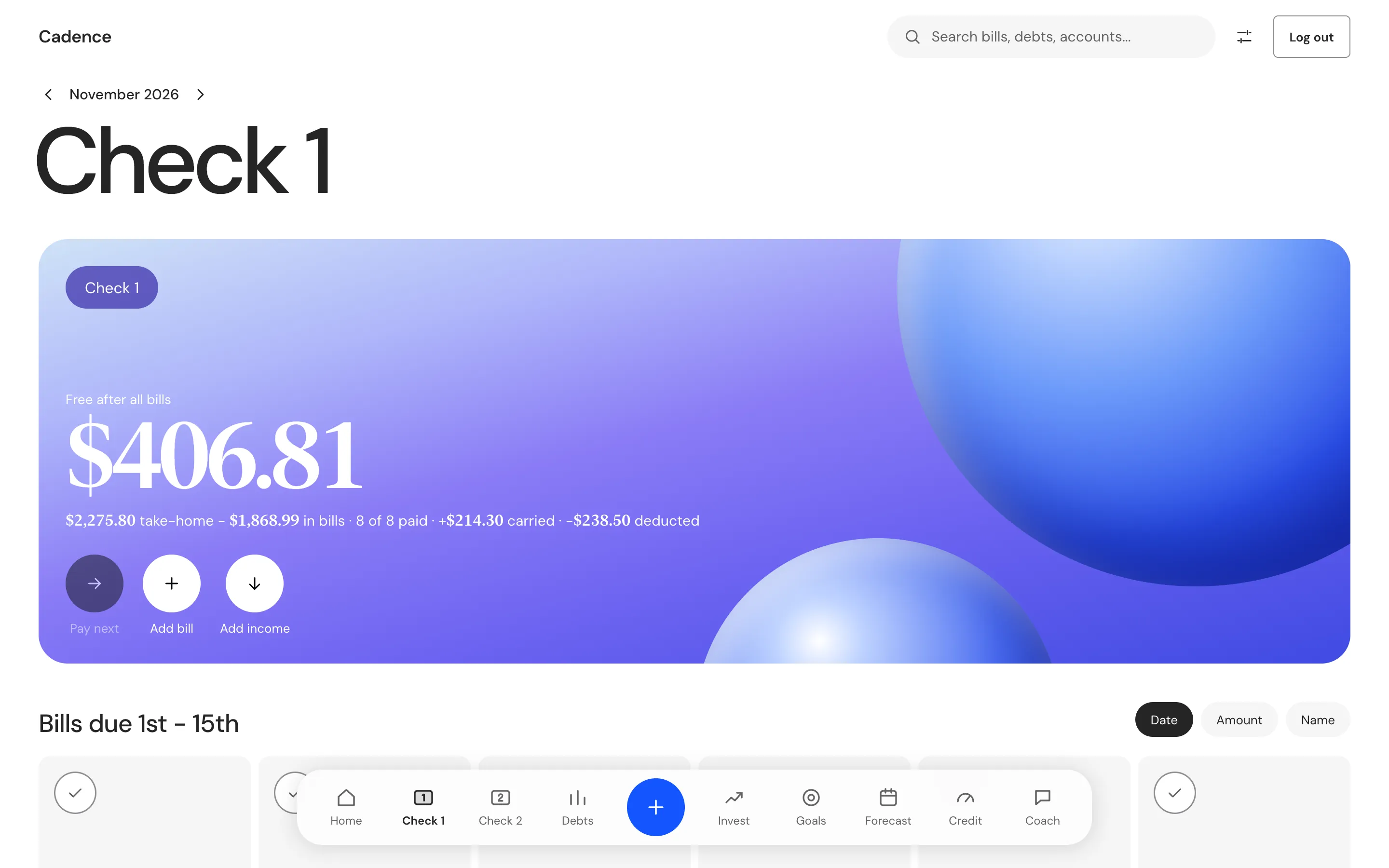
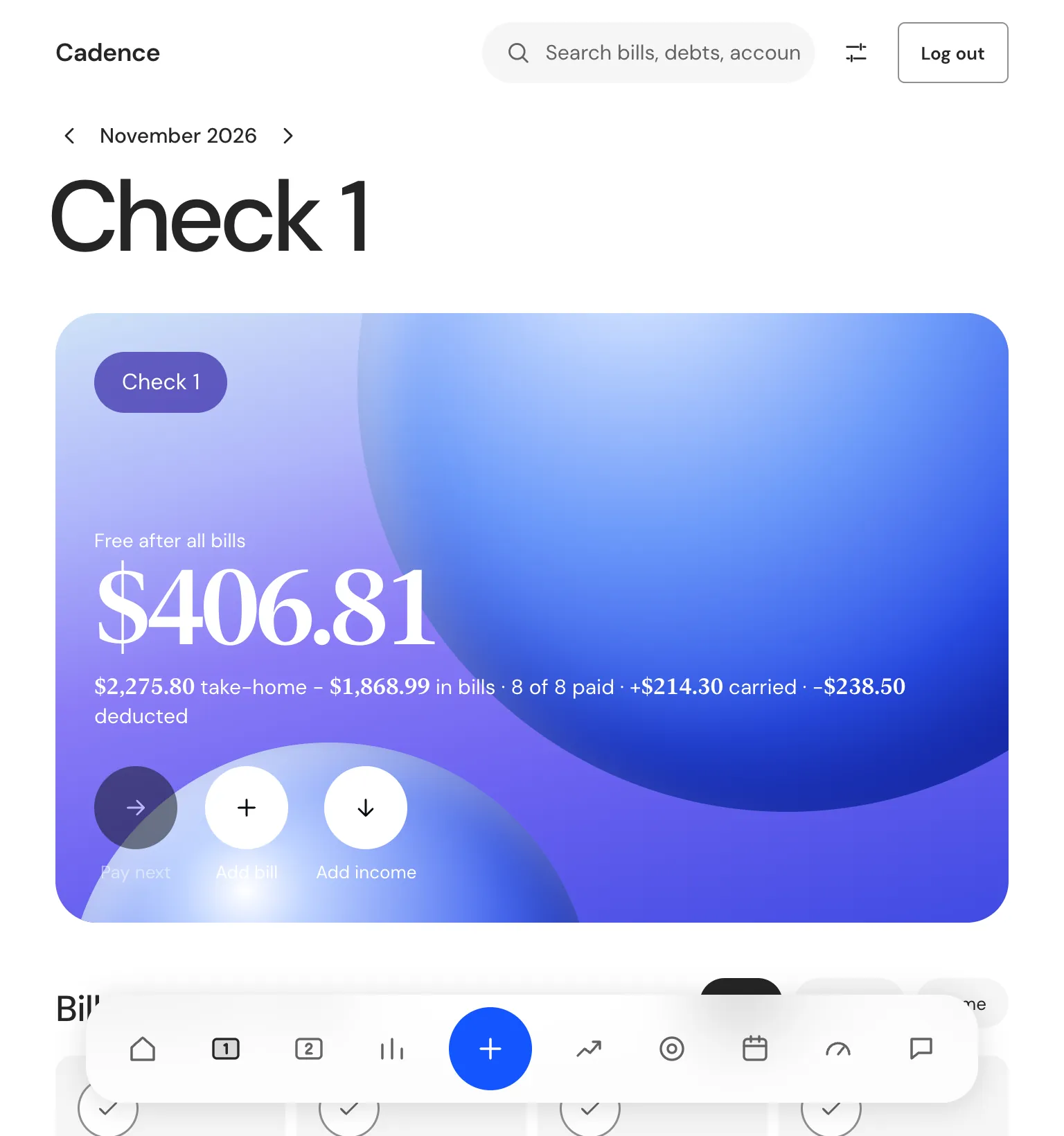
We were the whole team: product, design and engineering, start to finish
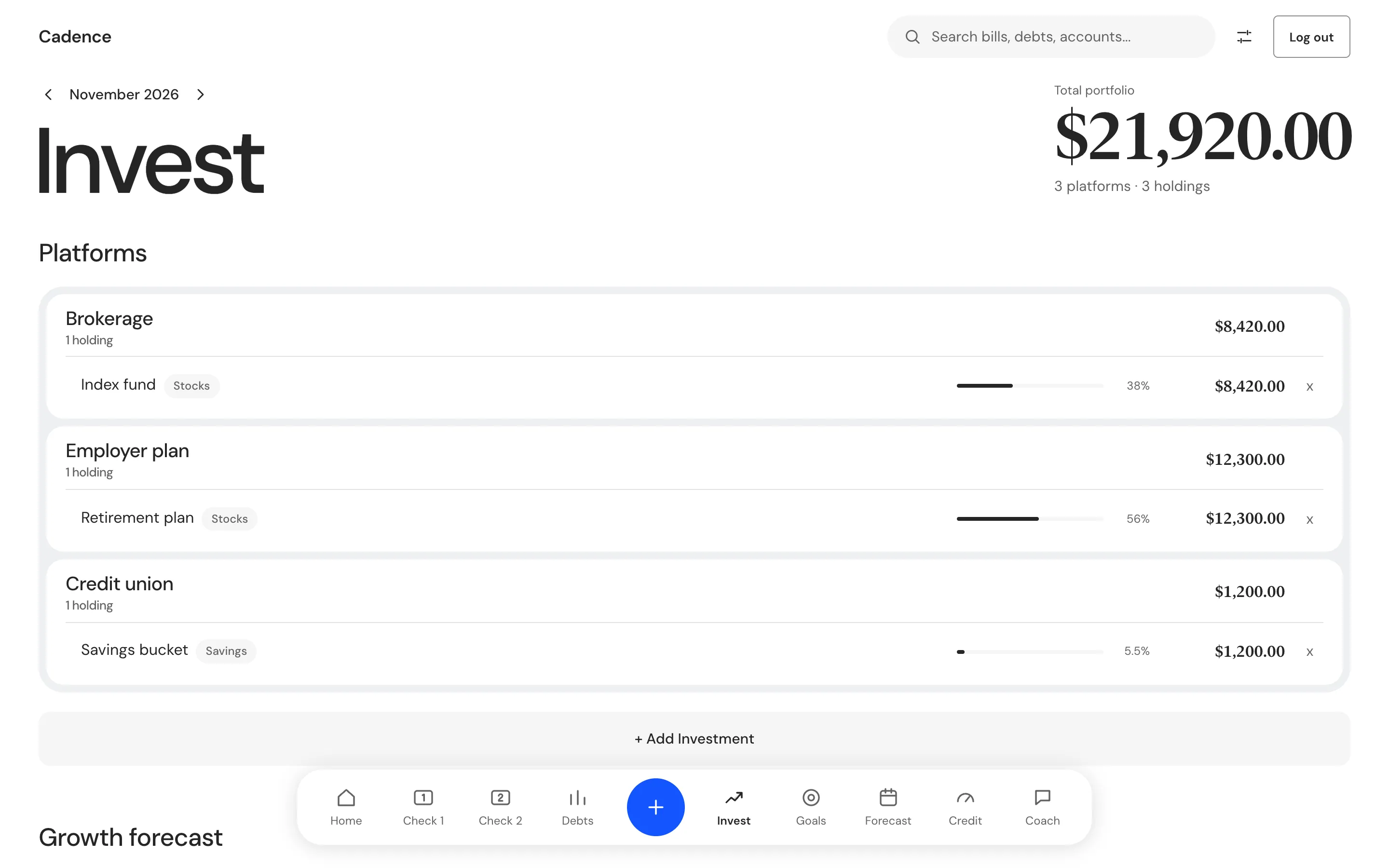
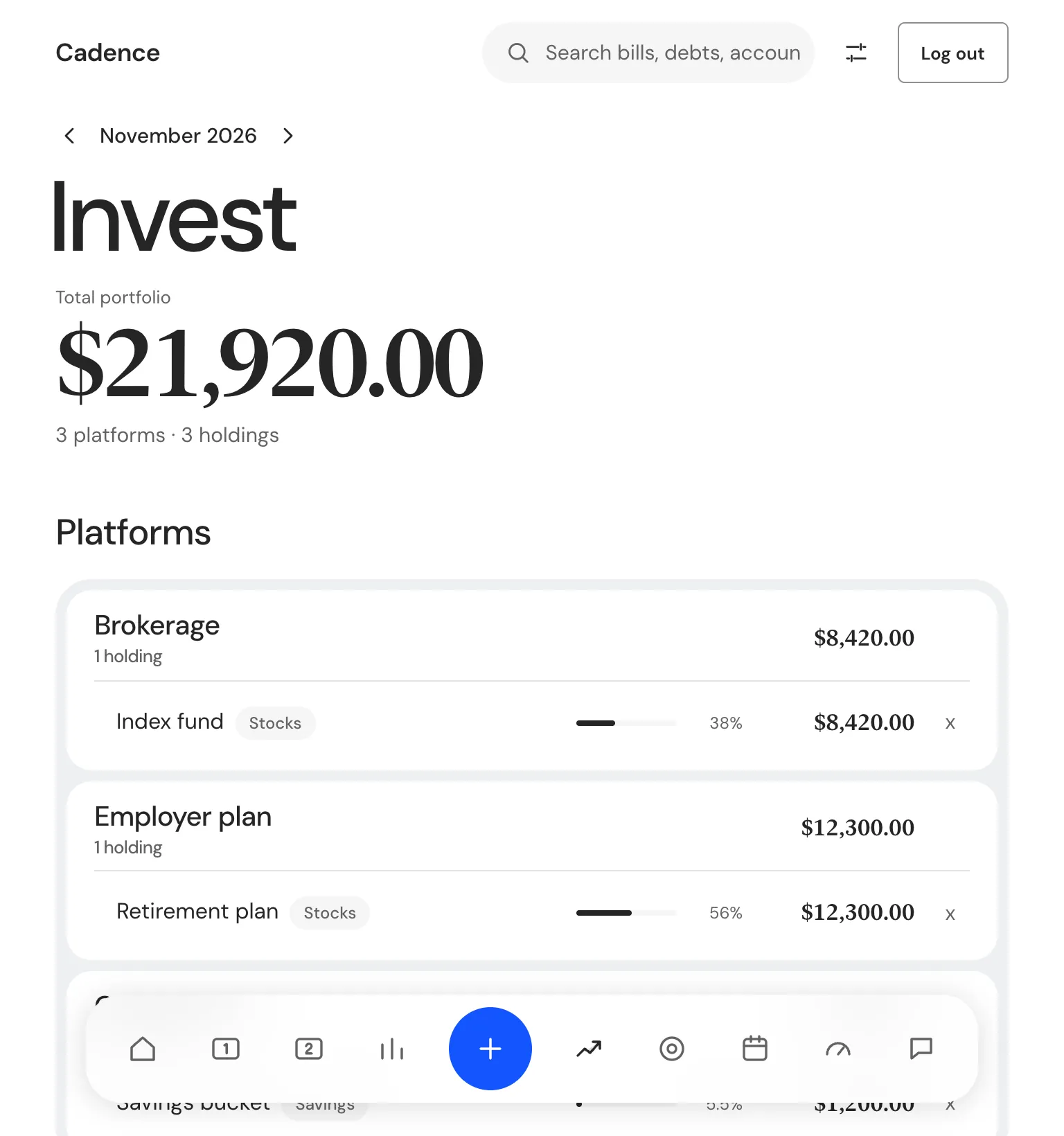
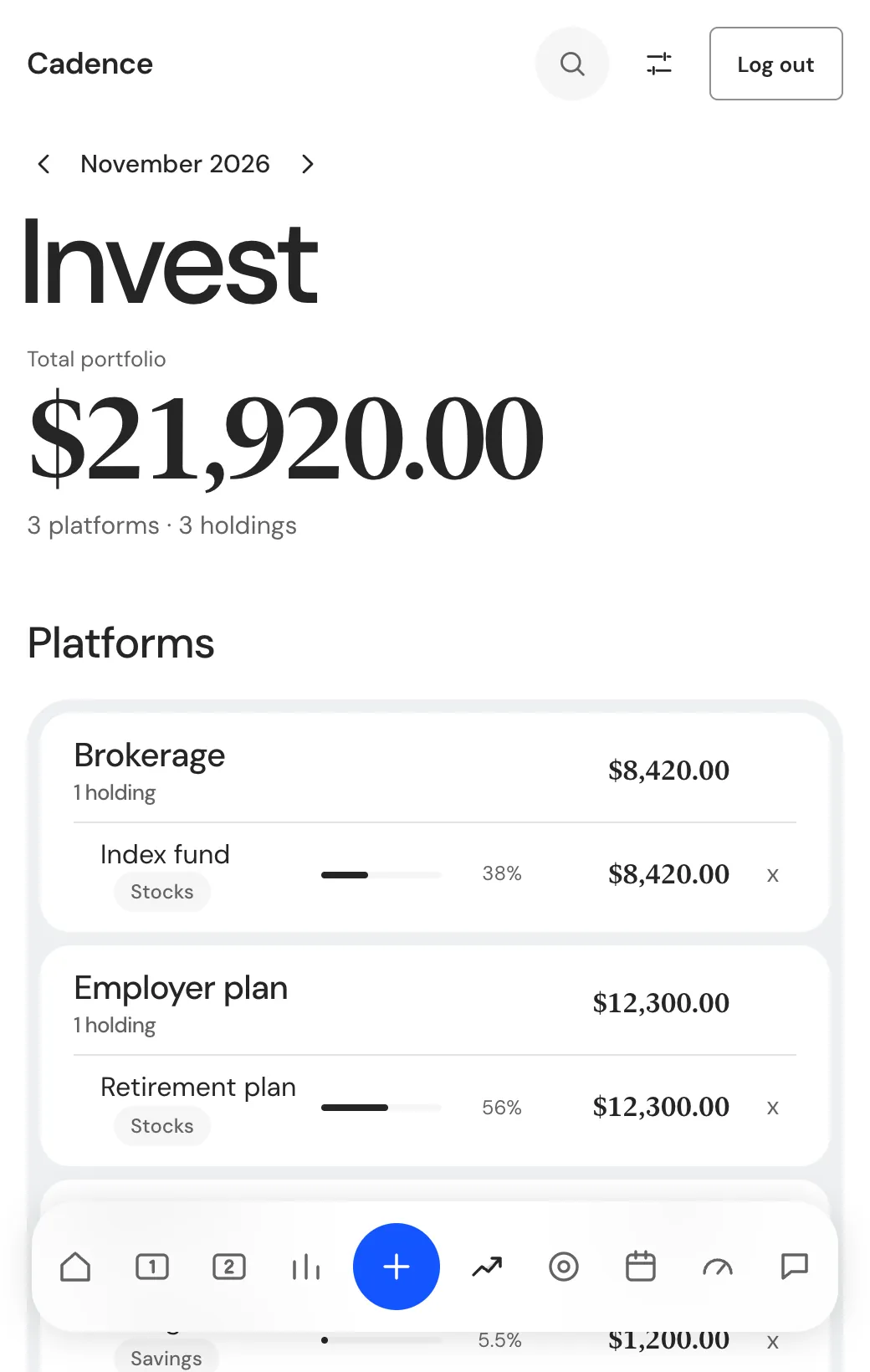
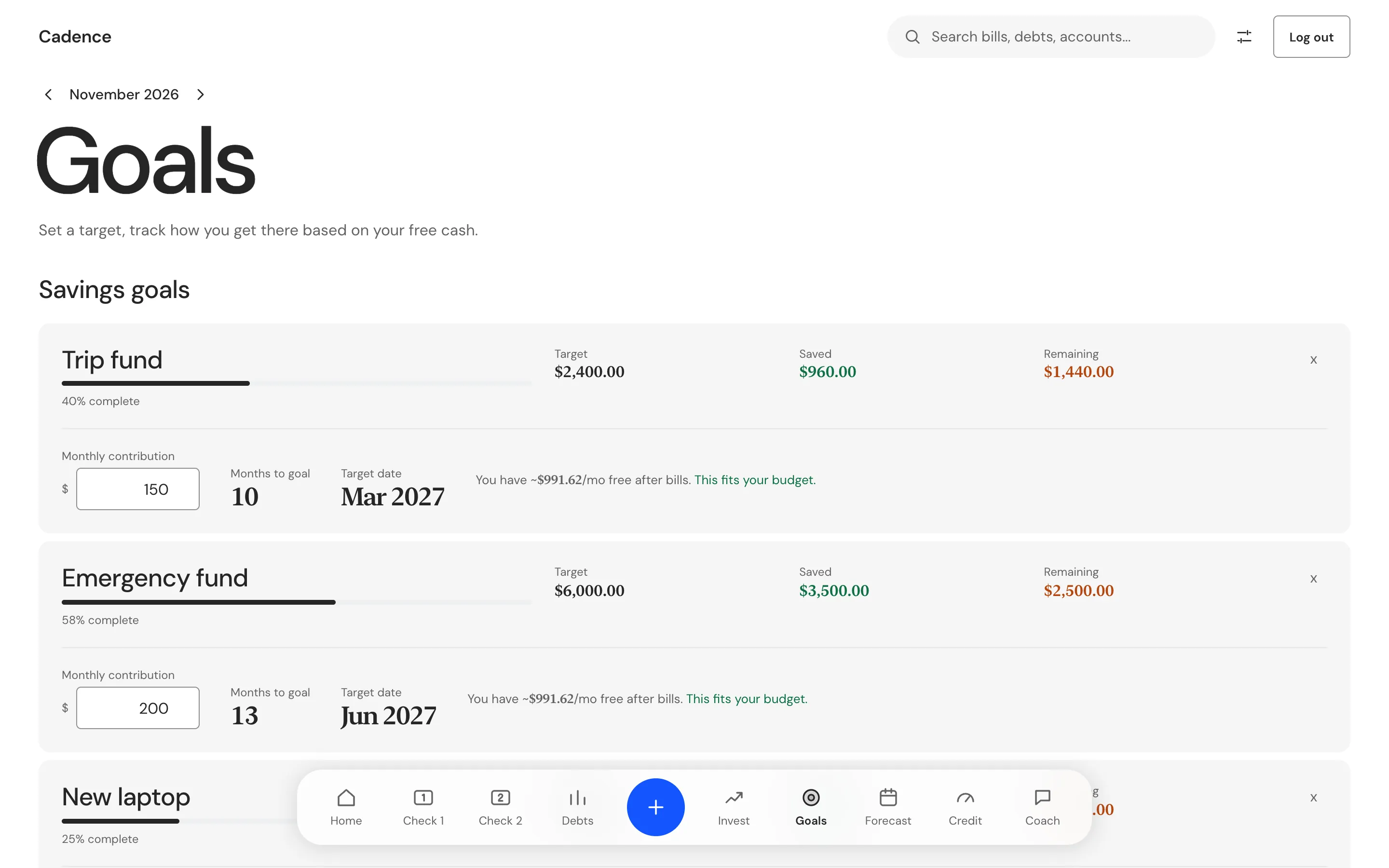
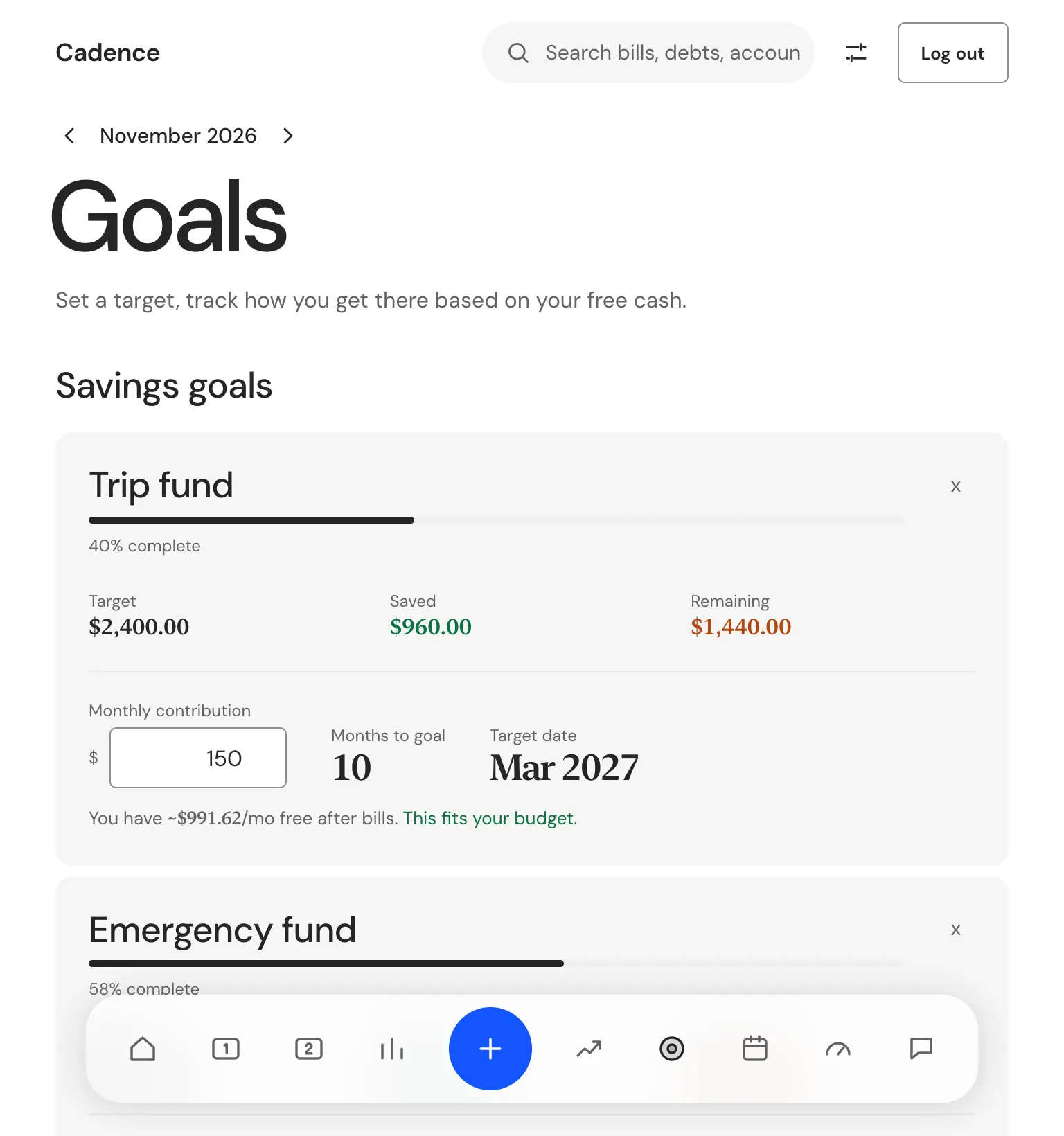
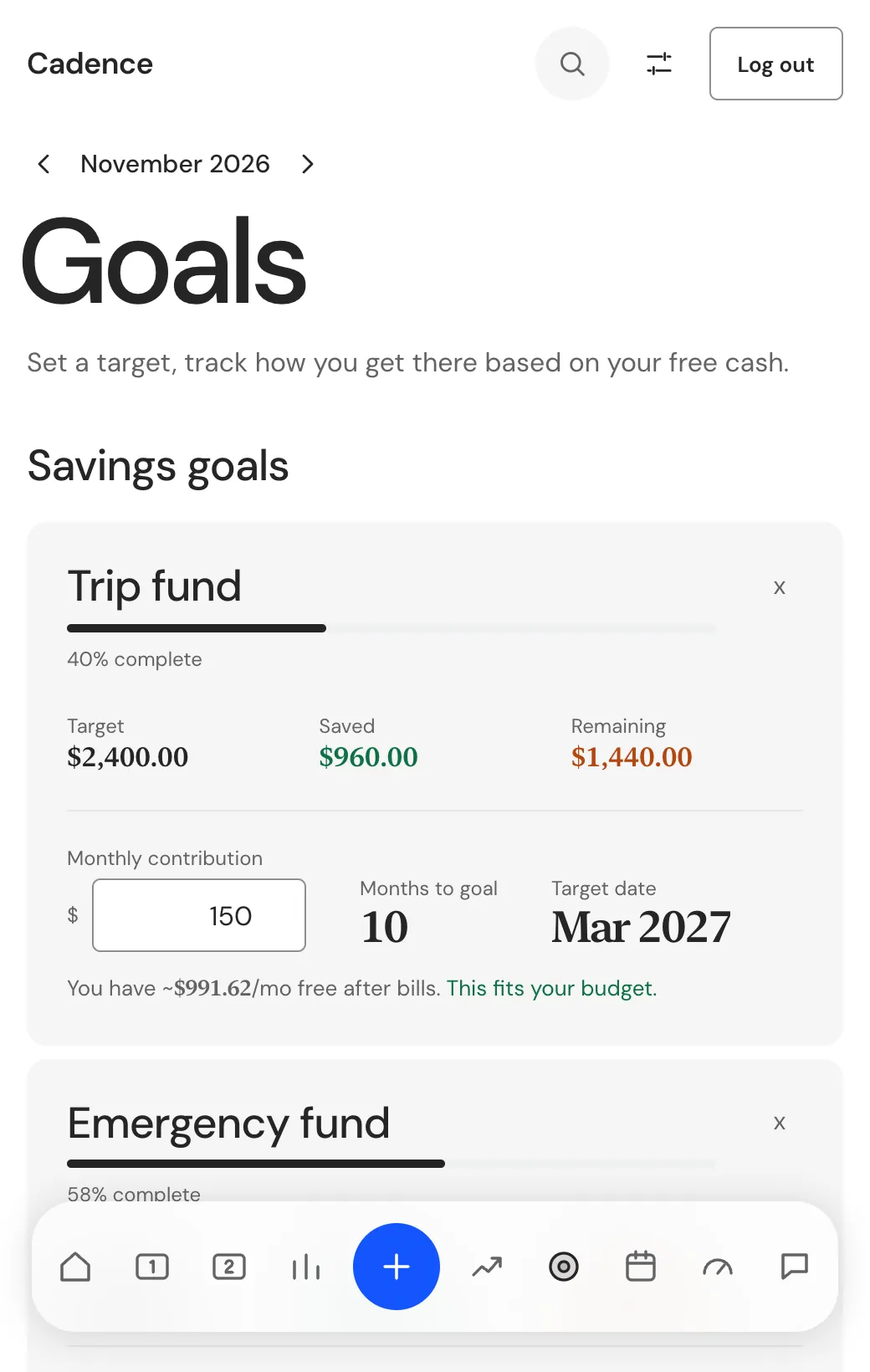
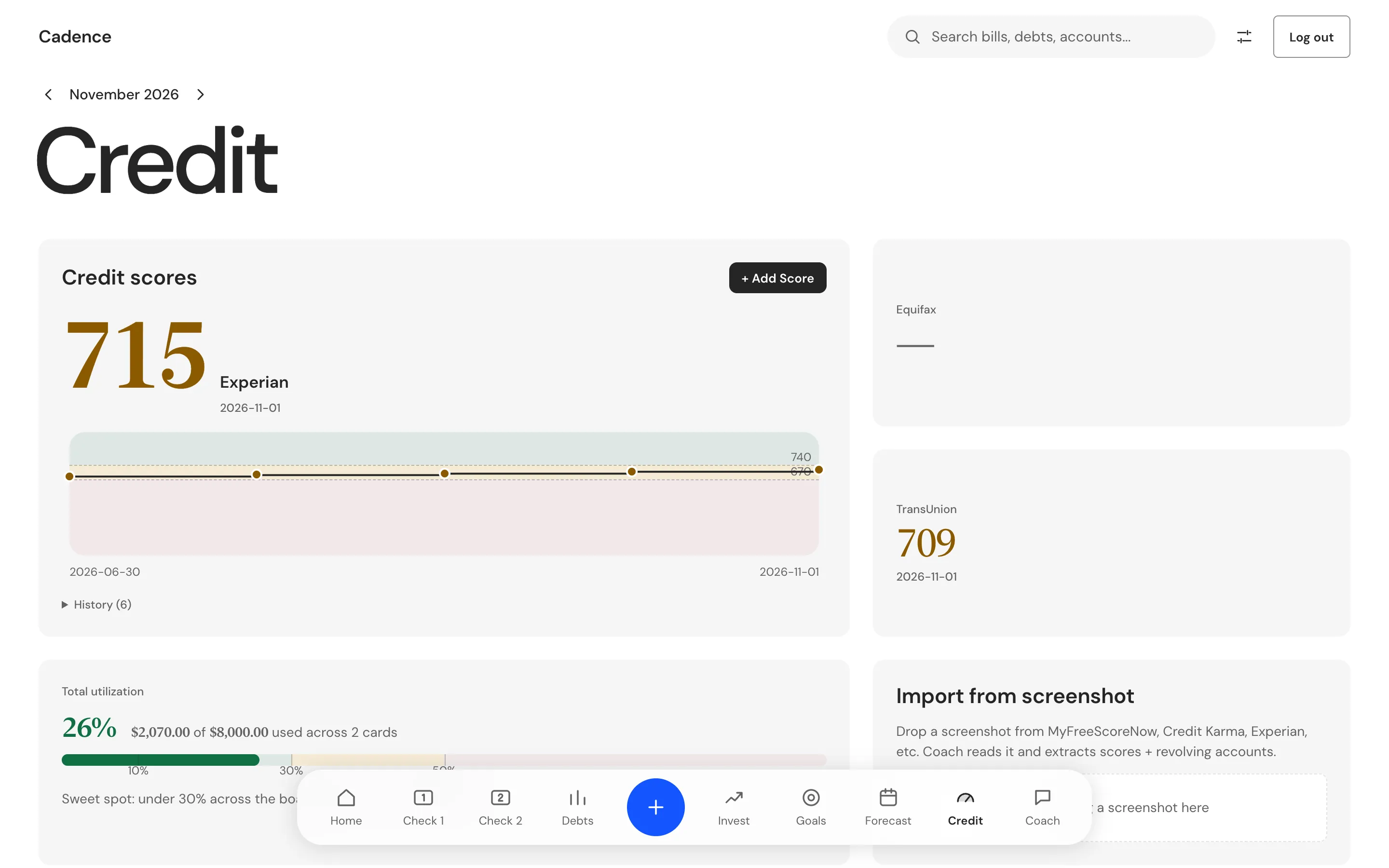
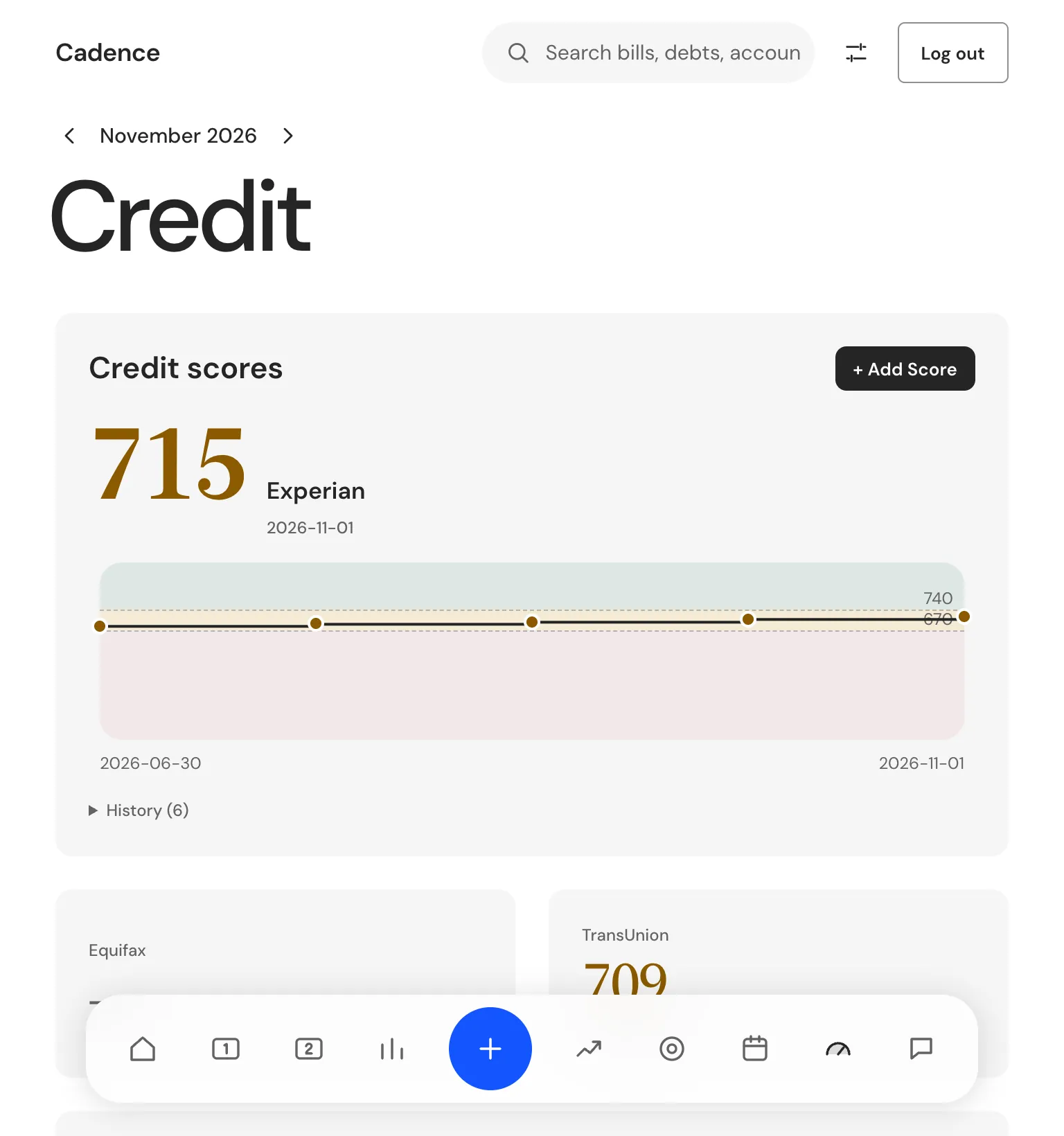
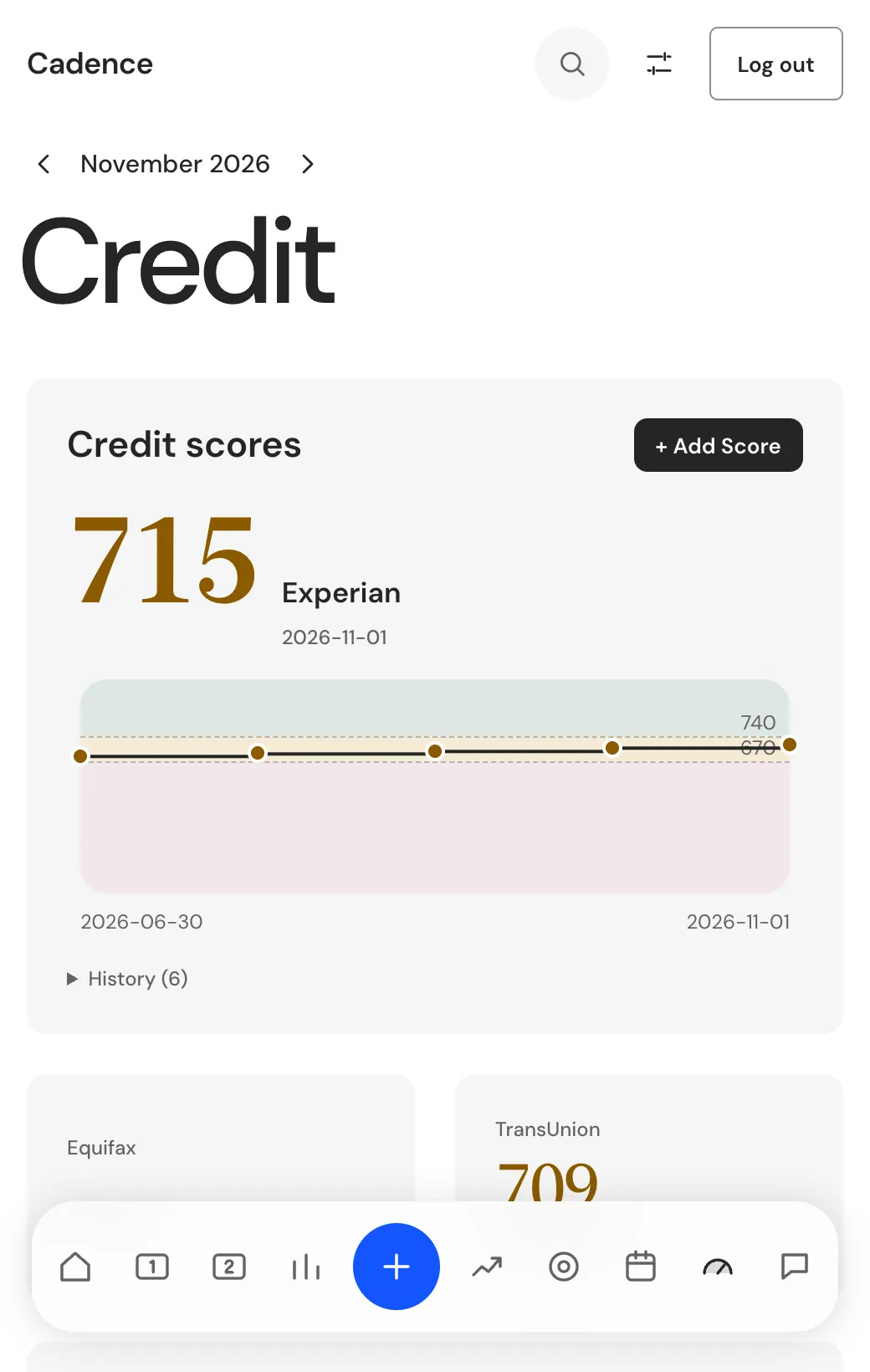
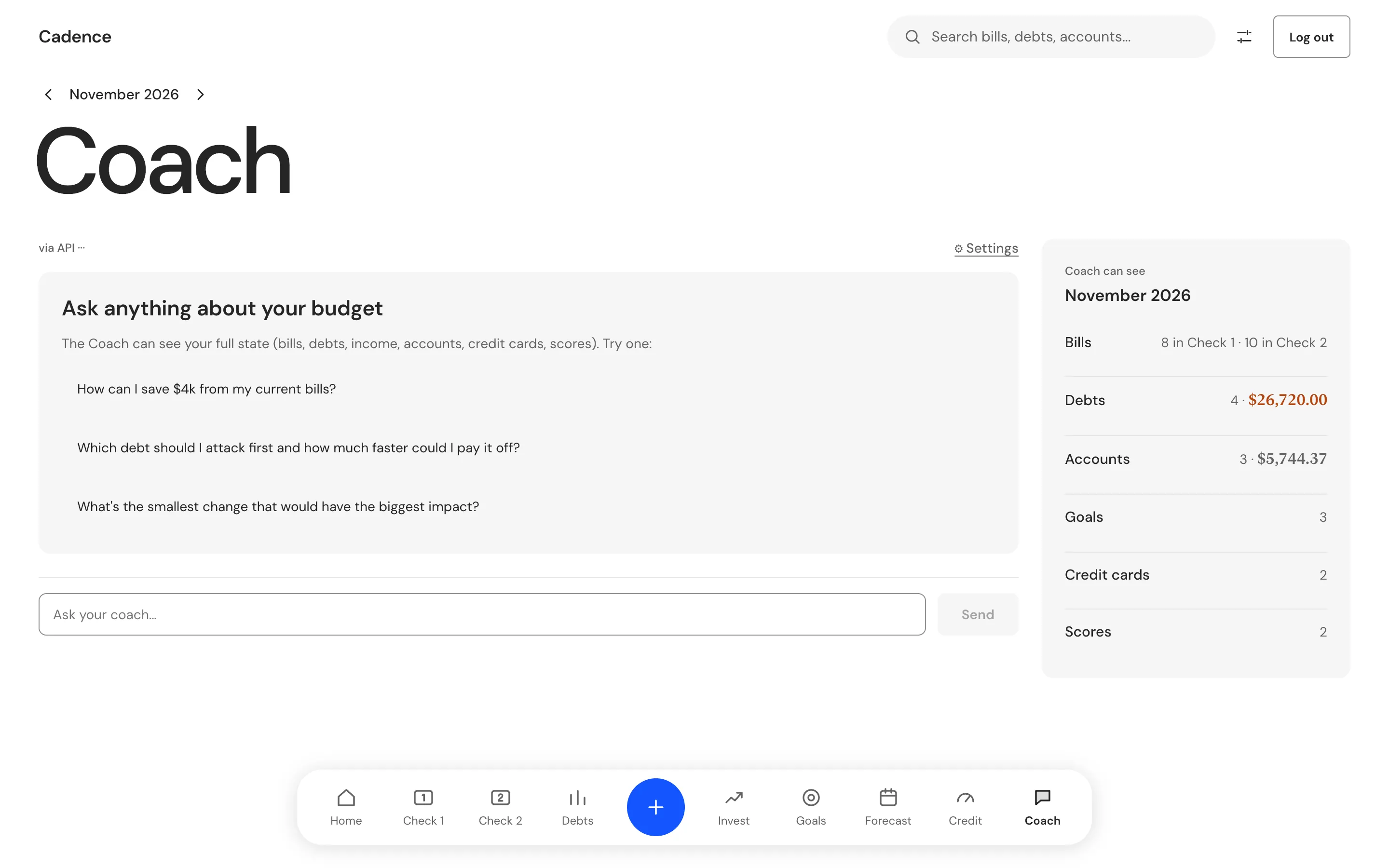
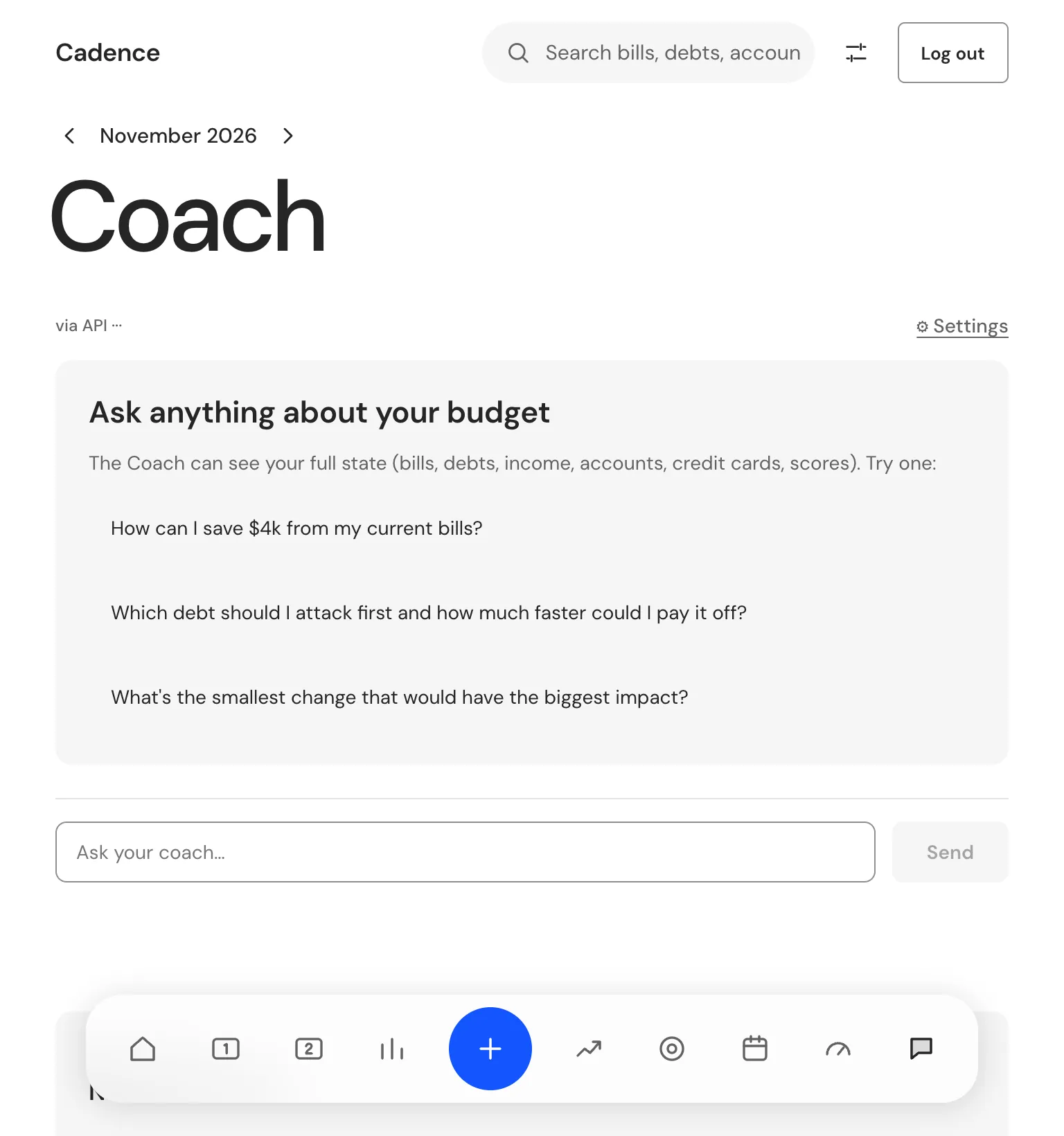
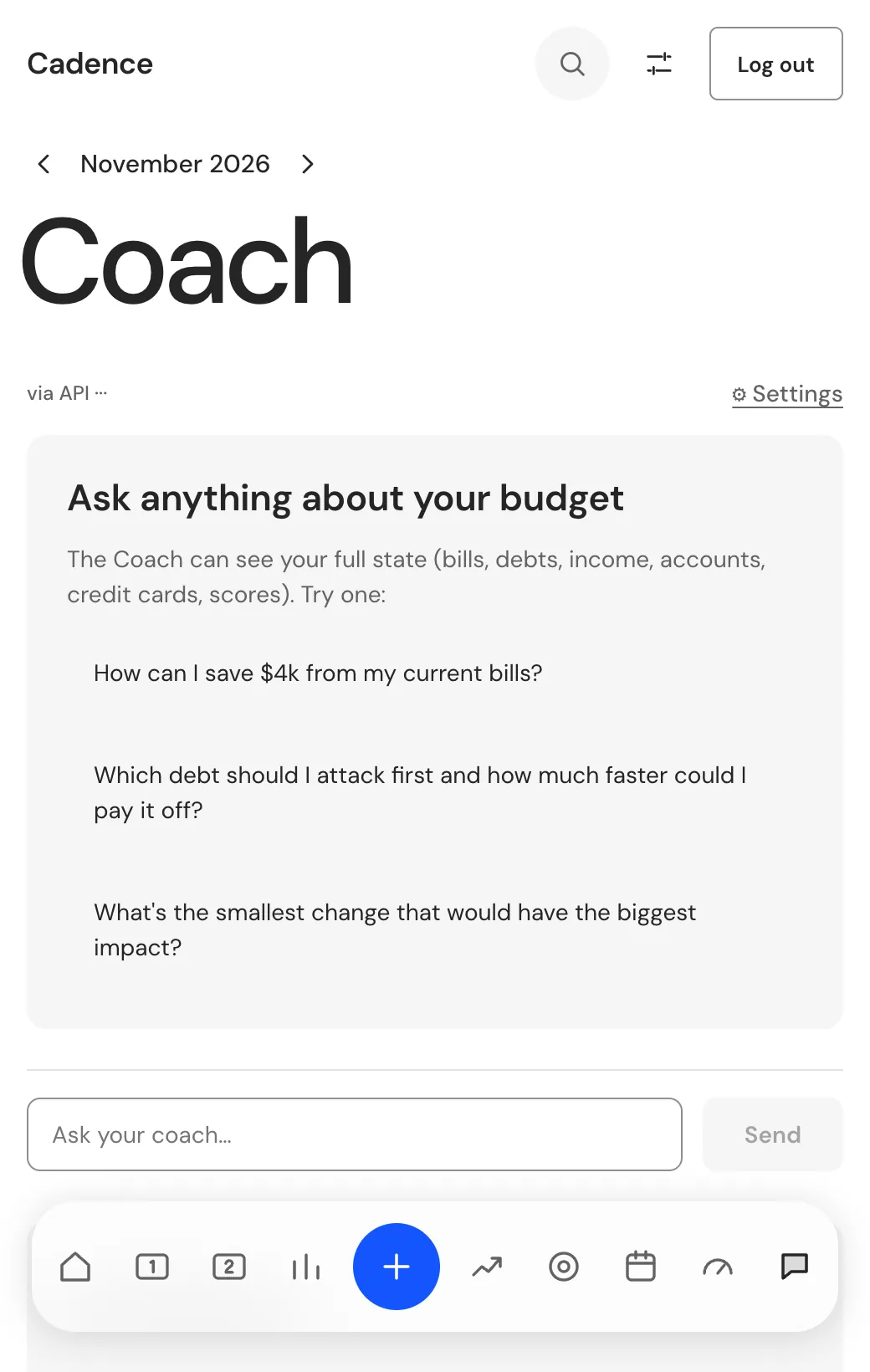
Therum was the whole team. We wrote the model for two paychecks a month, built the desktop app on Electron, React and a local SQLite database, and designed the screens and the design system.
The paycheck ledger sits at the center. Around it are the tabs for Debts, Invest, Goals, Forecast, Credit and Coach. The Coach reads the whole budget and can change it, but only when the person presses a button to apply its plan.
Opening a bill shows what matters about it: when it is due, what is paid, how it splits across the two checks and the best move for that bill.
We held every change to the same standard. One test presses every button, link and screen, and its last run answered 785 of 785 controls.
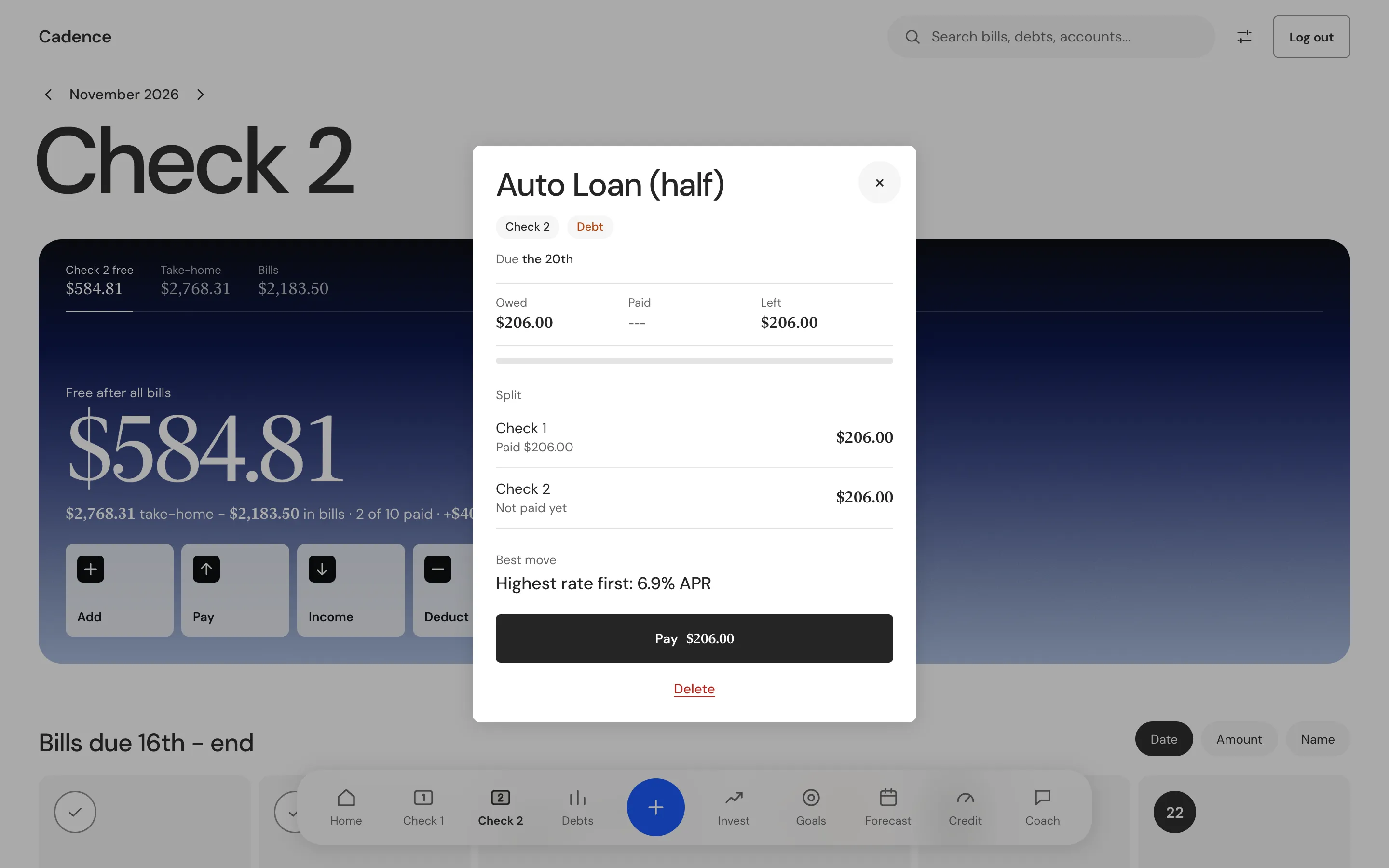
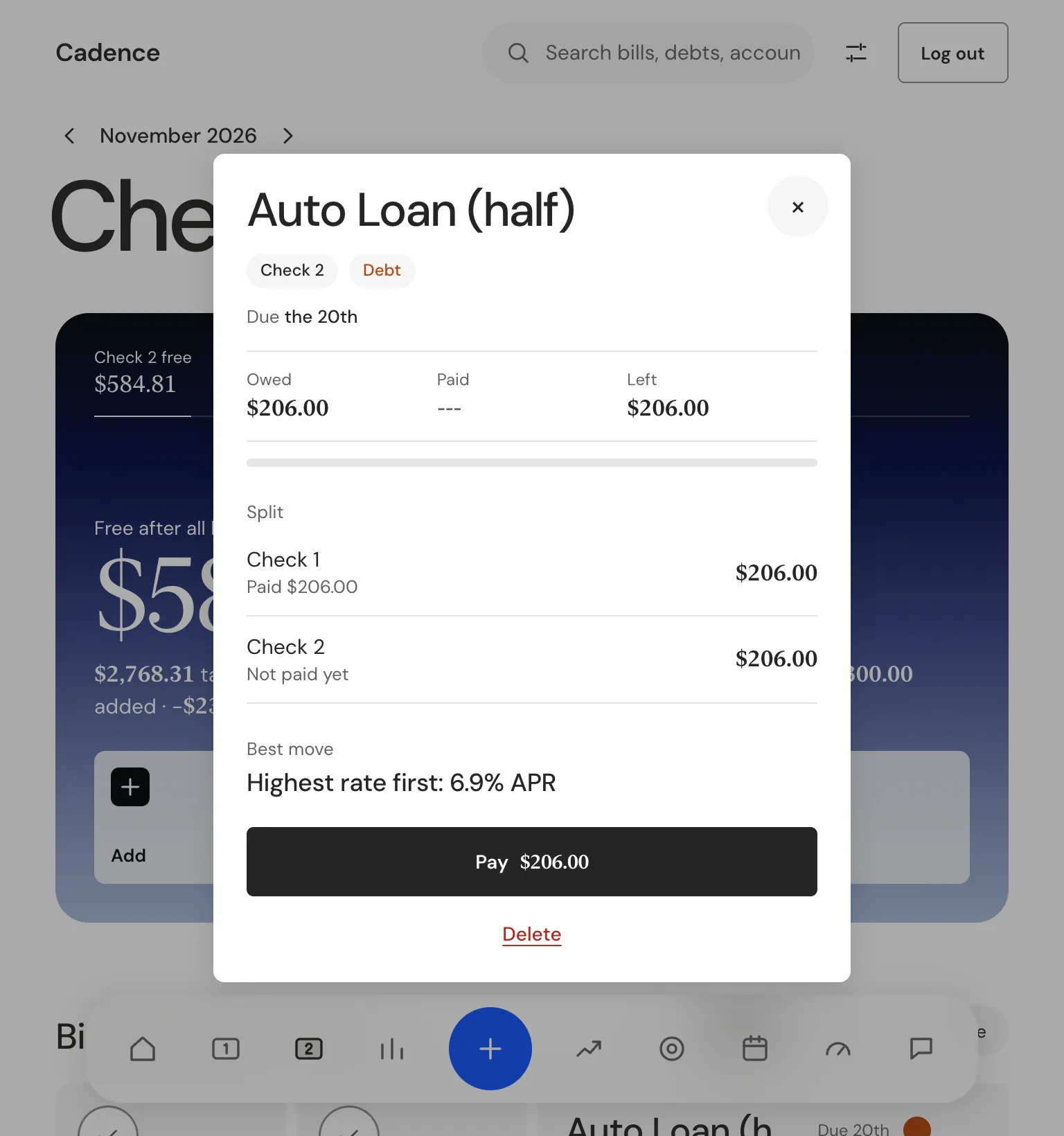
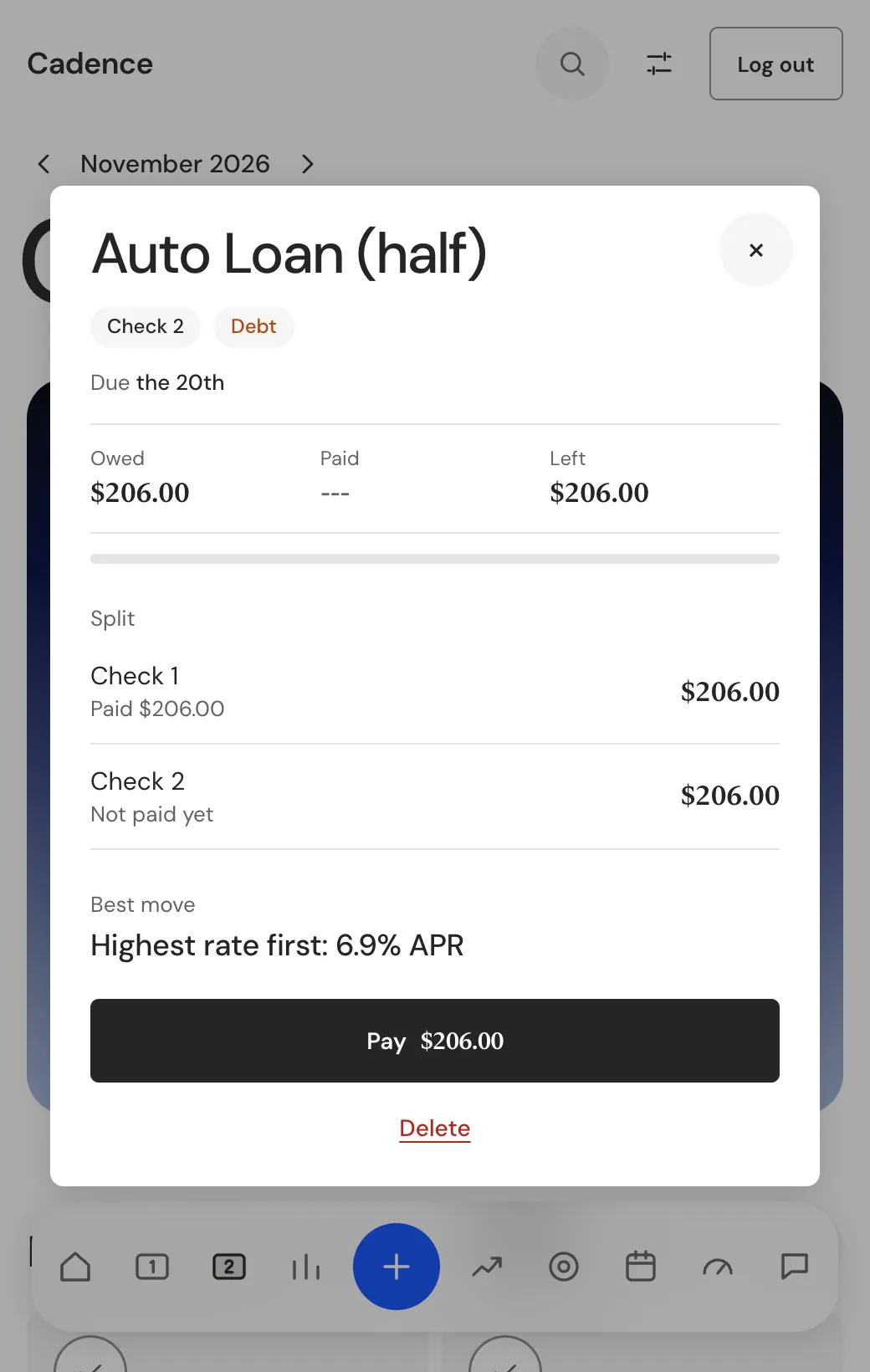
Plan the month in two paychecks, show the real payoff date, keep the data local
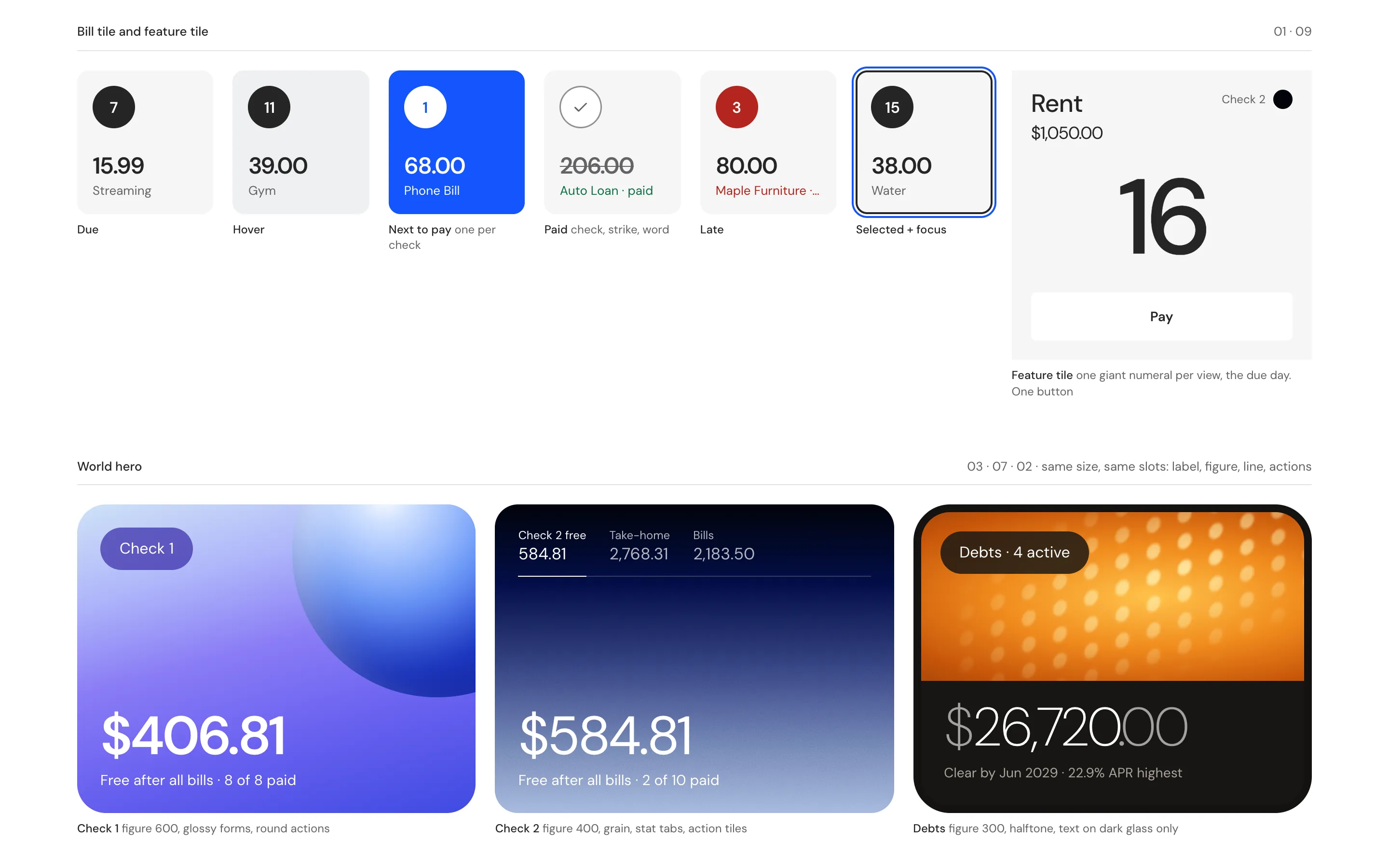
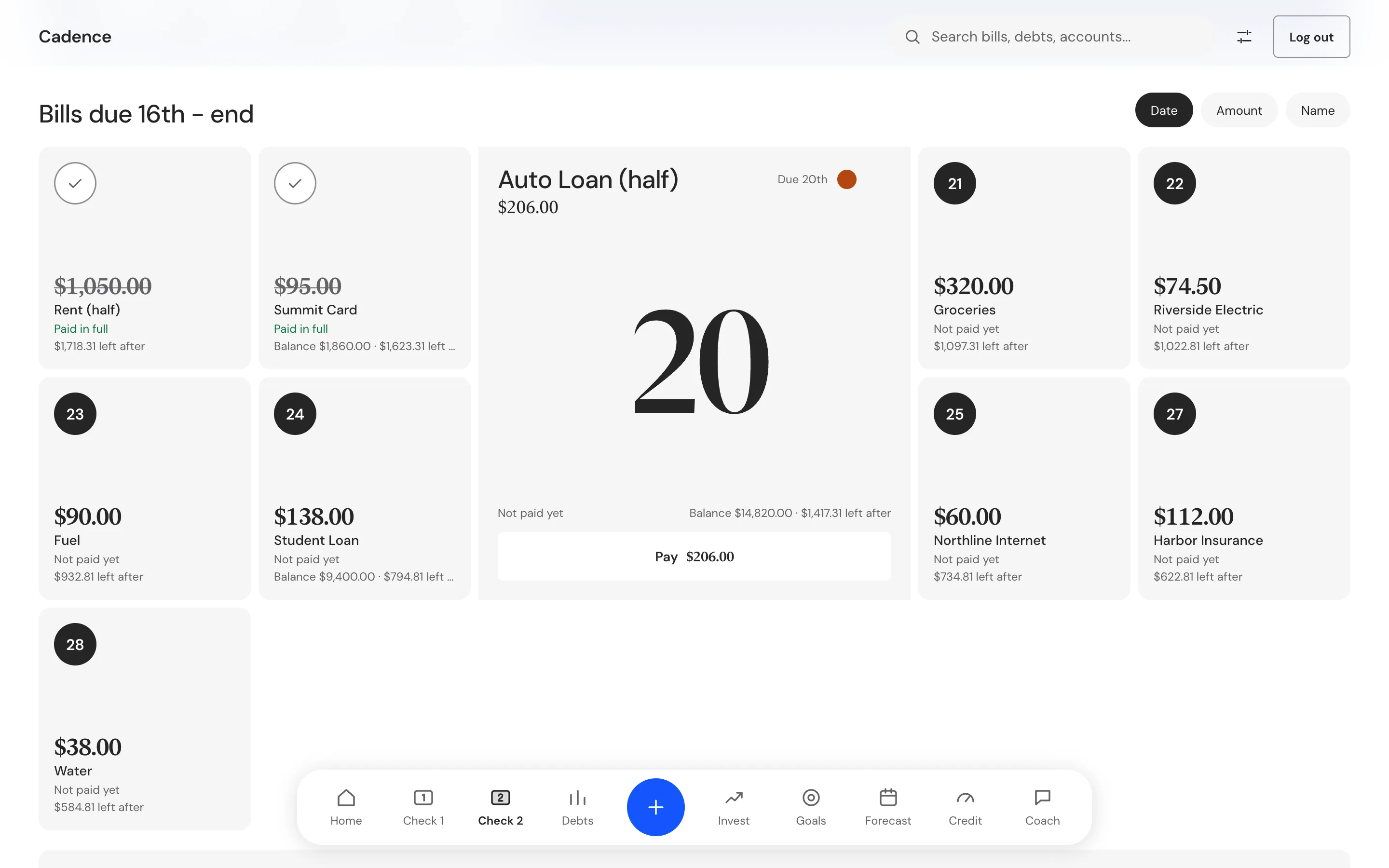
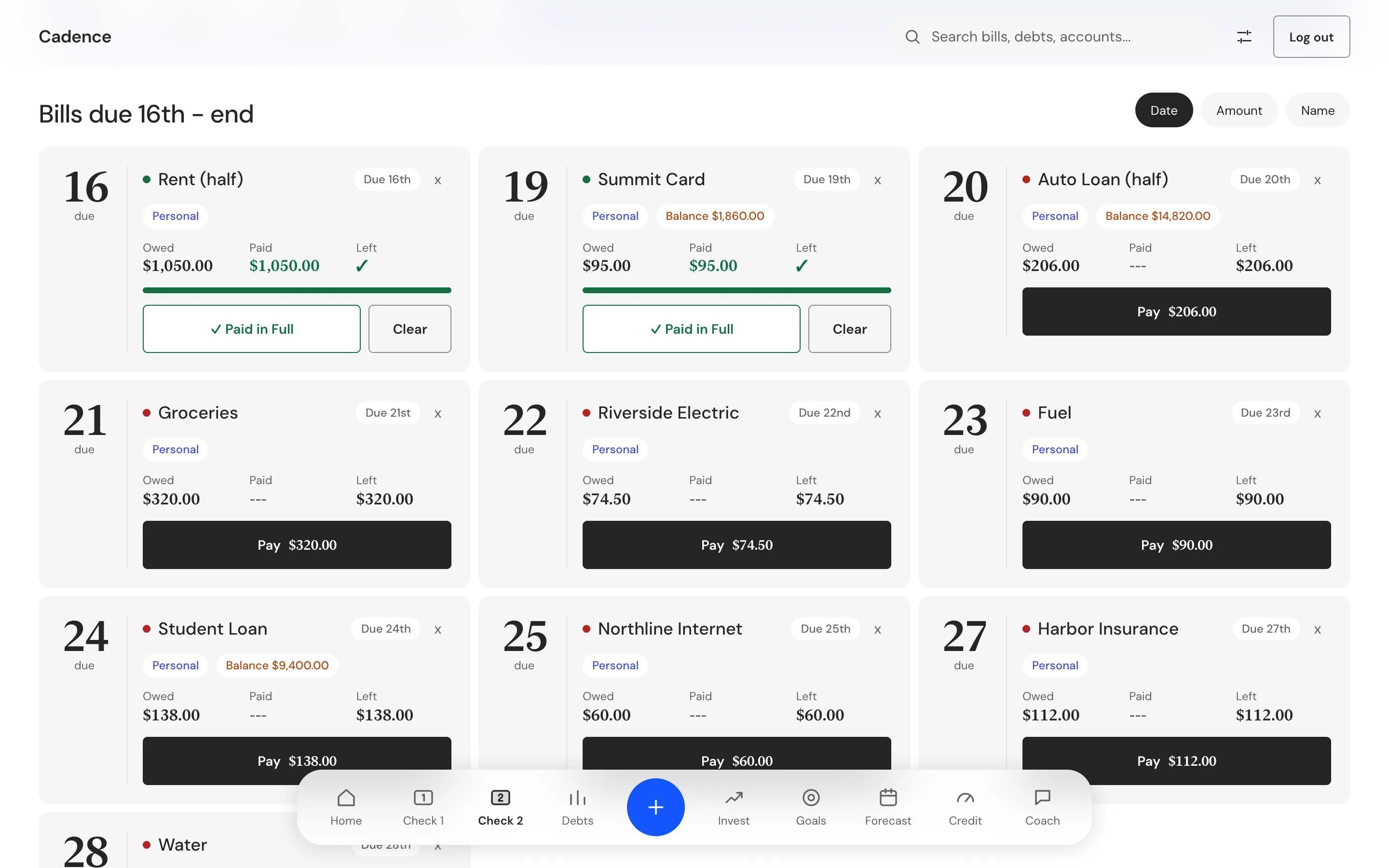
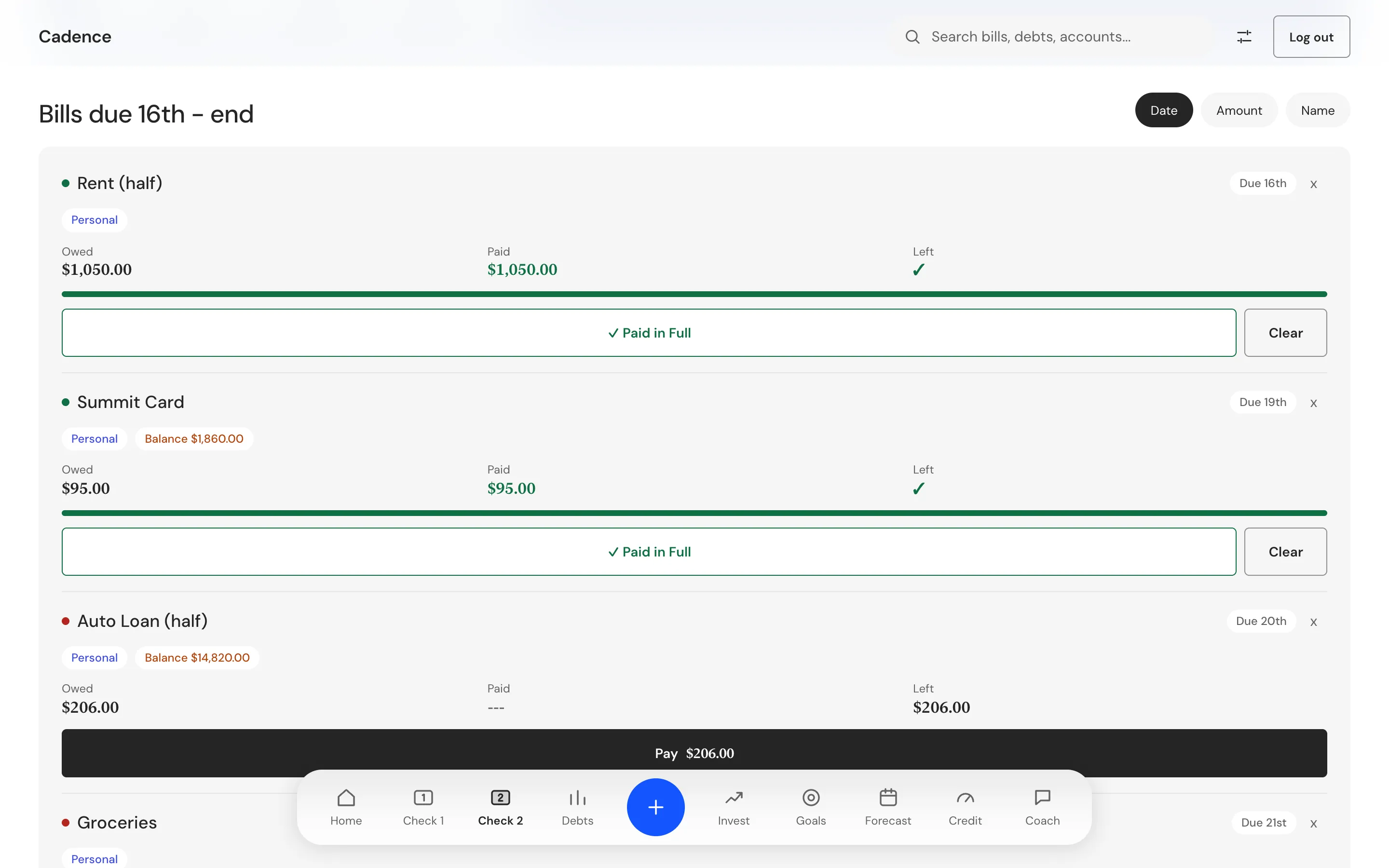
Check 1 covers the bills due from the 1st to the 15th. Check 2 covers the 16th to the end of the month. Take-home for a check is pay plus extra income plus what the last check left over, minus deductions. The leftover flows into the next check, and the person can override it by hand.
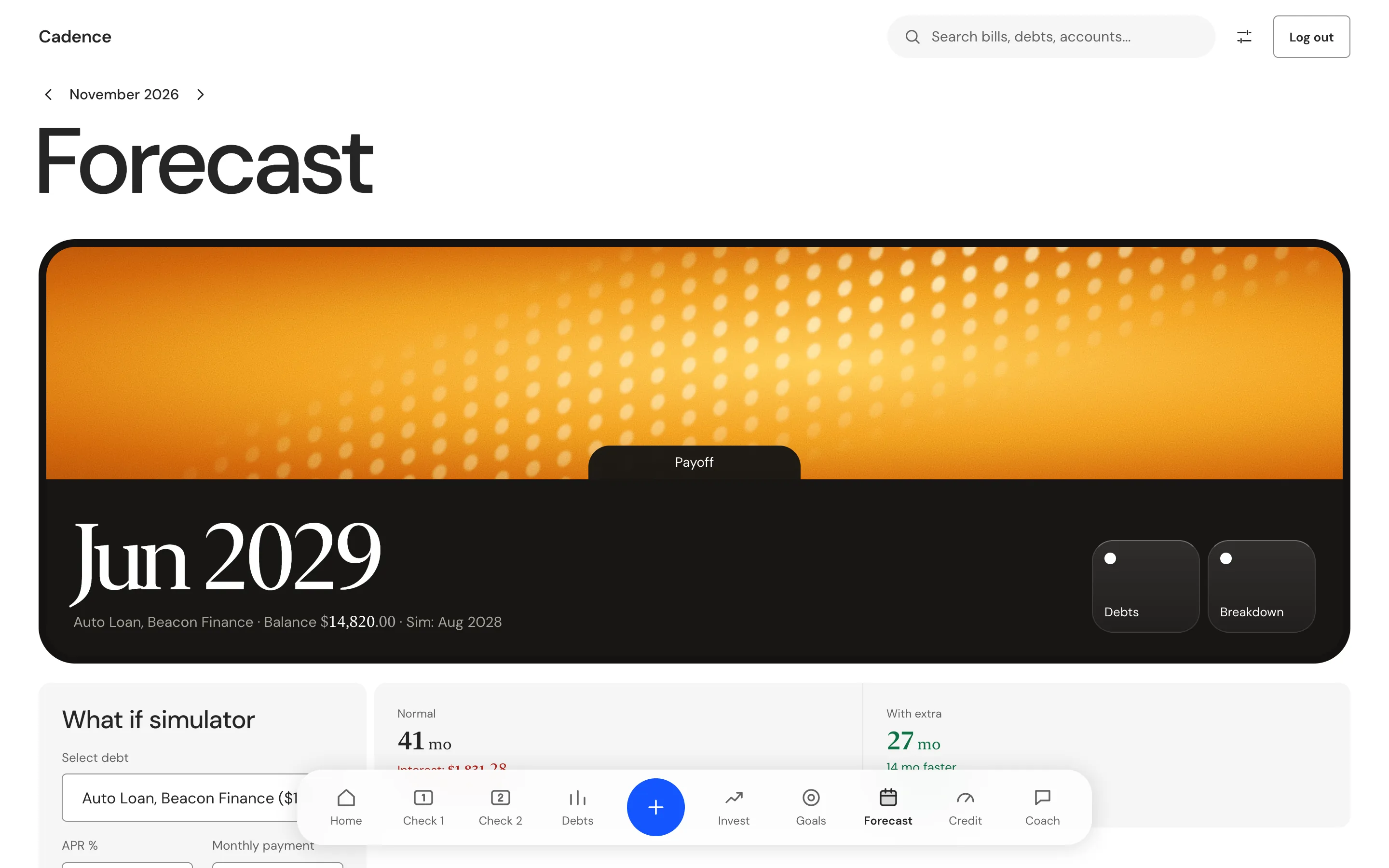
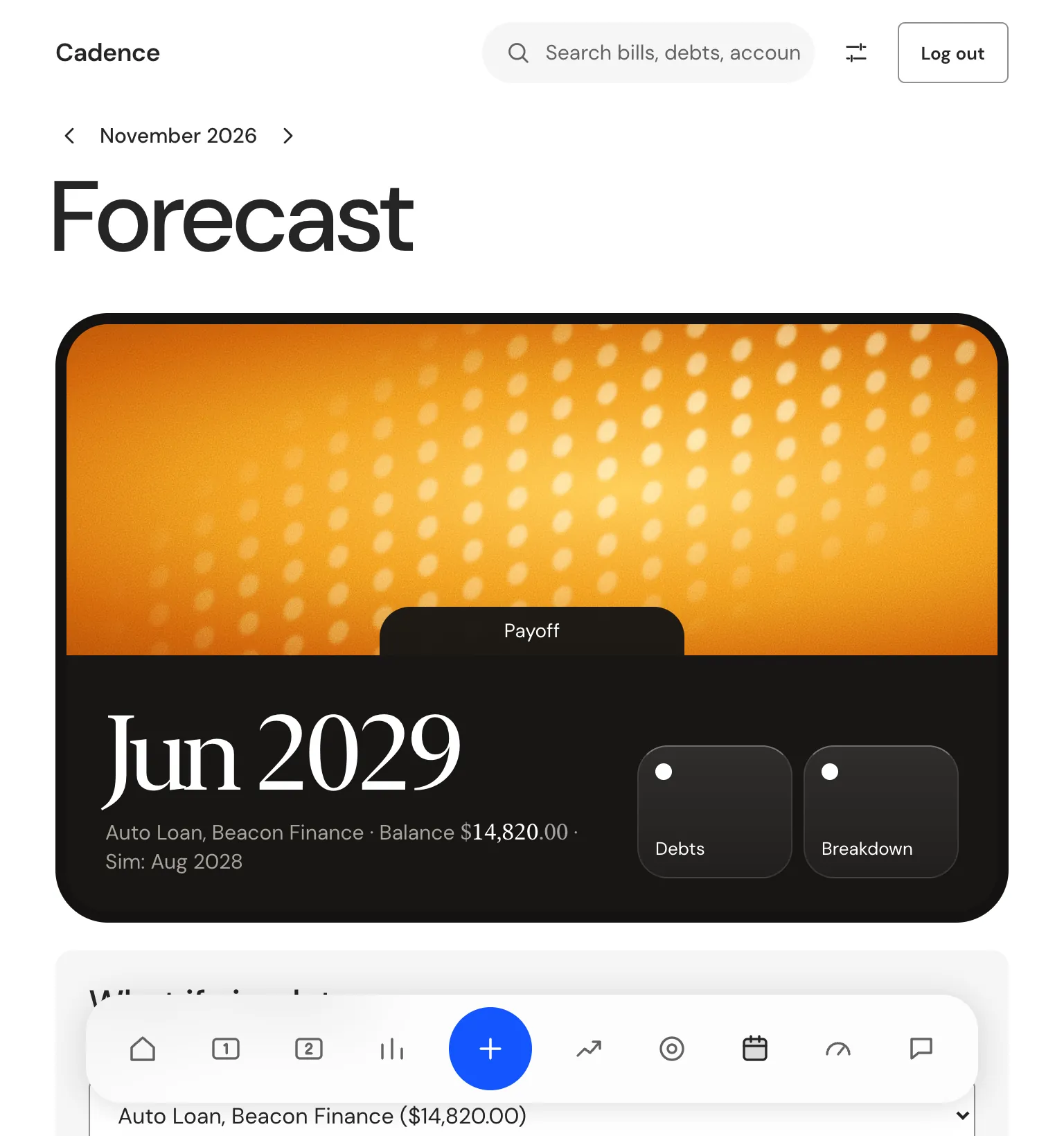
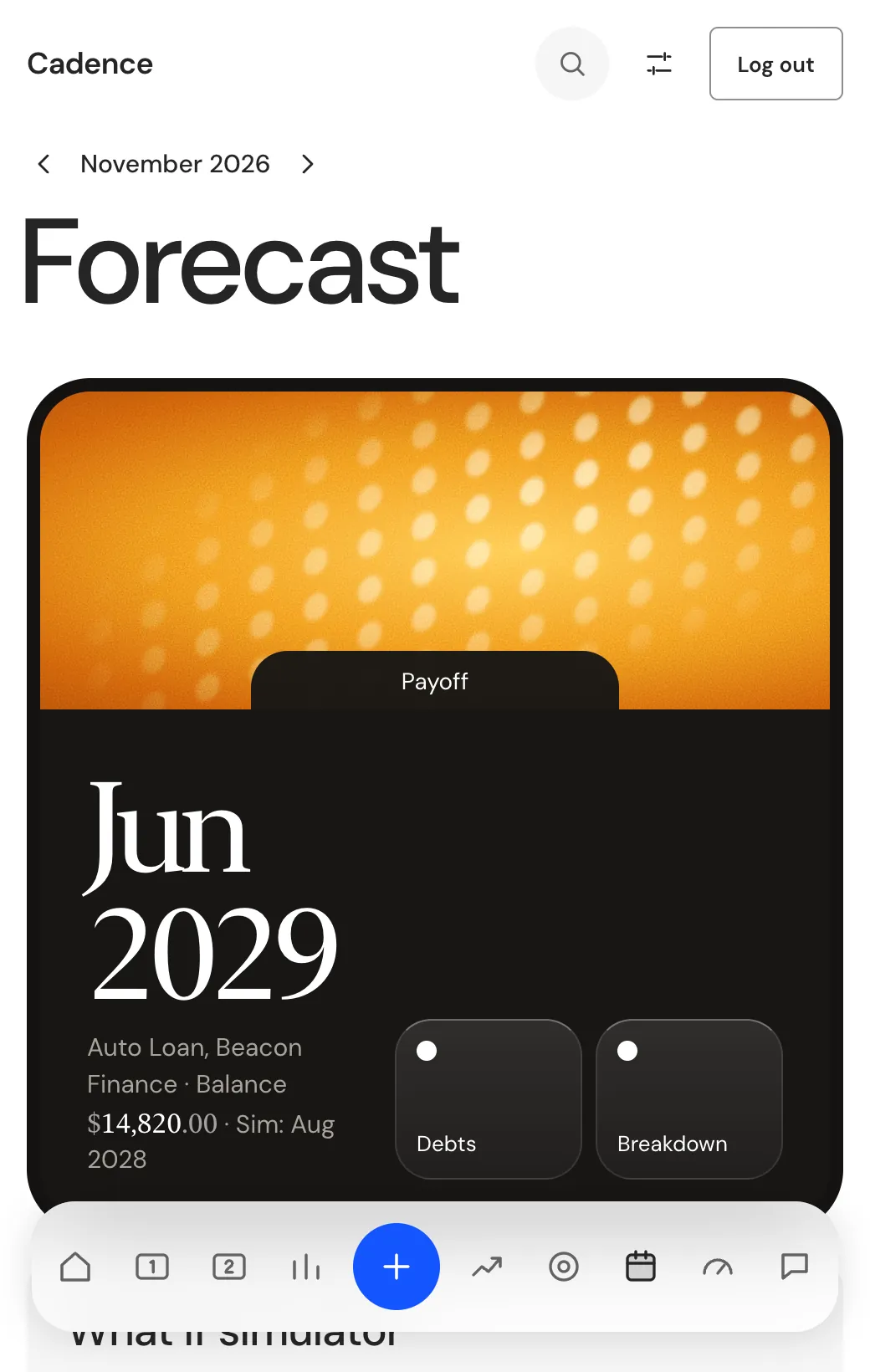
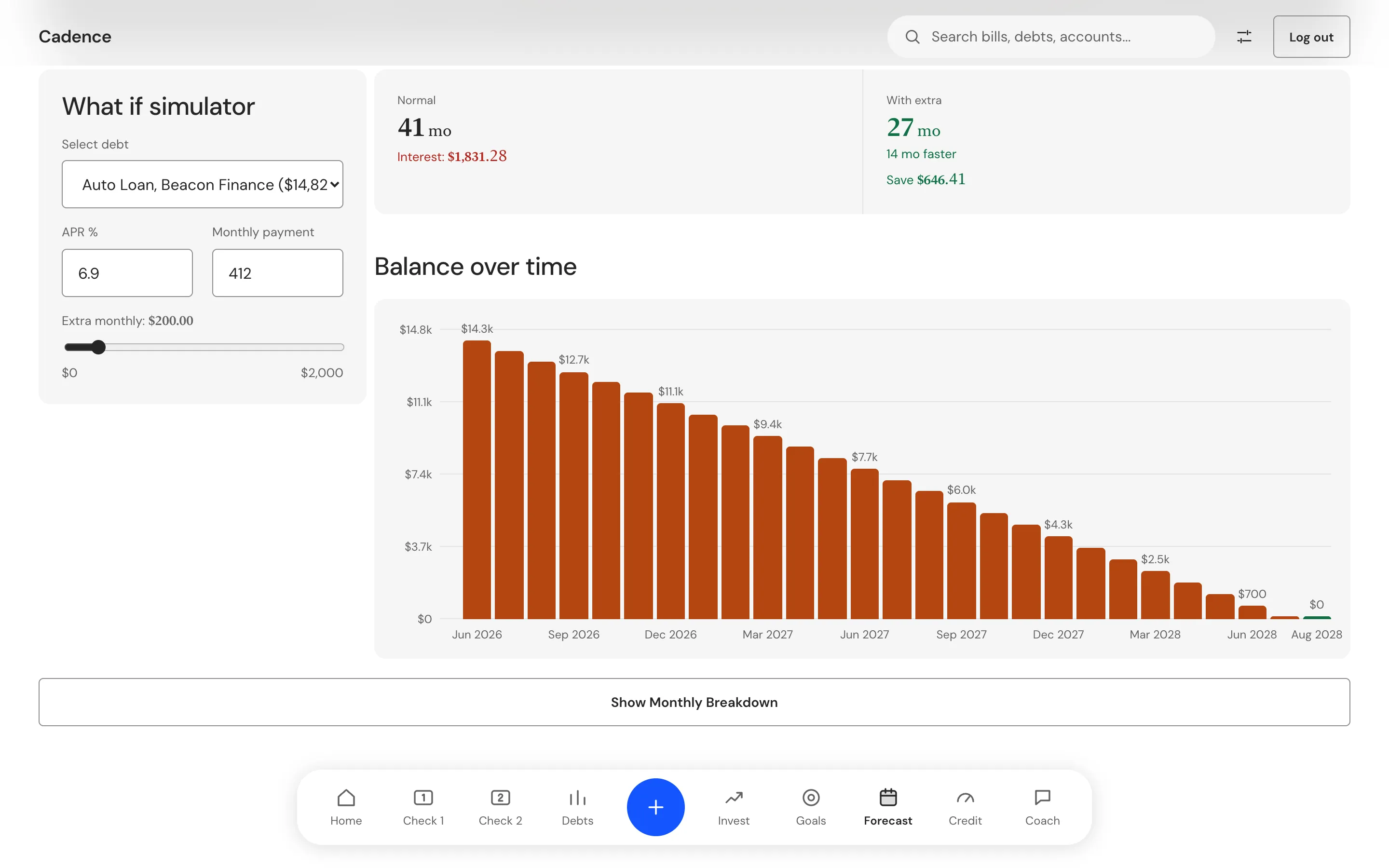
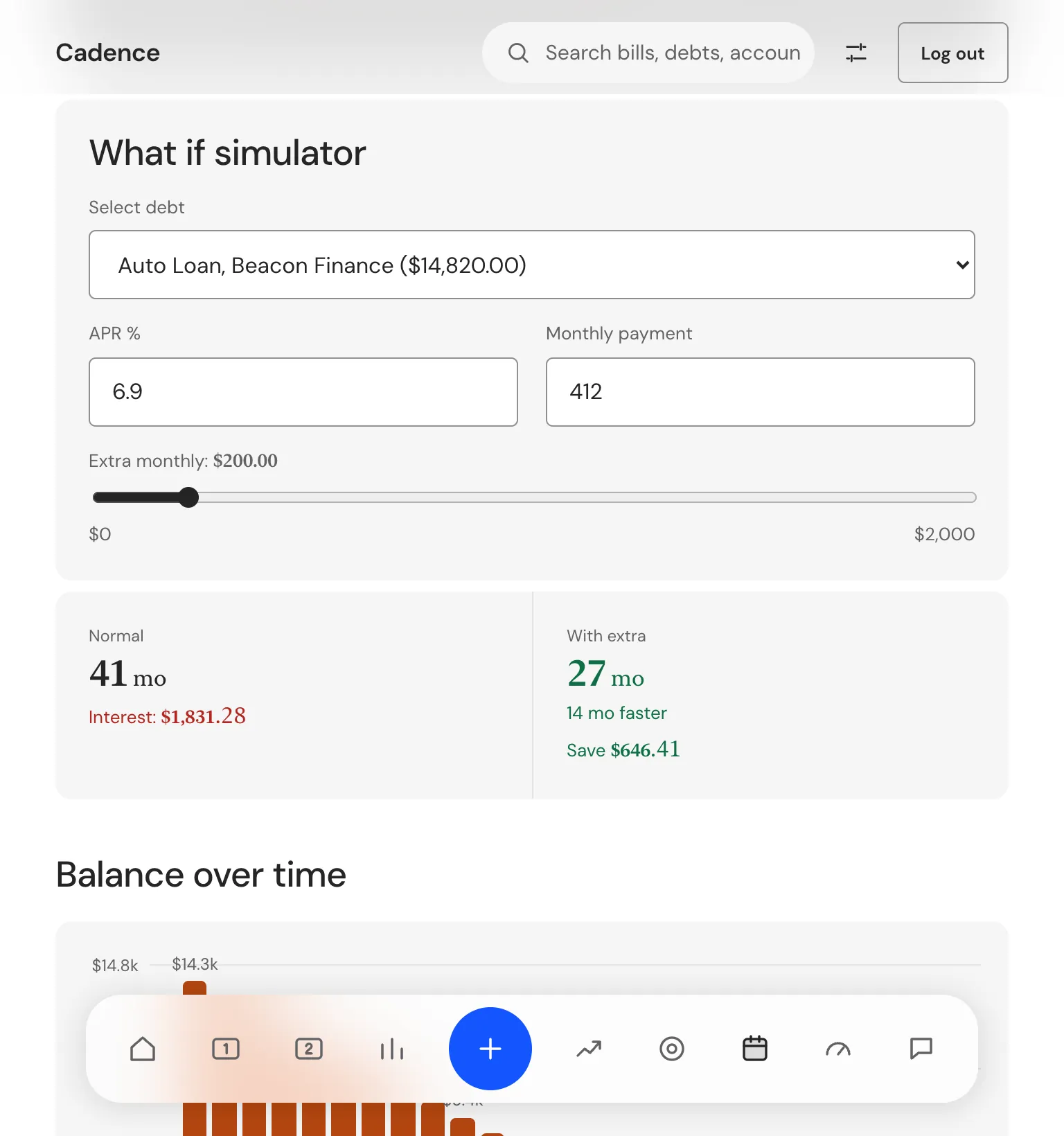
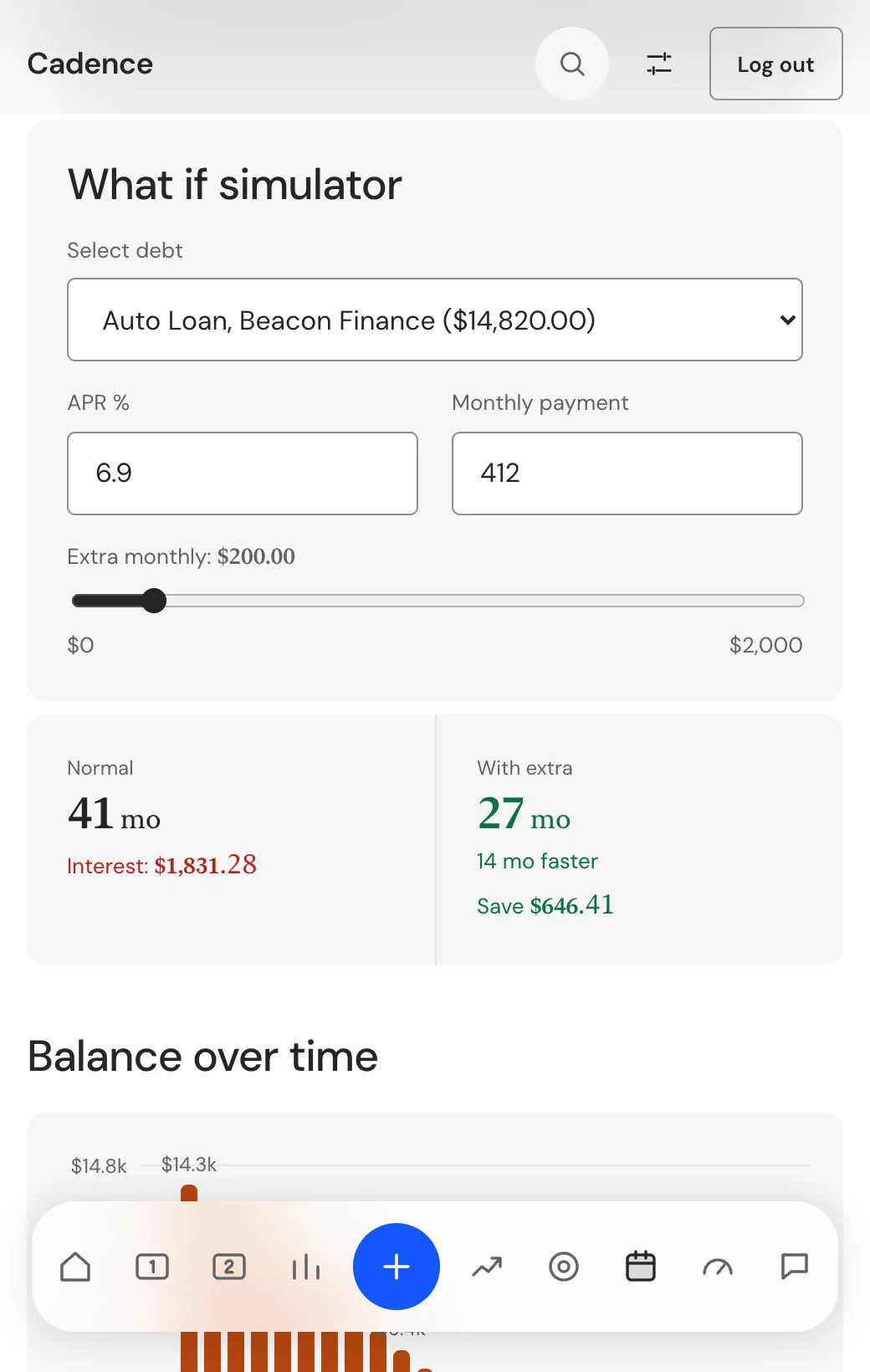
Debts follow one rule: the contract date is the real payoff date. A loan with a maturity date shows that date, and the what if slider shows its simulated date as a small note beside it.
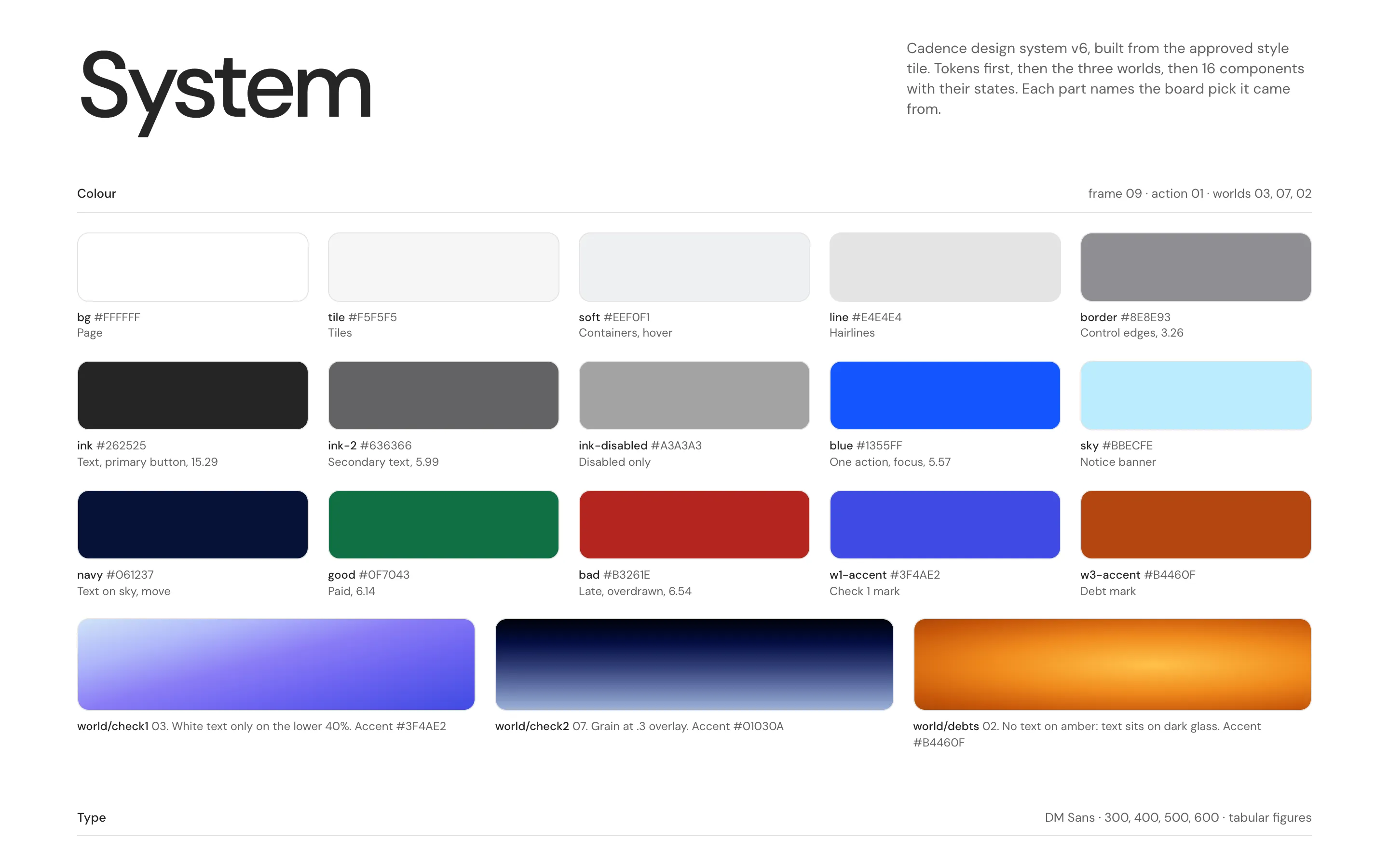
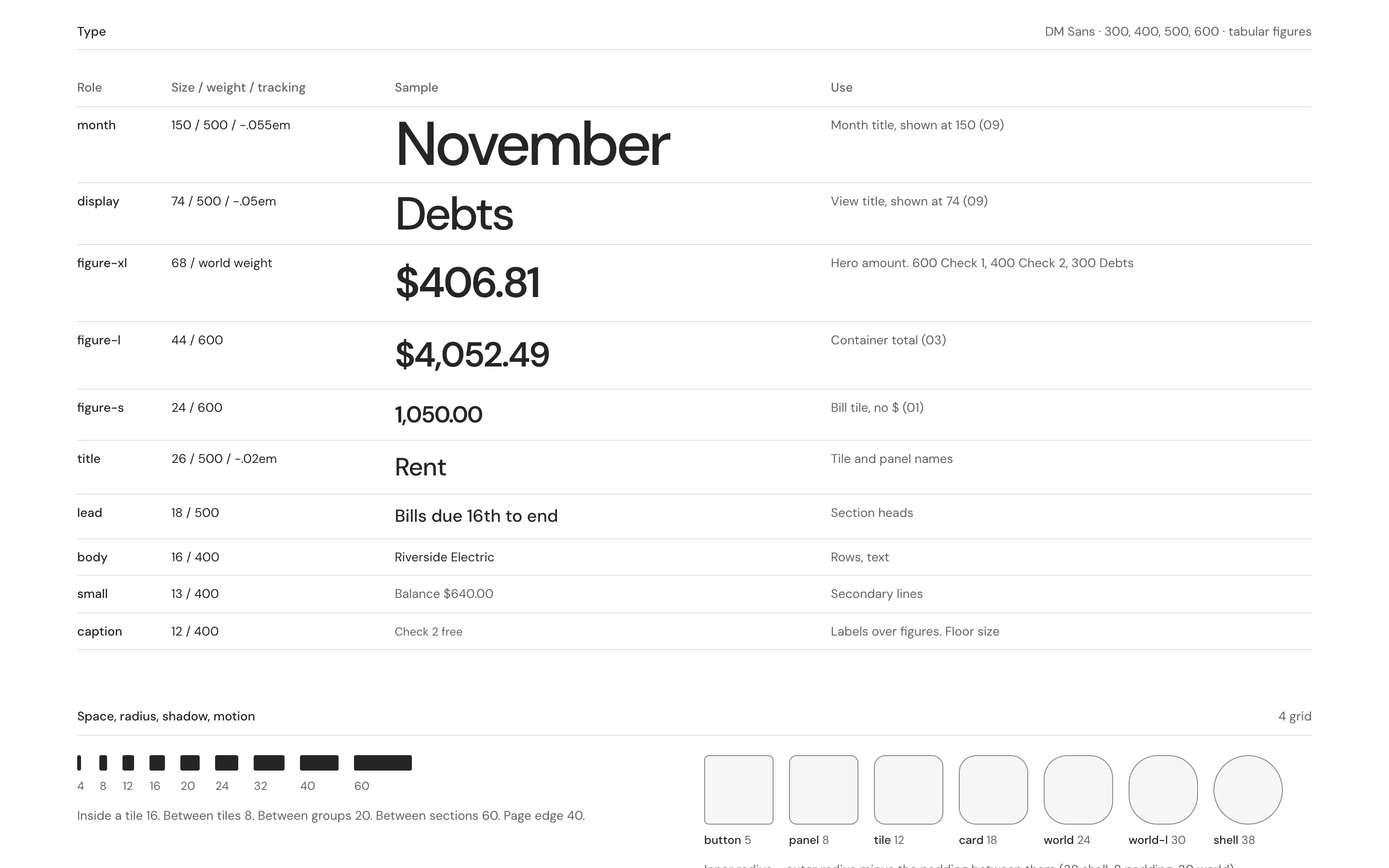
The look came from a moodboard of ten references. We kept five, gave each one a job, and wrote one system from them: a plain frame, three colour worlds, one blue action, DM Sans for type and 16 components. We copied nothing. Every object comes from the paycheck, the bill or the debt.
The data sits in a local database on the computer. Bank balances come from Plaid only when the person brings their own Plaid keys. A credit score has no sign in route, so the Credit tab reads a screenshot with Claude and the person confirms what it found.
A desktop budget that shows each paycheck, each debt and the date it clears
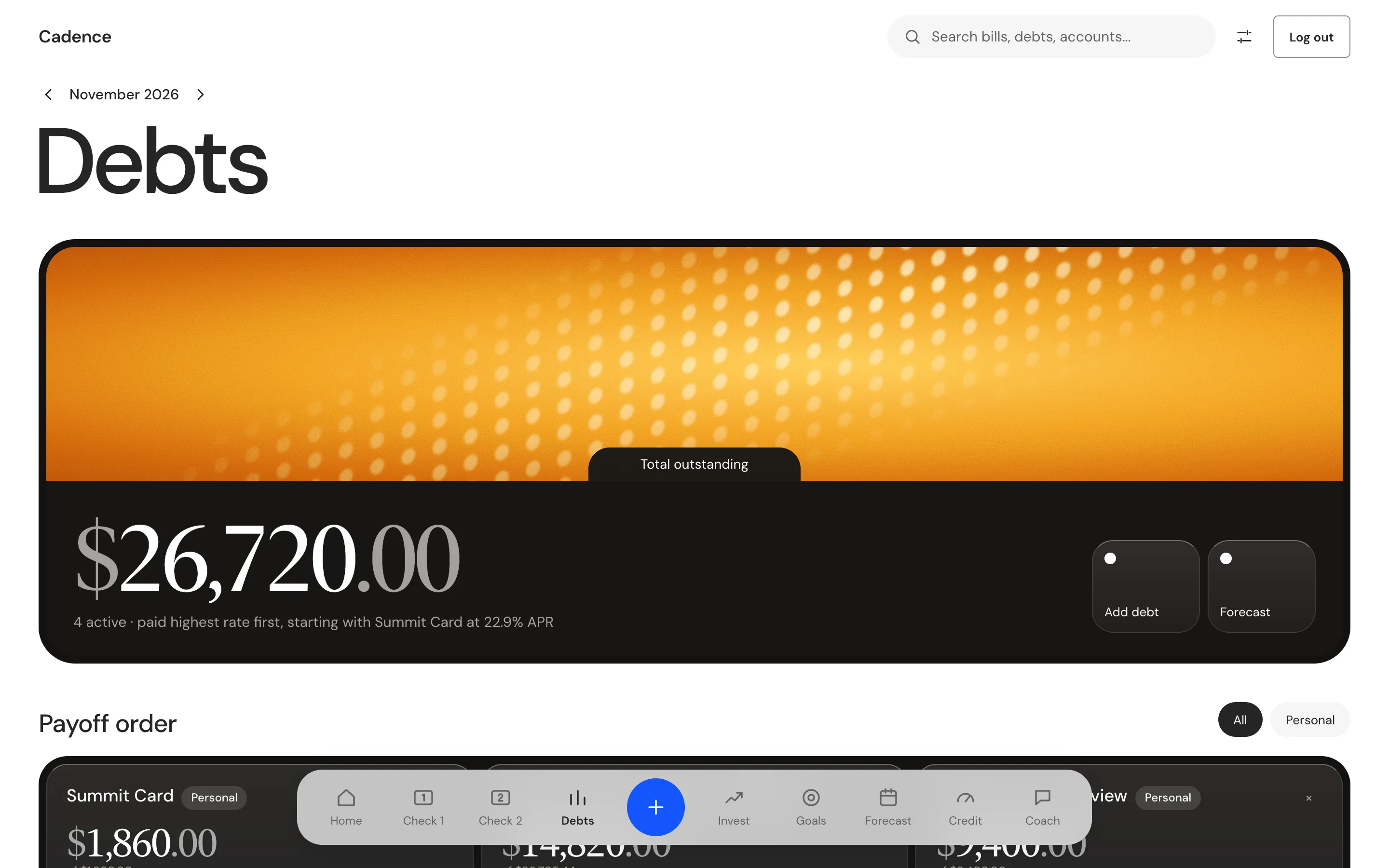
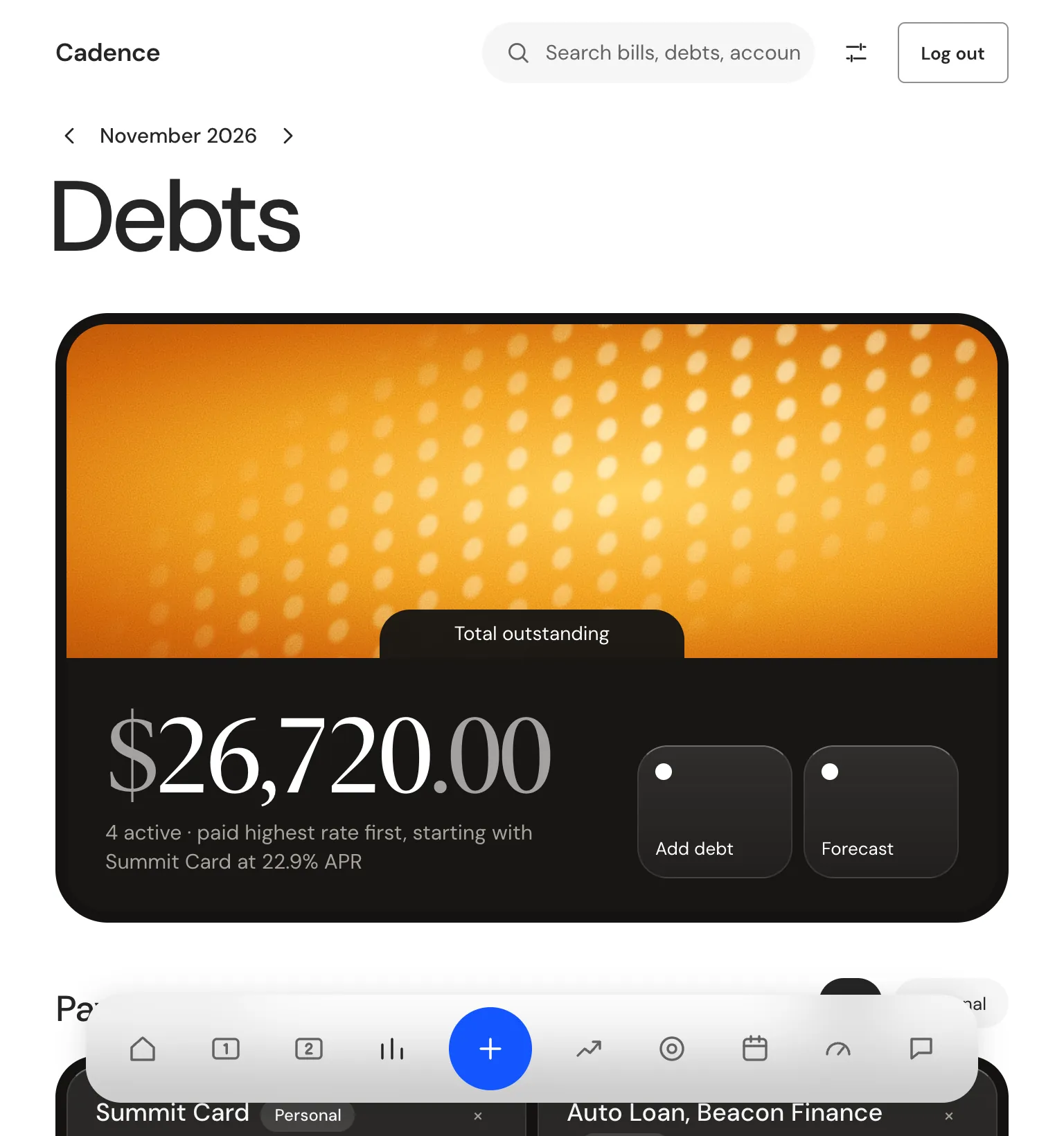
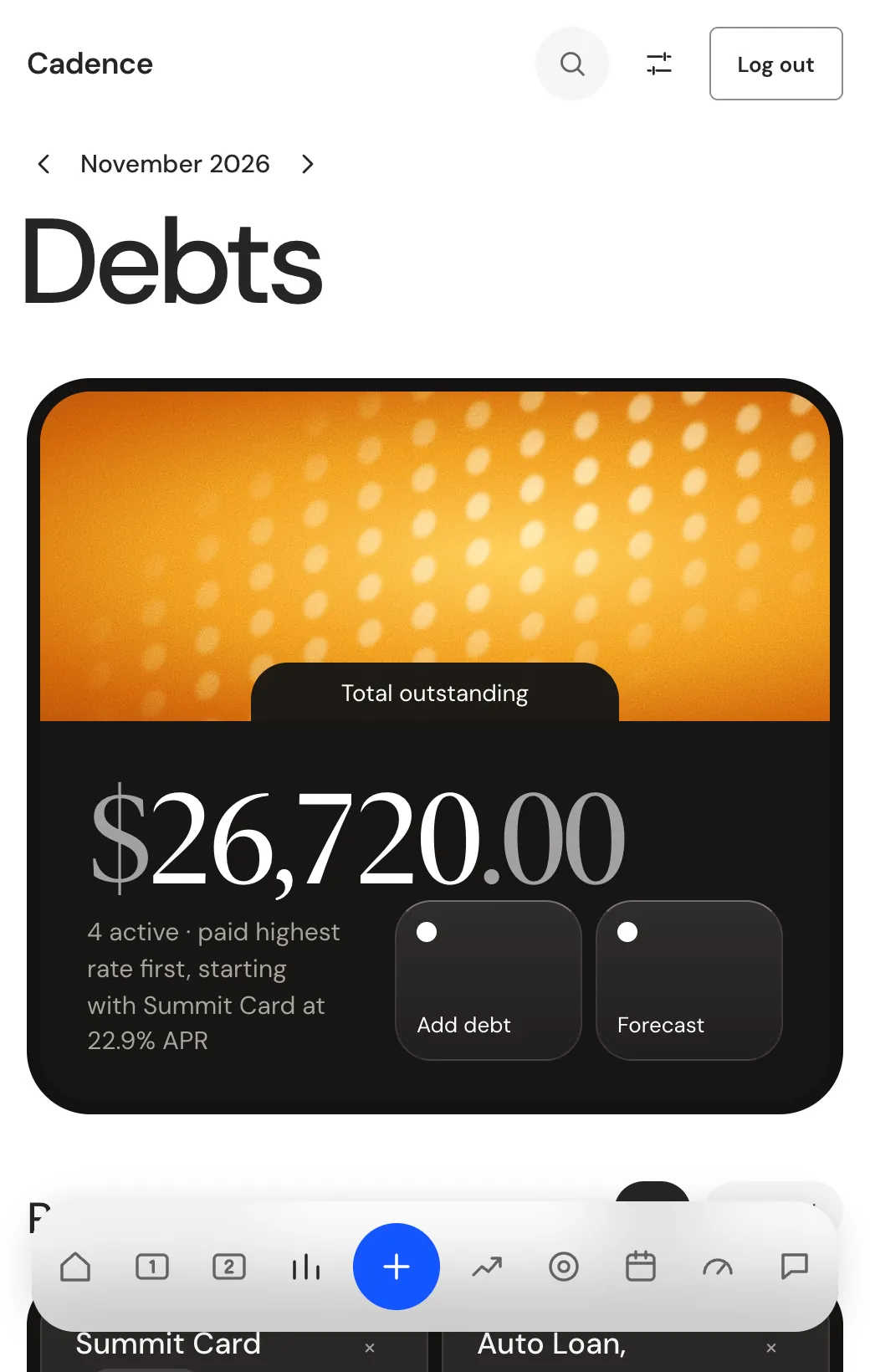
The Debts tab lists every balance with its payment, rate and share paid, and puts the highest rate first in the payoff order. A debt that has a bill also shows on the checks, so each payment sits in the check where it falls.
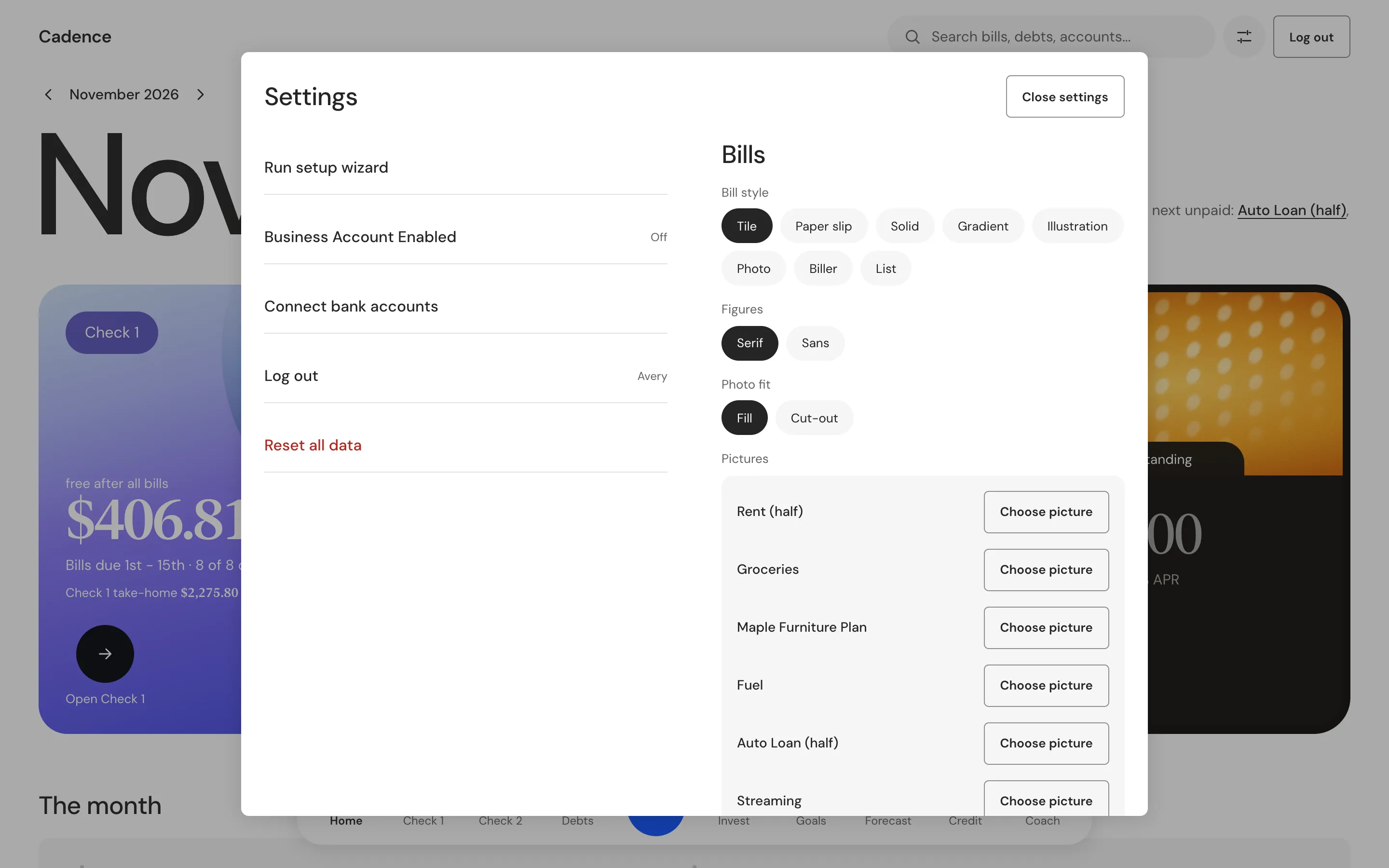
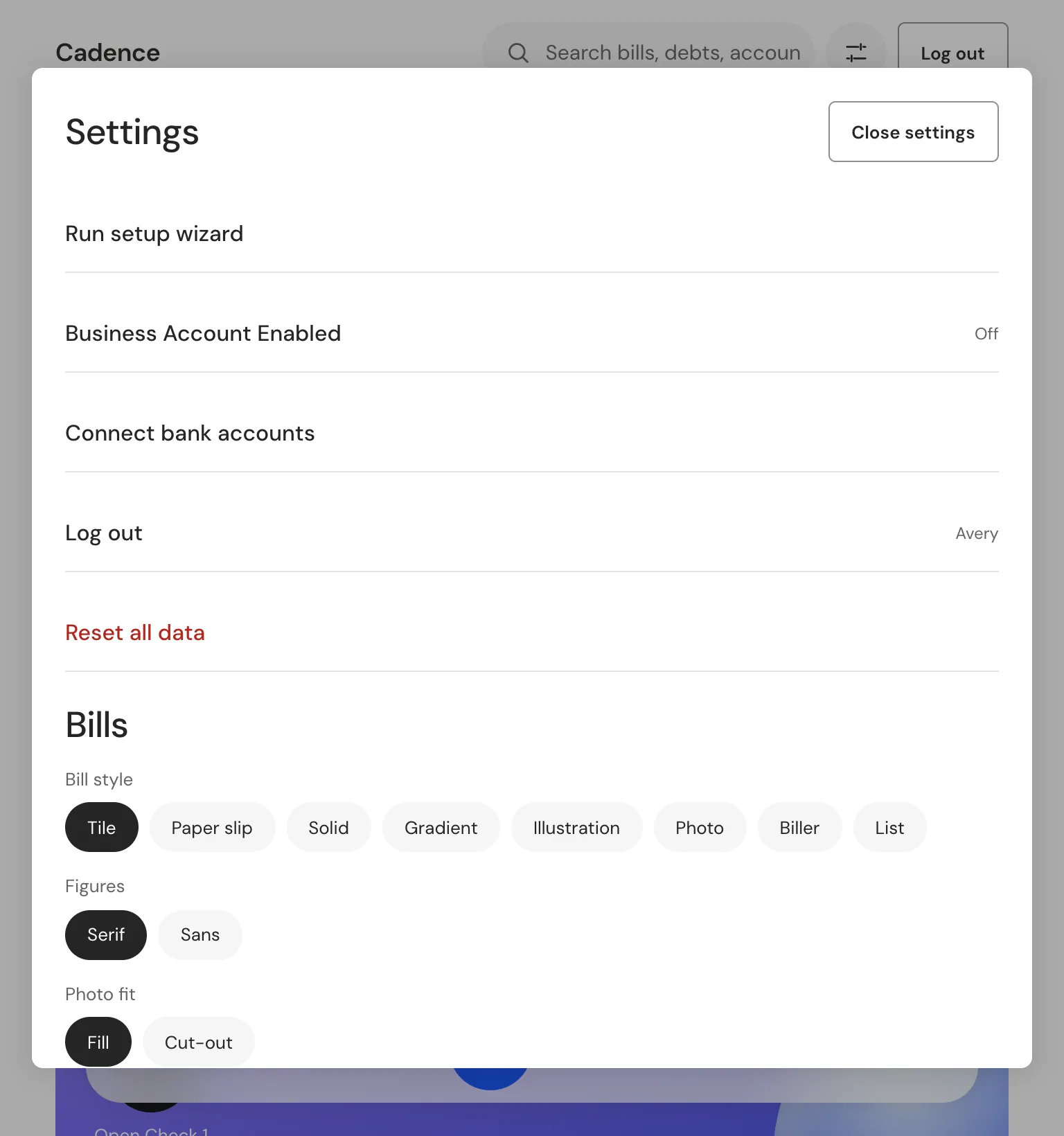
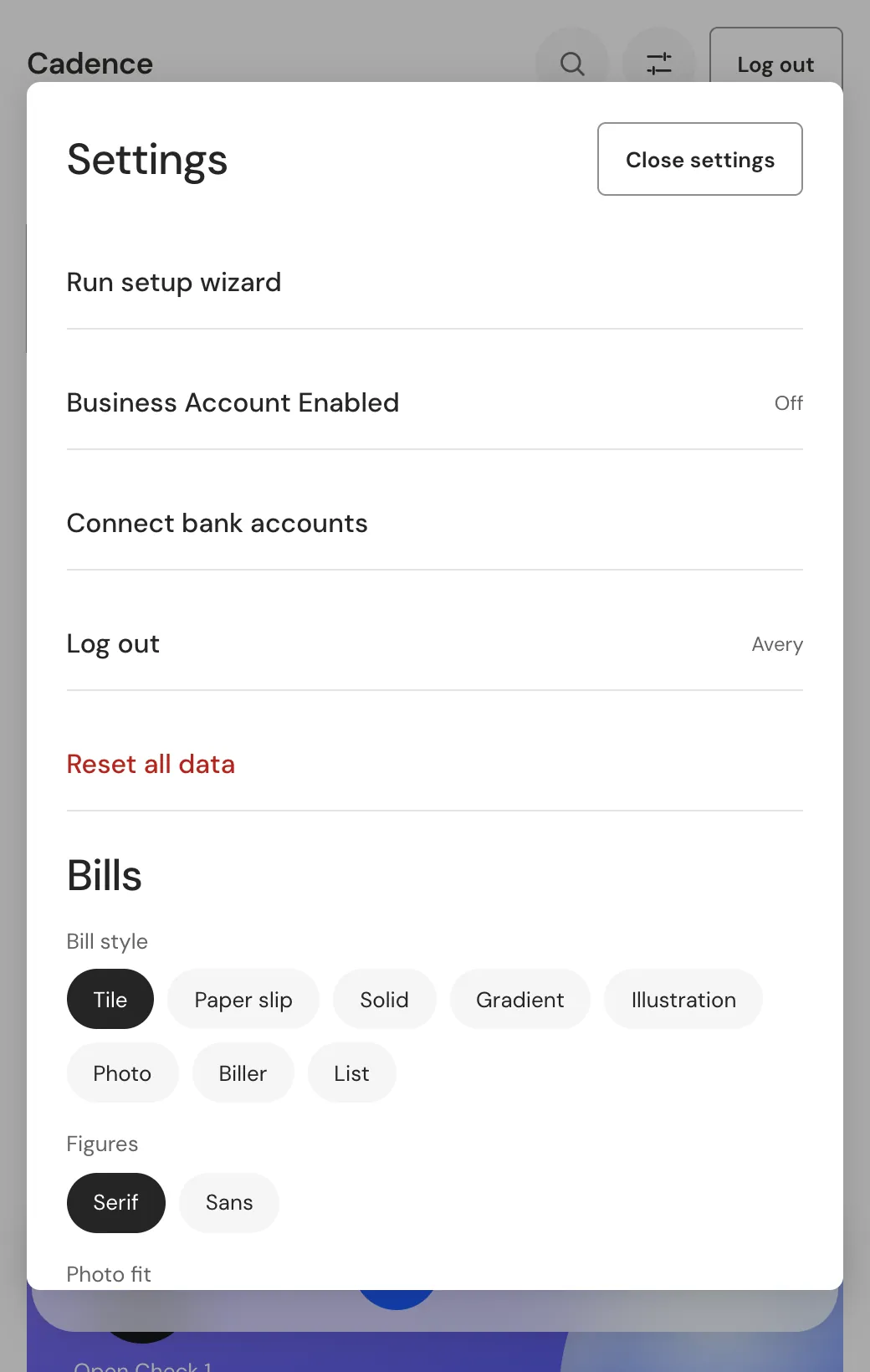
Every screen is light, and figures can be serif or sans, chosen in Settings. Search finds a bill, a debt, an account or a goal and jumps to it.
The payoff date that counts: the contract date leads and the simulated date stays small
Seven looks for the same bills, plus a photo style for the person's own pictures
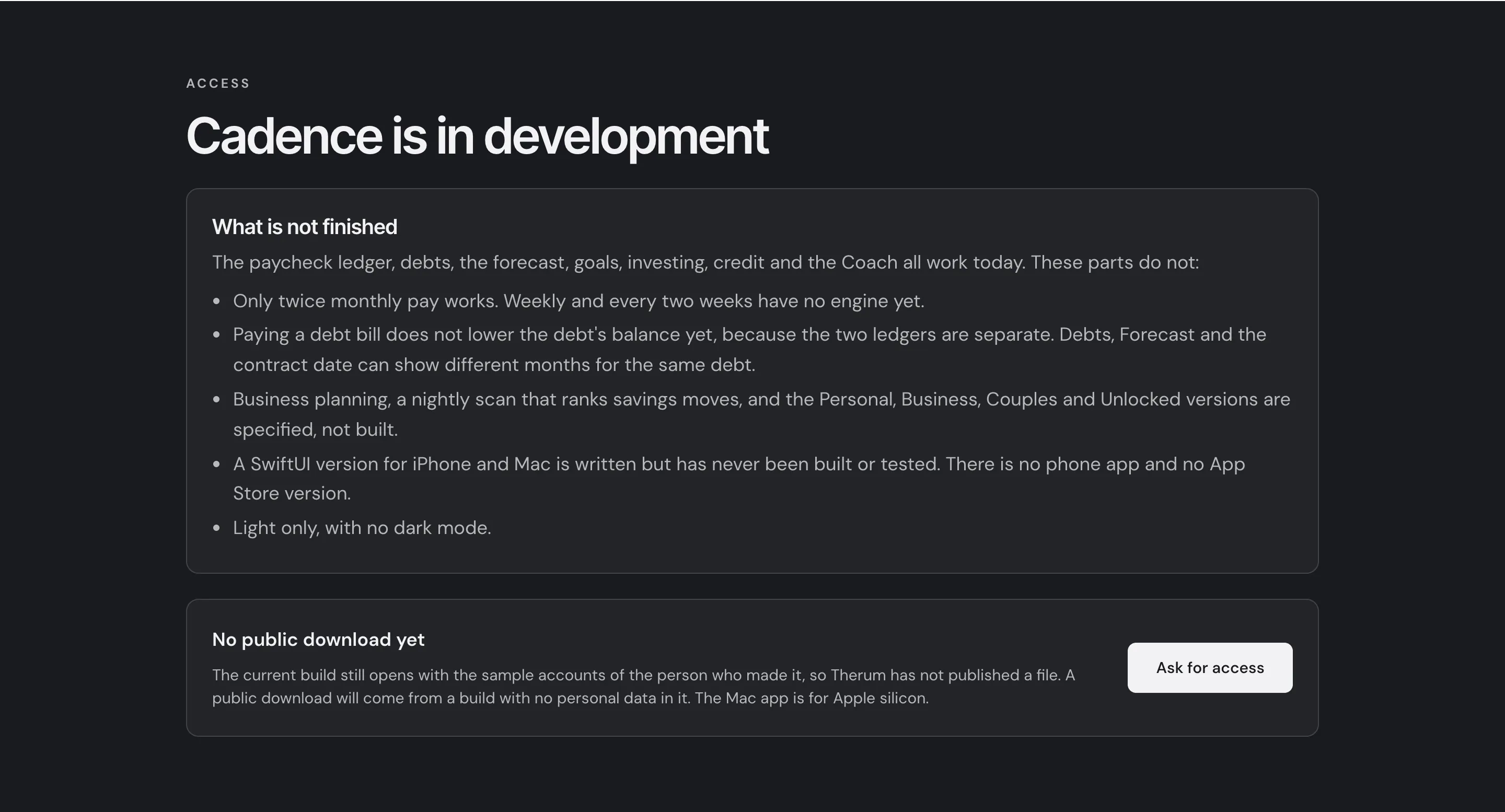
Cadence is in development: the Mac app works and a public release waits
Live: the Cadence page, scroll it.
Cadence is in development. The Mac desktop app runs today with both paychecks, bills, debts, the forecast, goals, investing, credit and the Coach. It is not released to the public.
What is left is plain. A public download needs a build with no personal data in it, because the current build opens with the sample accounts of the person who made it. Only twice monthly pay works. Business planning, a nightly scan for savings moves and the Personal, Business, Couples and Unlocked versions are specified but not built. A SwiftUI version for iPhone and Mac is written but has never been built or tested, so the App Store is not ready.
See what works and what is rough on the Cadence page, or ask for access.
Software that holds your money should keep it with you and say what leaves
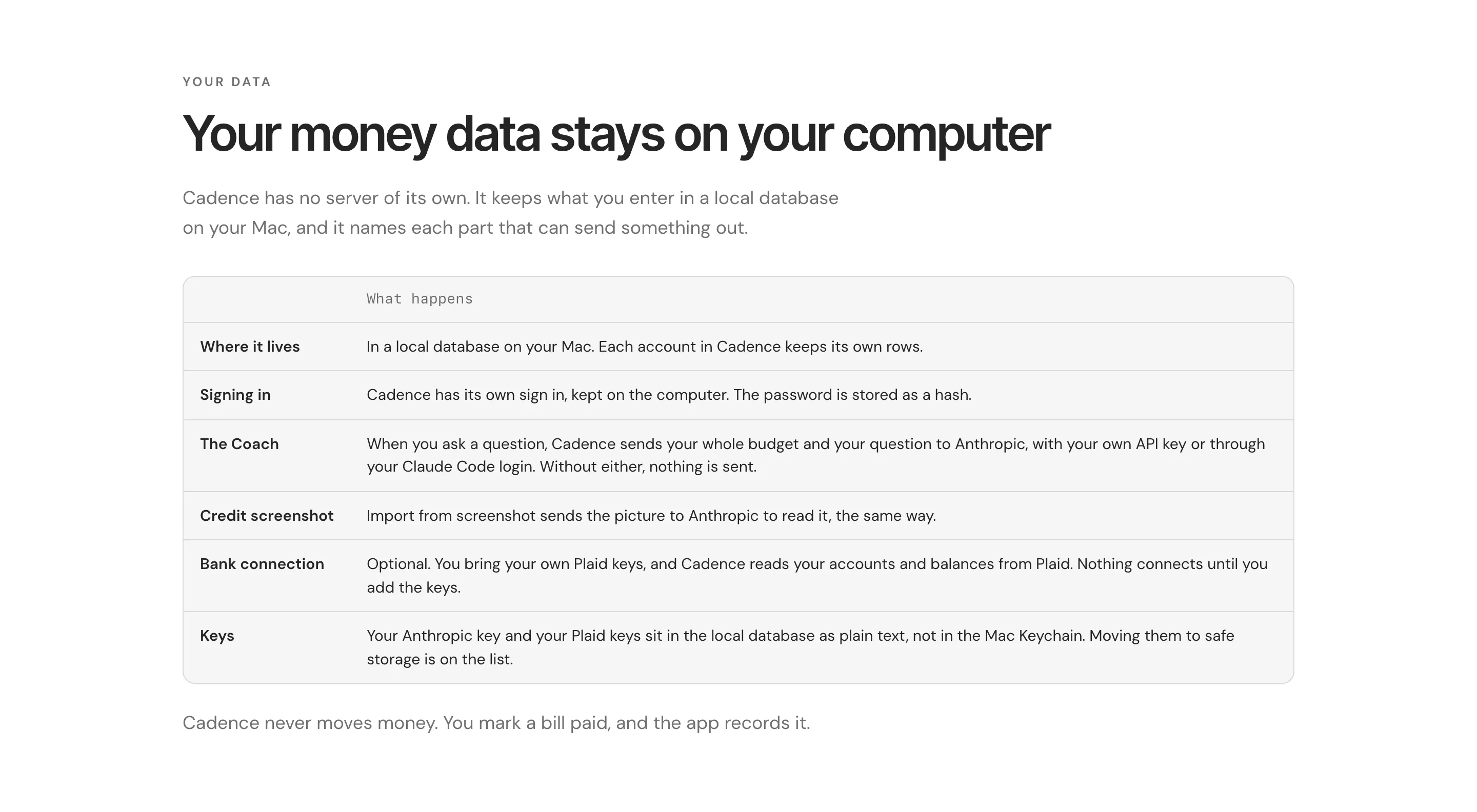
Cadence plans each paycheck against its bills, so you see what is left before you spend it. It keeps your data on your computer, and it names the two parts that can send something out, the Coach and the bank connection.
These are the same habits Therum brings to client systems. The tool does the arithmetic. The person keeps the decisions.