Aura
Aura
Overview
- Product design
- Interface design
- Rust engineering
- Design system
- Verification
What We Did
The Outcome
One app in place of six, with tools you swap and a canvas that holds it all
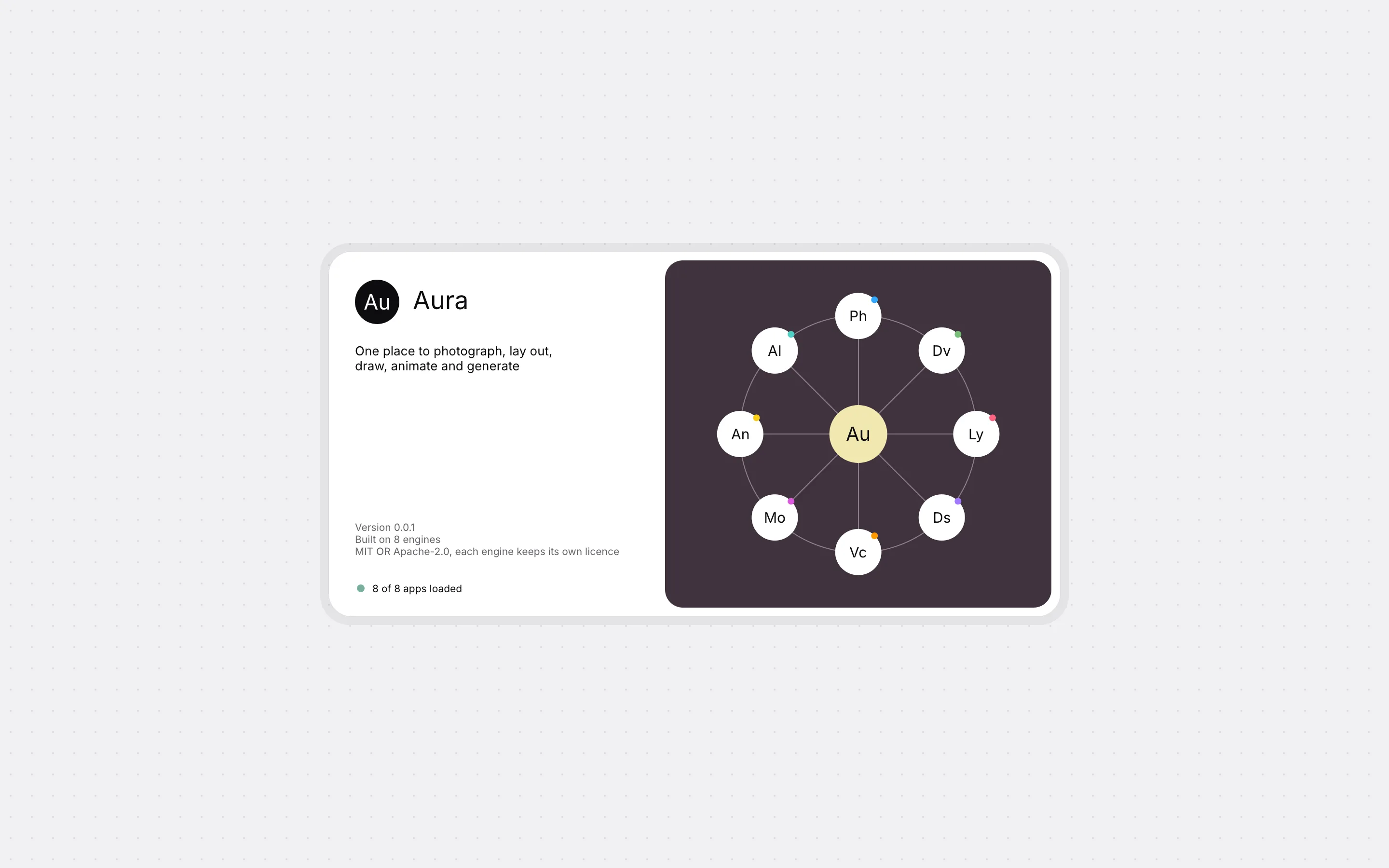
The brief was one creative app in place of many. You open a project, pick the kind of work, and the tools change to match. The document does not change.
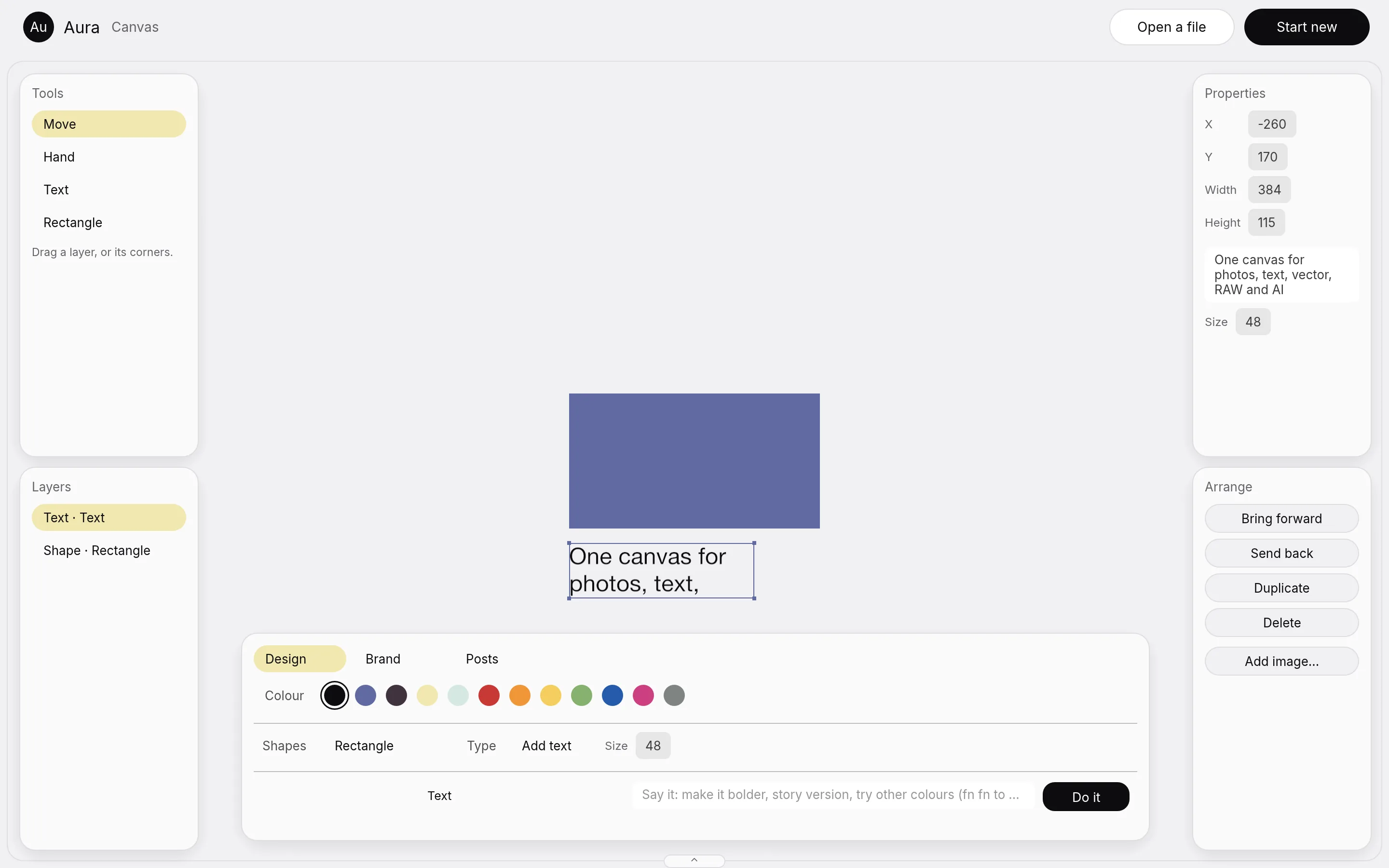
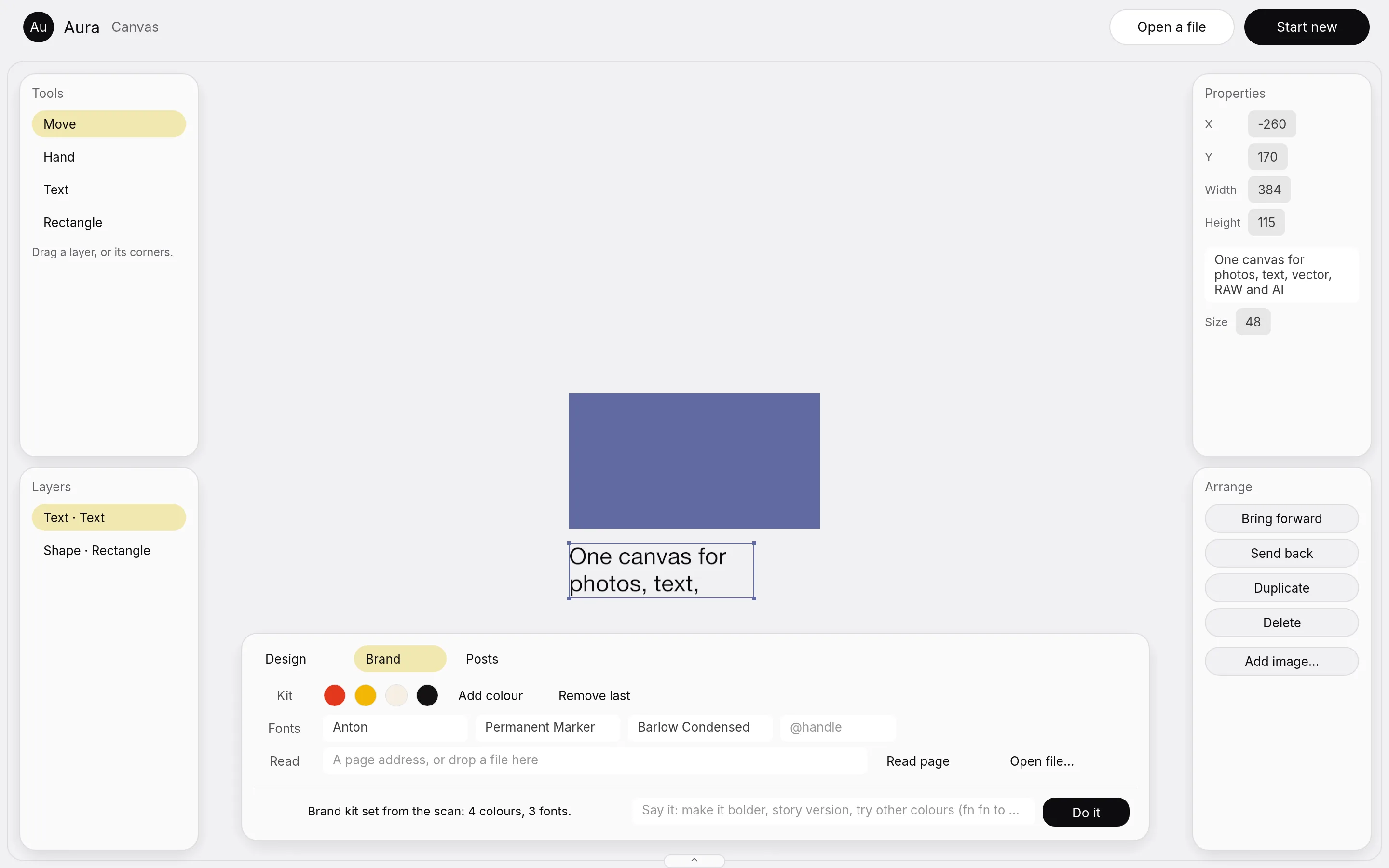
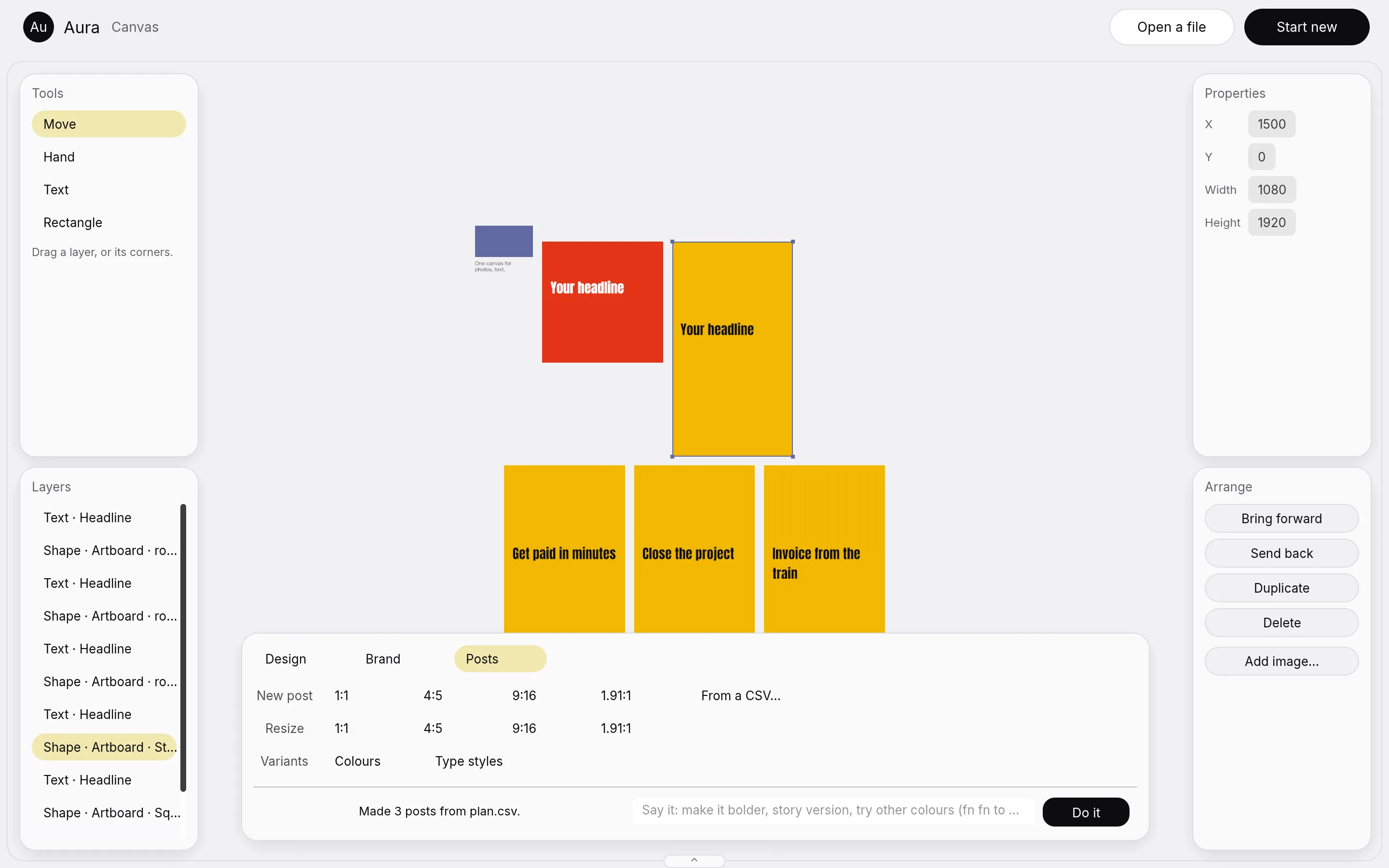
There are two ways in. Single-app mode gives you one mode's full interface: photo, develop, layout, design, vector, motion, animate or AI. Canvas mode is one document where a vector, a photo, text and motion share the same space, with nothing exported between them.
Two limits came with it. It had to be written in Rust, and nothing could be a mock. A tool counts as built only when it acts on a real layer and a picture of the window shows it.
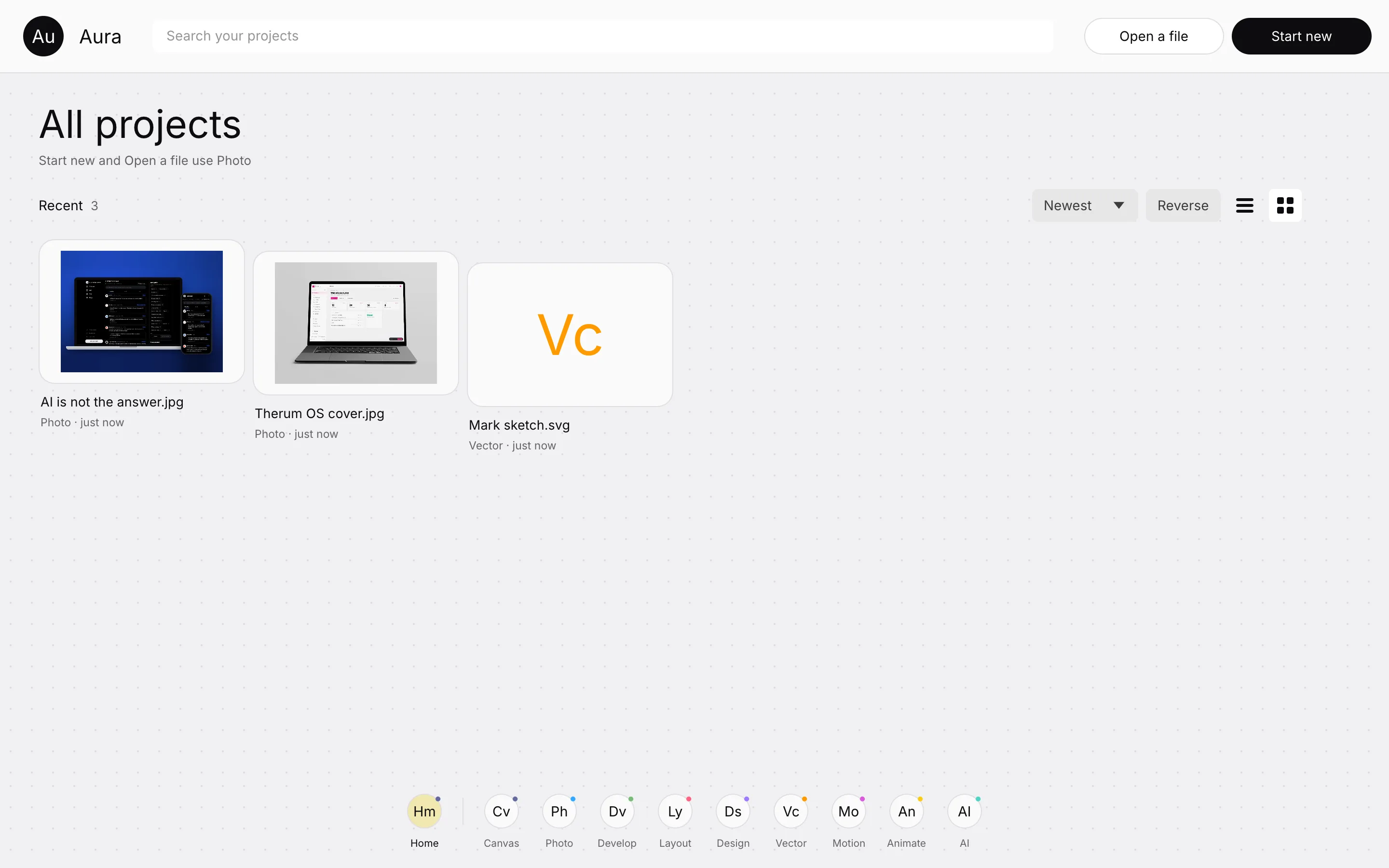
We were the whole team: the product idea, the interface and the engineering
Therum was the whole team. We wrote the product idea: one app where you change the toolkit, not the program. We drew the interface, built the shell that hosts each engine, and wrote the canvas in Rust.
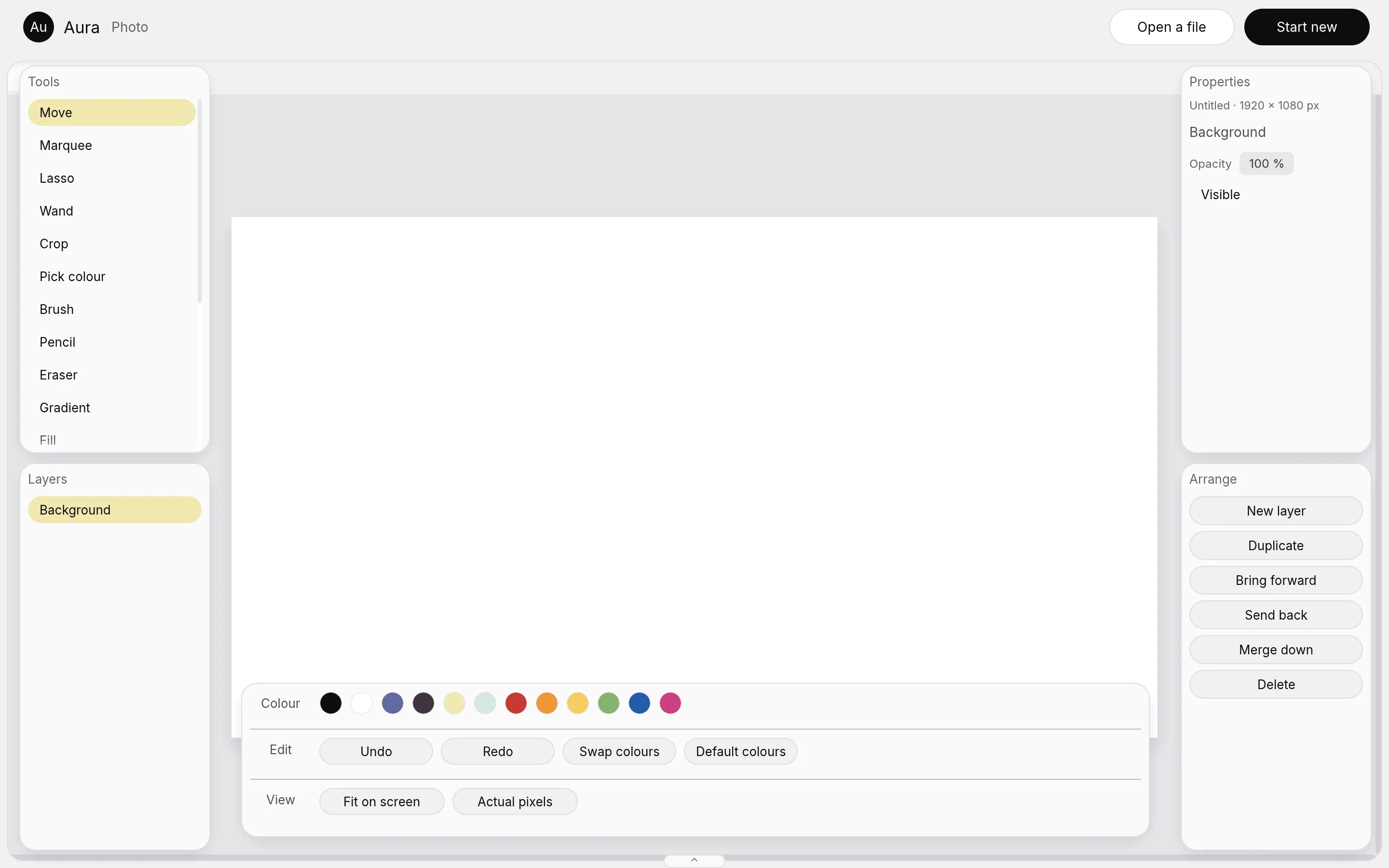
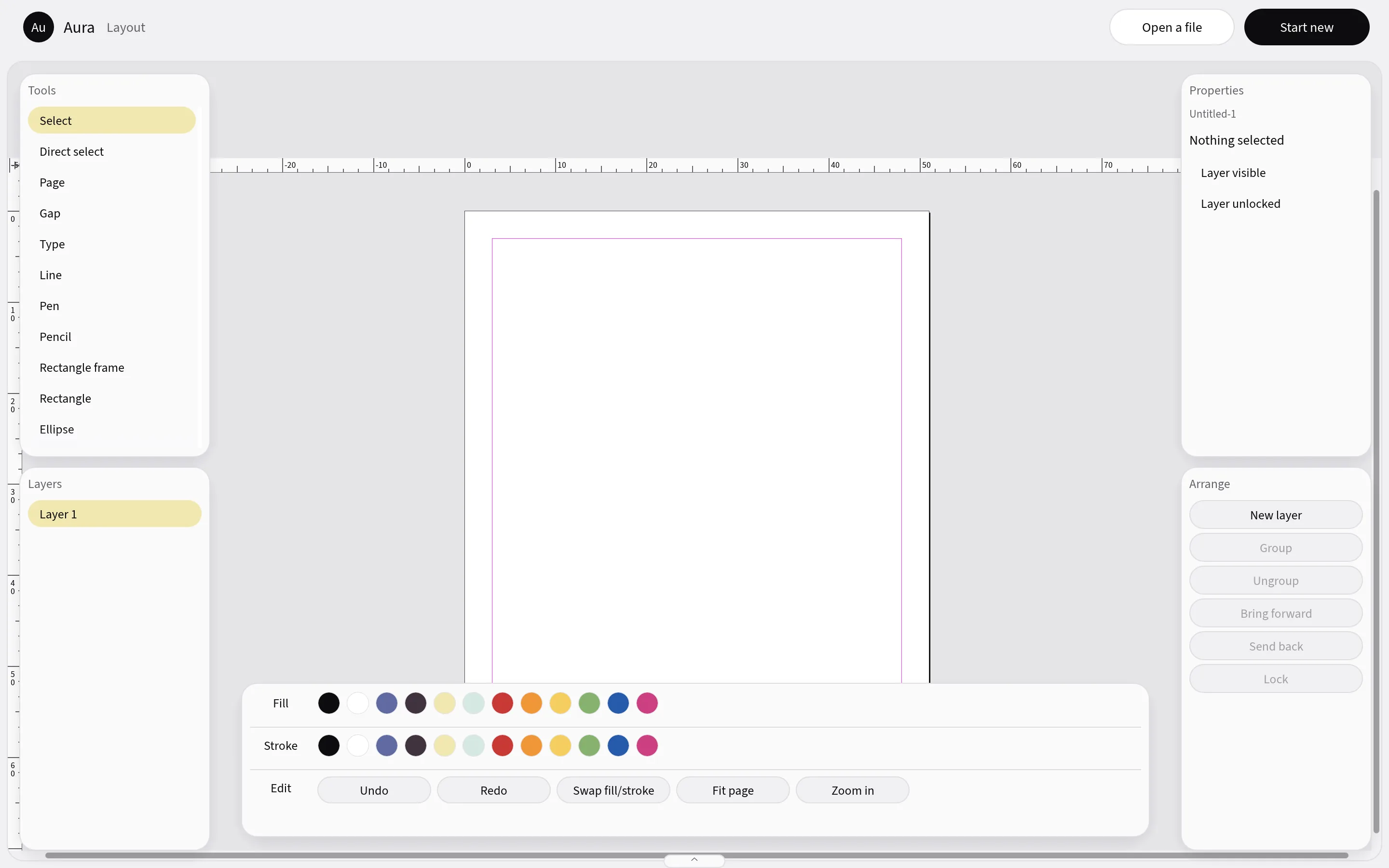
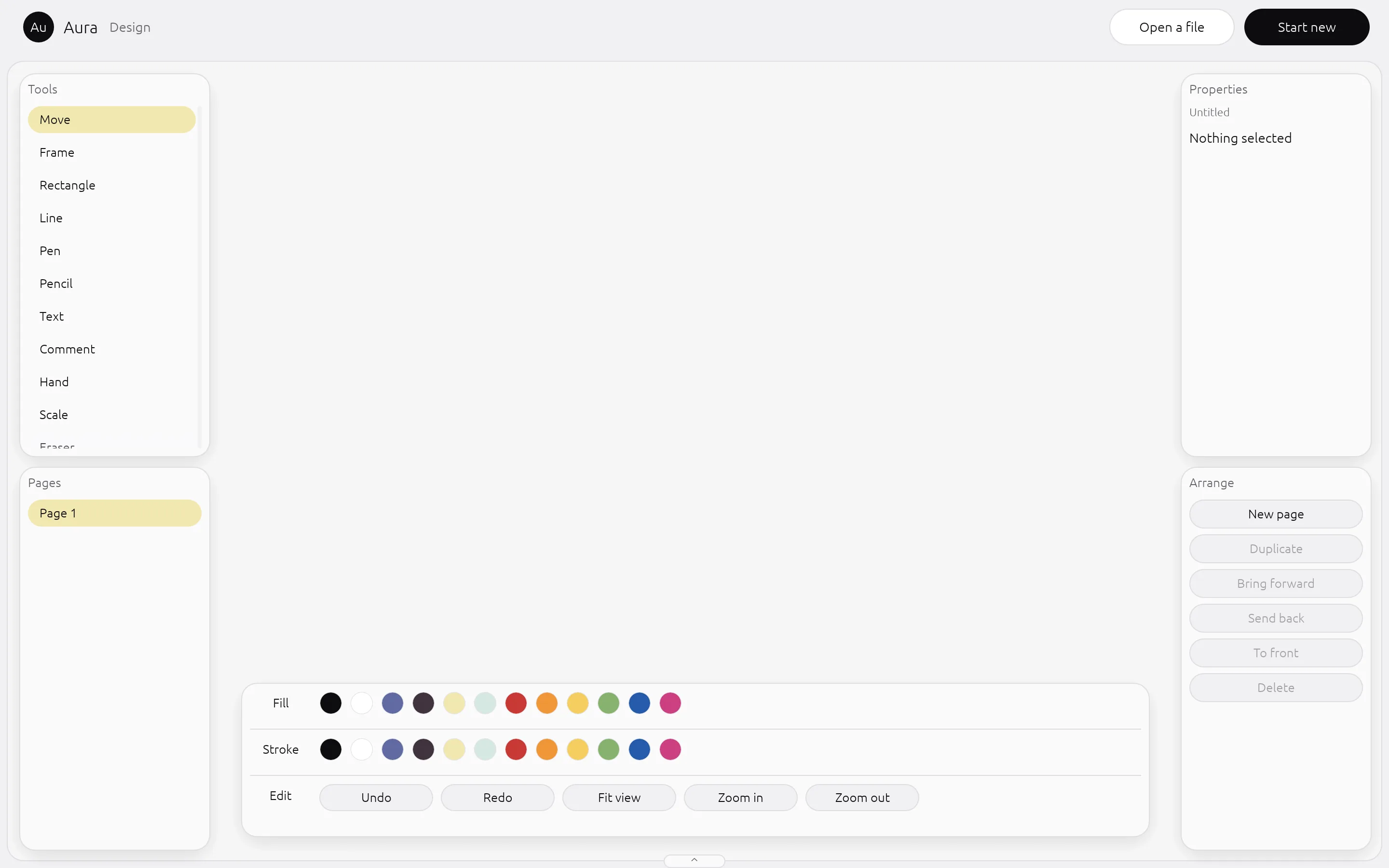
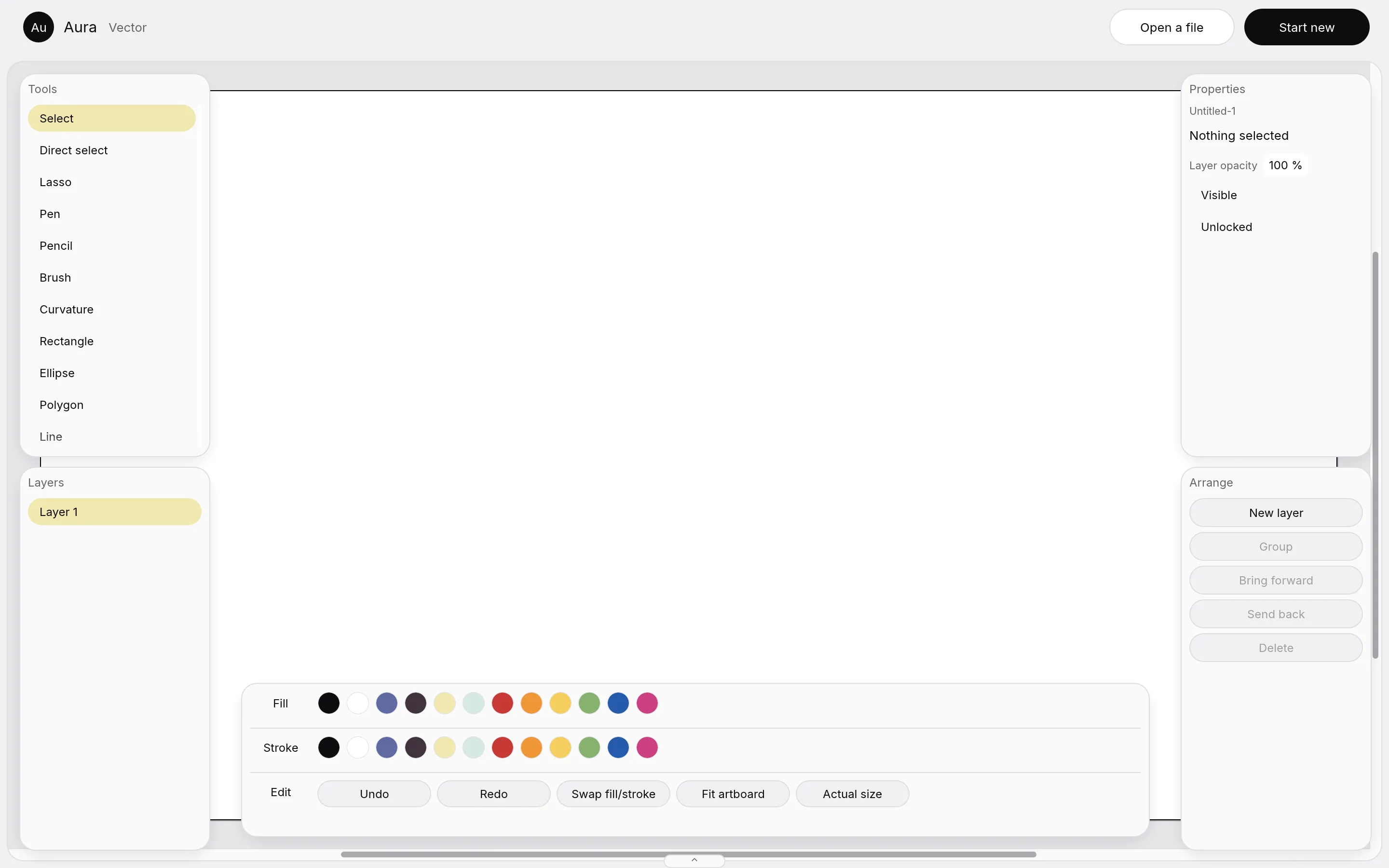
The interface is Aura's own. Each mode keeps the real canvas of the engine behind it, and everything around it is drawn by Aura: floating tool, layer and property cards, an options panel along the bottom and a drawer that switches modes. All 56 interface parts, seven in each of eight modes, are drawn this way.
Every change went through the same checks: formatting, lint, tests and a picture of the window, read by eye. A claim that a mode works needs a picture of it working.
Merge the engines, do not rewrite them, and check each step against a record
We did not rewrite the creative tools. Eight open source Rust apps already did the hard parts, so we merged them. Each one comes in whole and keeps its own licence, and all of them are hosted in one window. Where an app had no source to read, we read the shipped app, wrote down what it does, ported that, and checked the port against the record.
A parity ledger lists every feature to merge, 55 rows in all. A row is marked done only with proof. One row is proved so far: the 16 photo adjustments. All eight app interfaces already open in the one window.
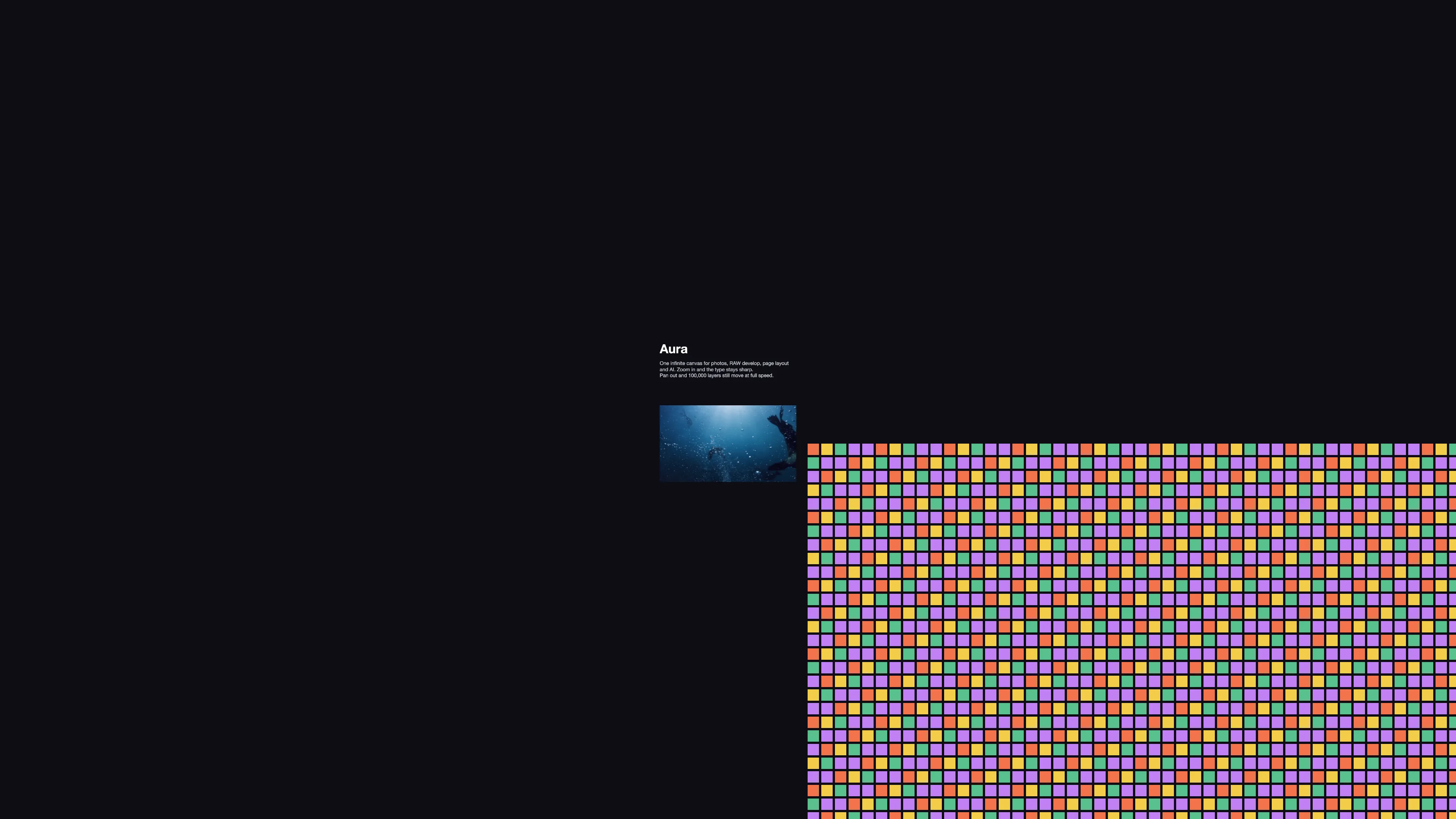
The canvas came first. It had to hold 100,003 layers and stay fast, so we measured it before we built anything on top: 900 frames of panning and zooming, and the slowest one percent of frames took 1.1 milliseconds or less.
The look came from reference screens, not from the old apps. Floating rounded cards on a mist ground, one options panel at the bottom and one periwinkle accent. We threw out the recoloured old panels and drew every control again.
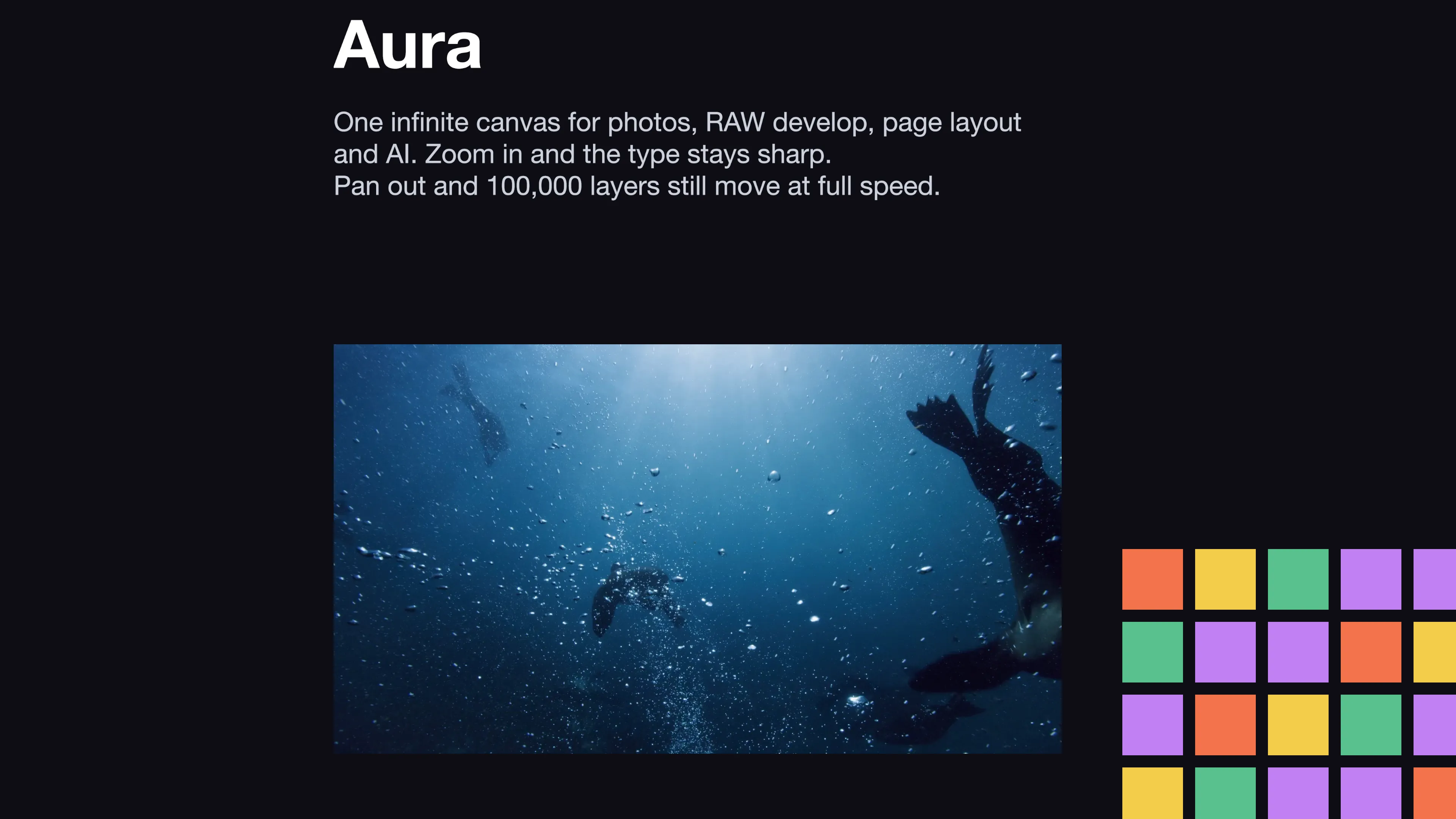
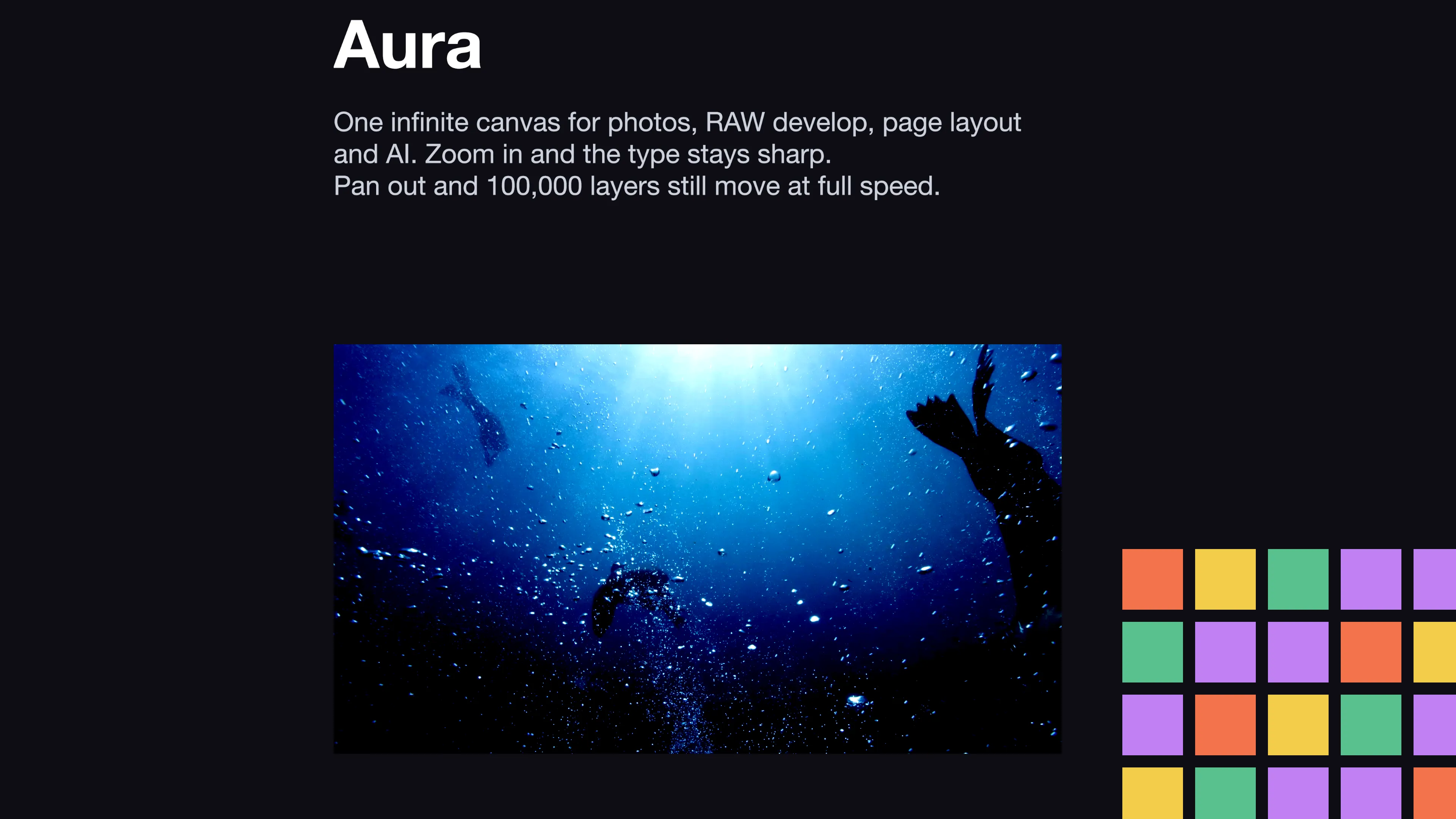
Eight modes, one canvas, and posts made at scale
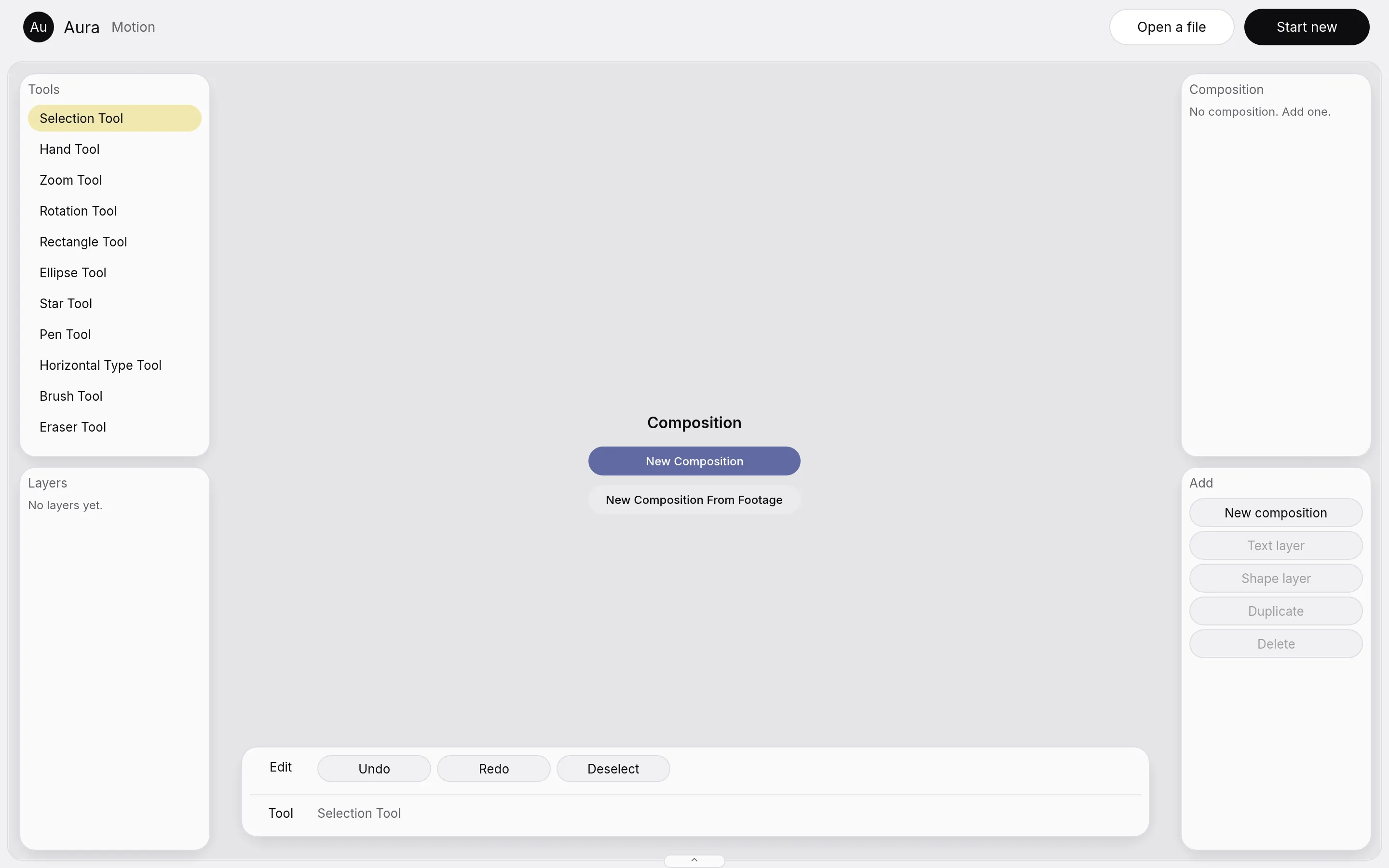
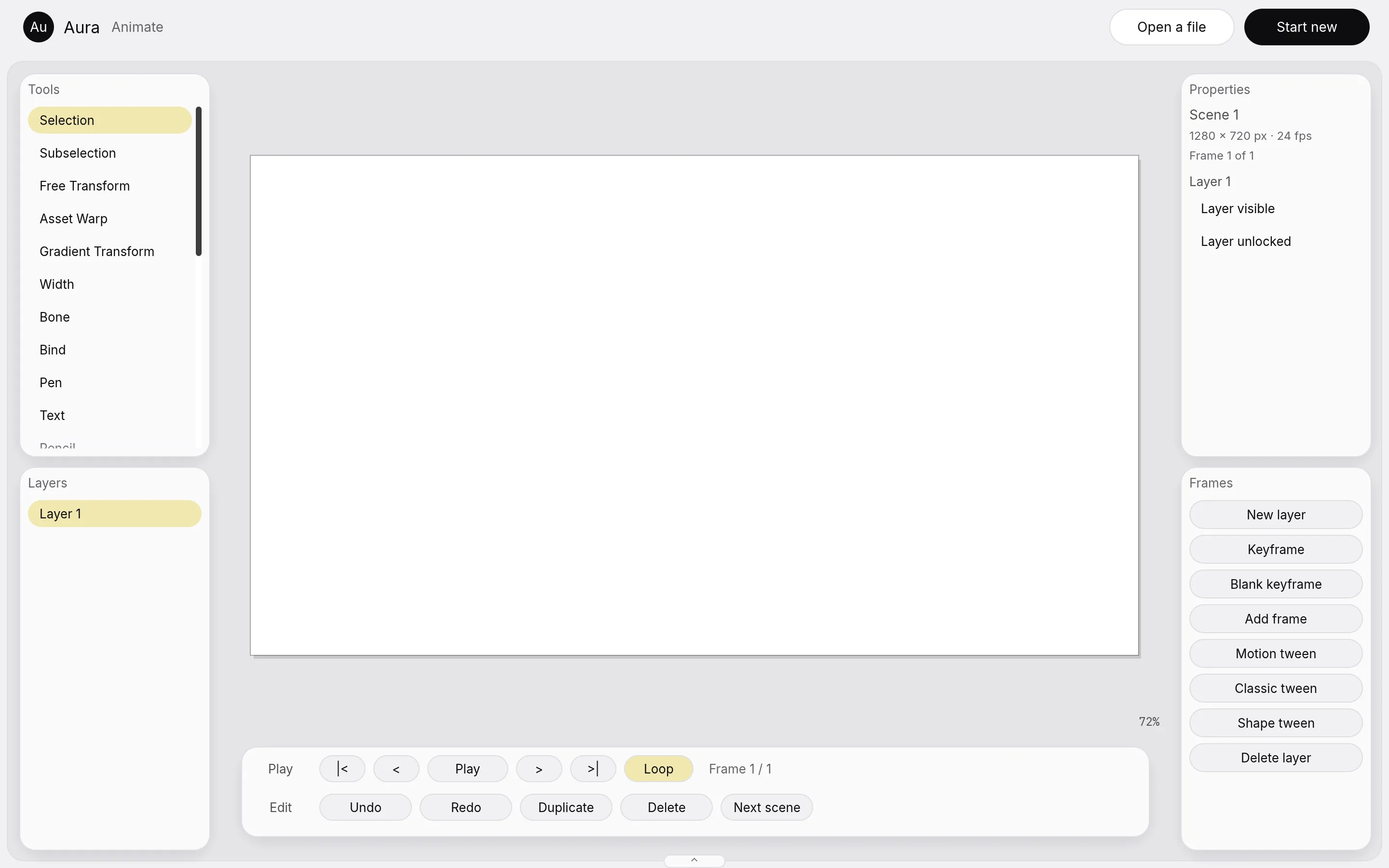
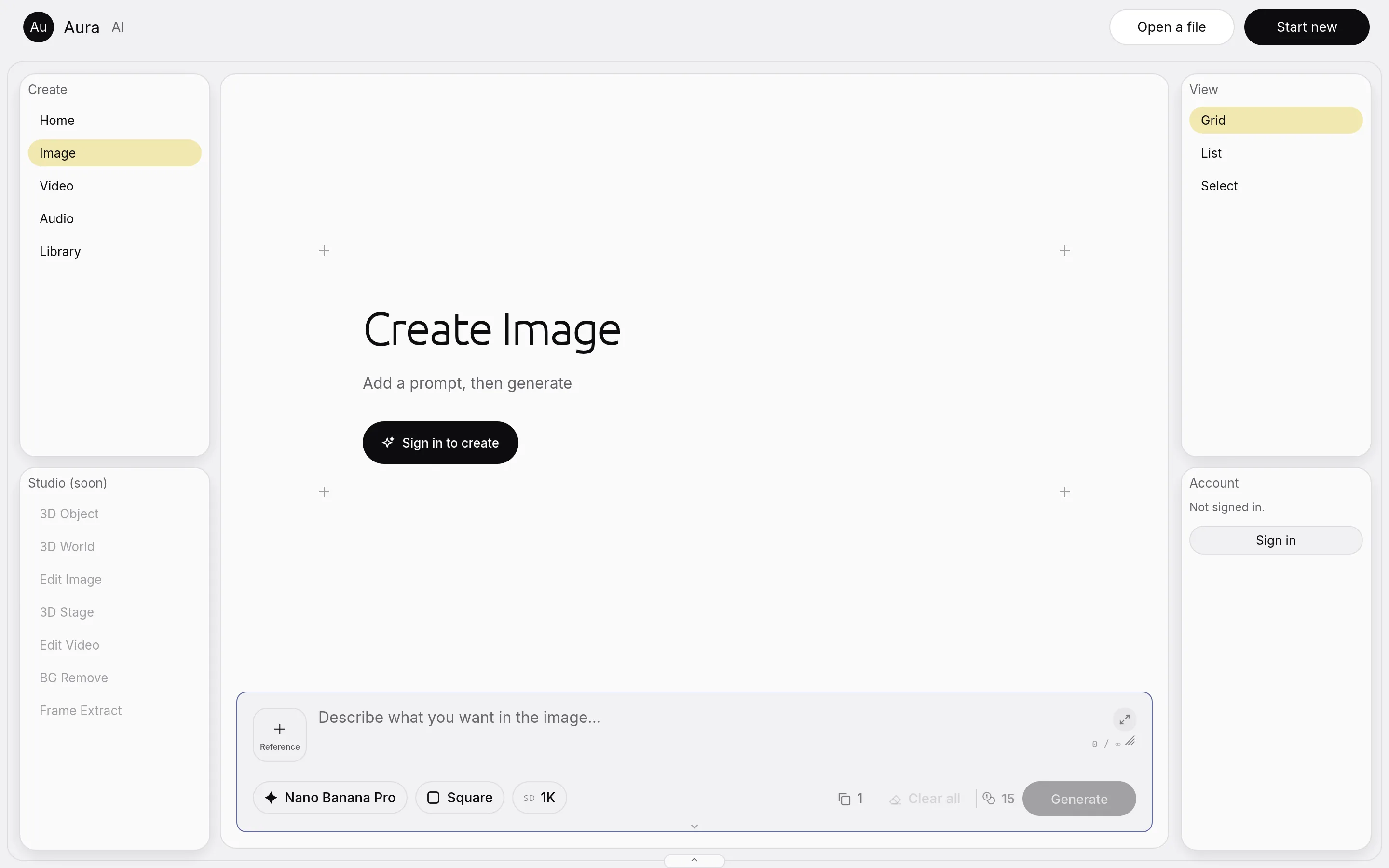
The eight modes are Photo, Develop, Layout, Design, Vector, Motion, Animate and AI. A brush stroke, a page grid or a keyframe is the engine's own, so the work is real. The cards around the canvas change with the mode: Photo shows photo tools, Vector shows vector tools, Layout shows page tools.
Panels step out of the way. They dim while you work on the canvas, fade after three idle seconds, and the Tab key hides them. Aura is light only, with no dark mode.
Switching modes never touches the document. We test it: after a visit to the other seven modes, the Photo window is pixel for pixel the same below the top bar.
Canvas mode: one document, four floating toolbars and one wide bottom panel
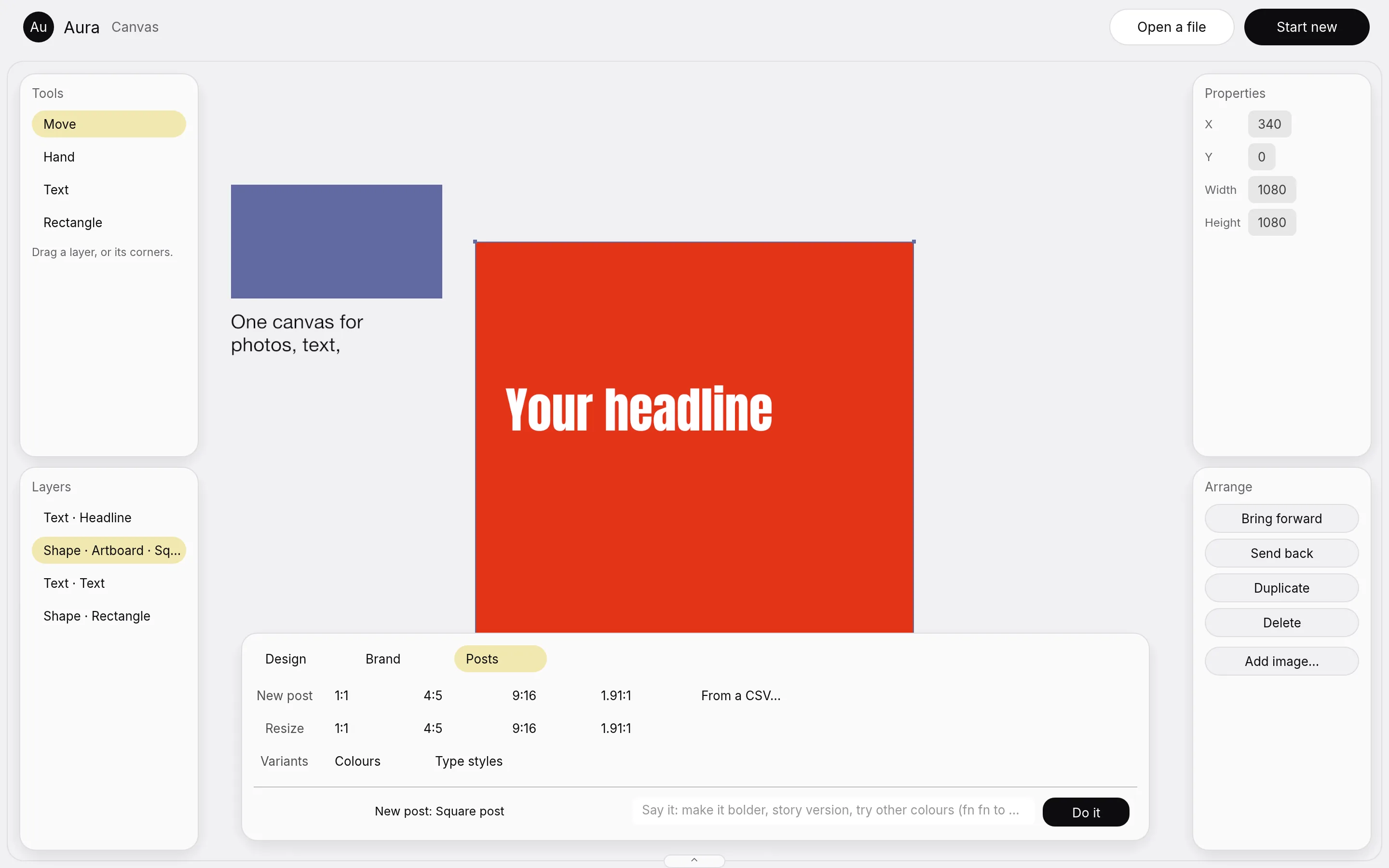
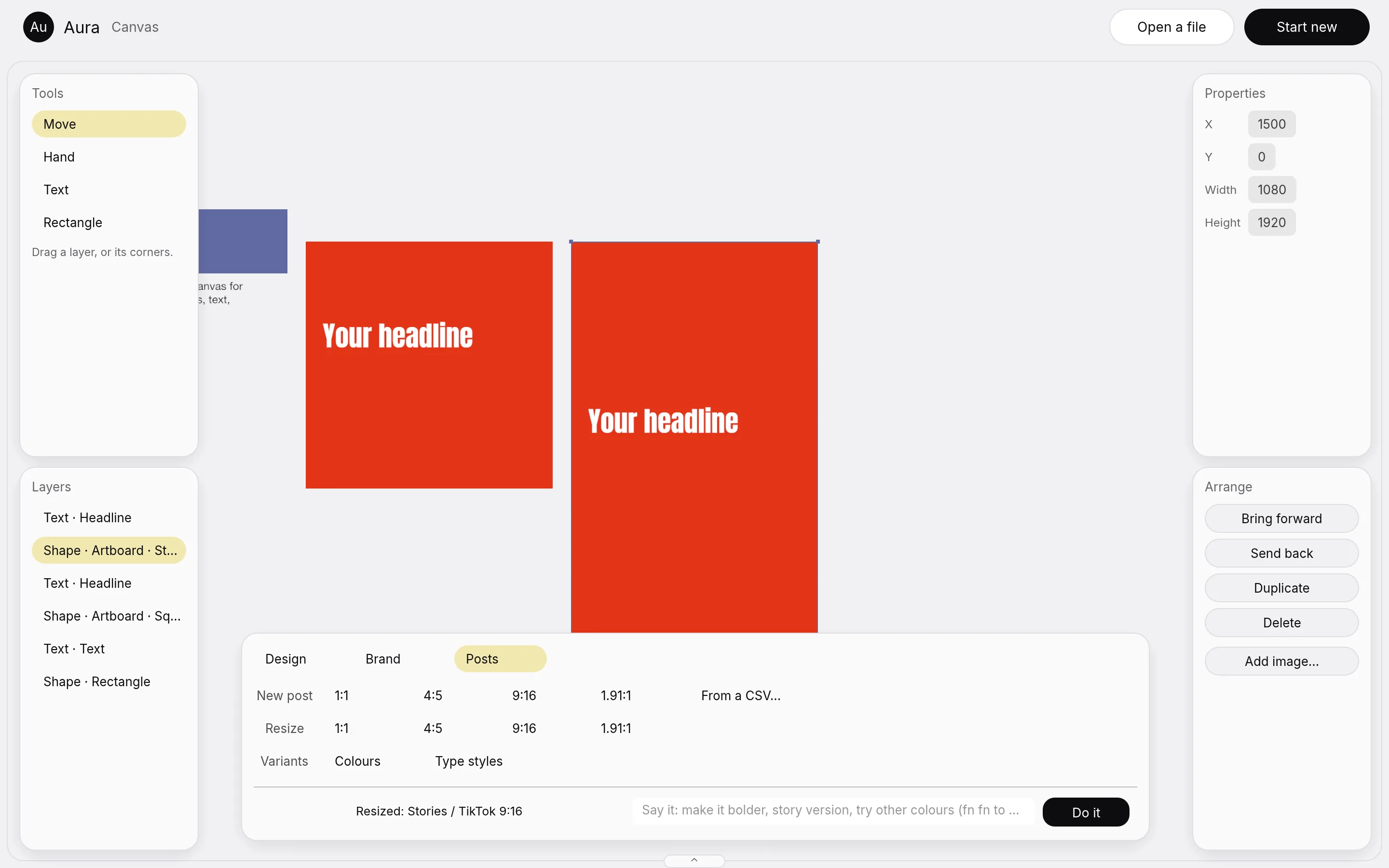
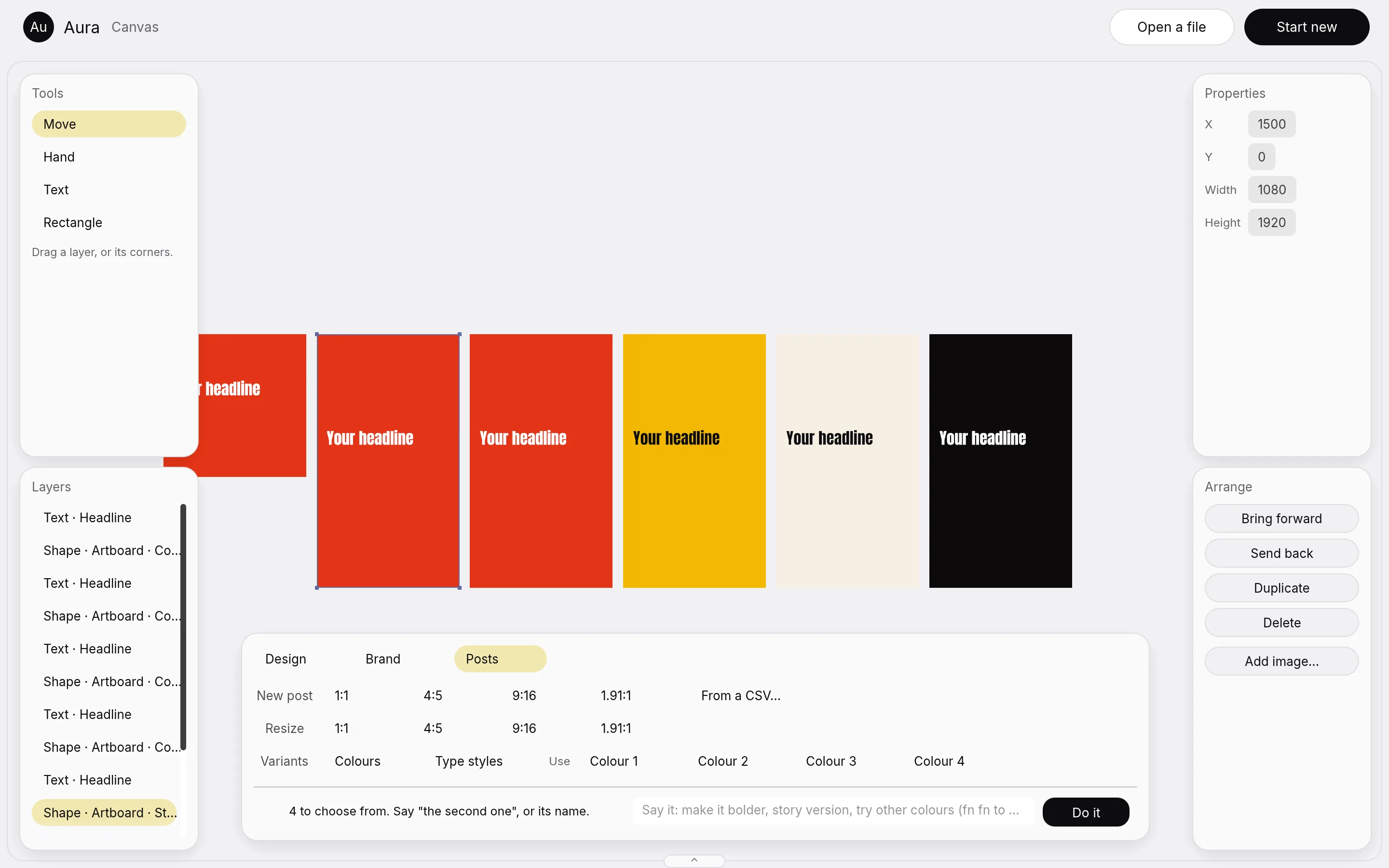
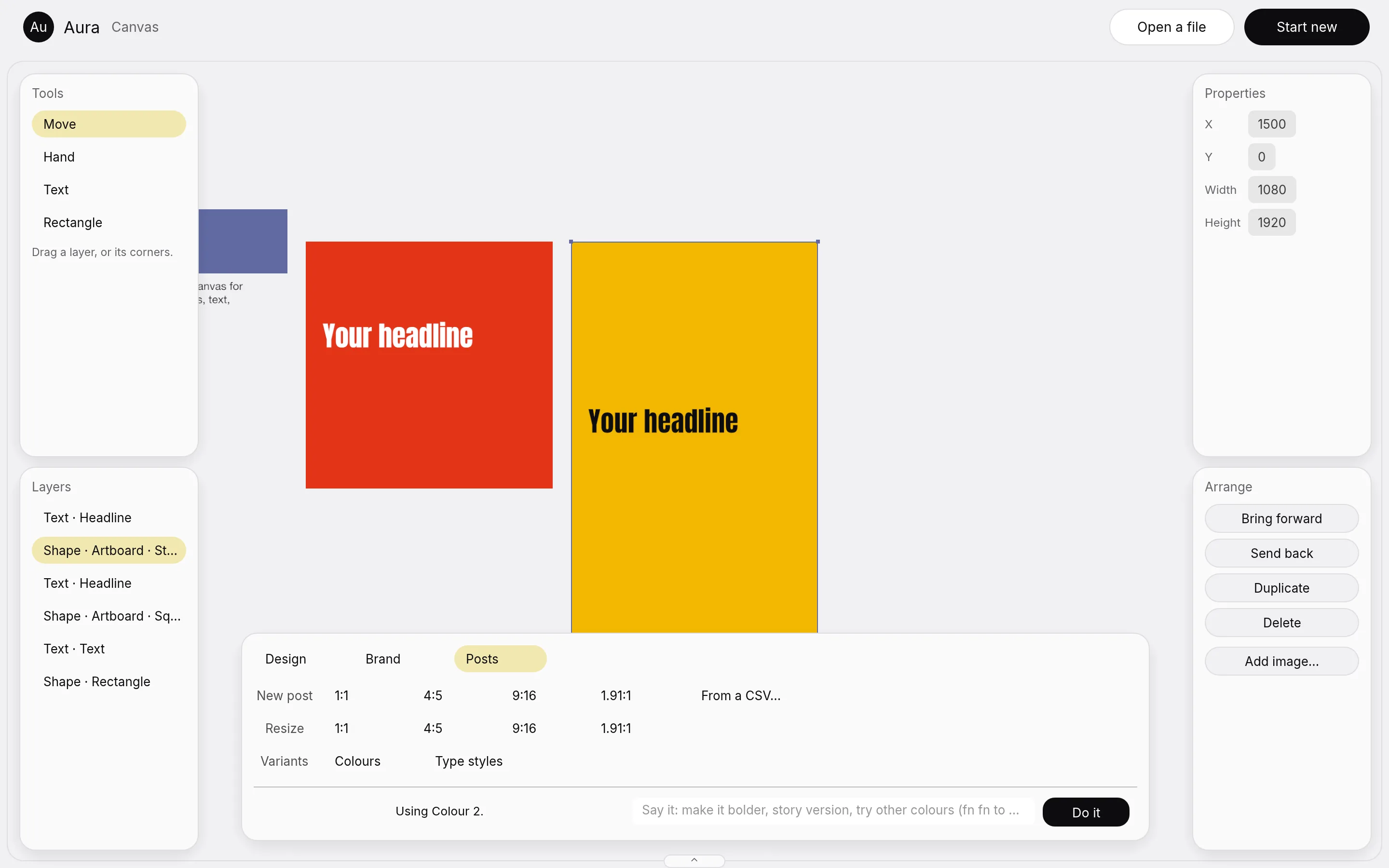
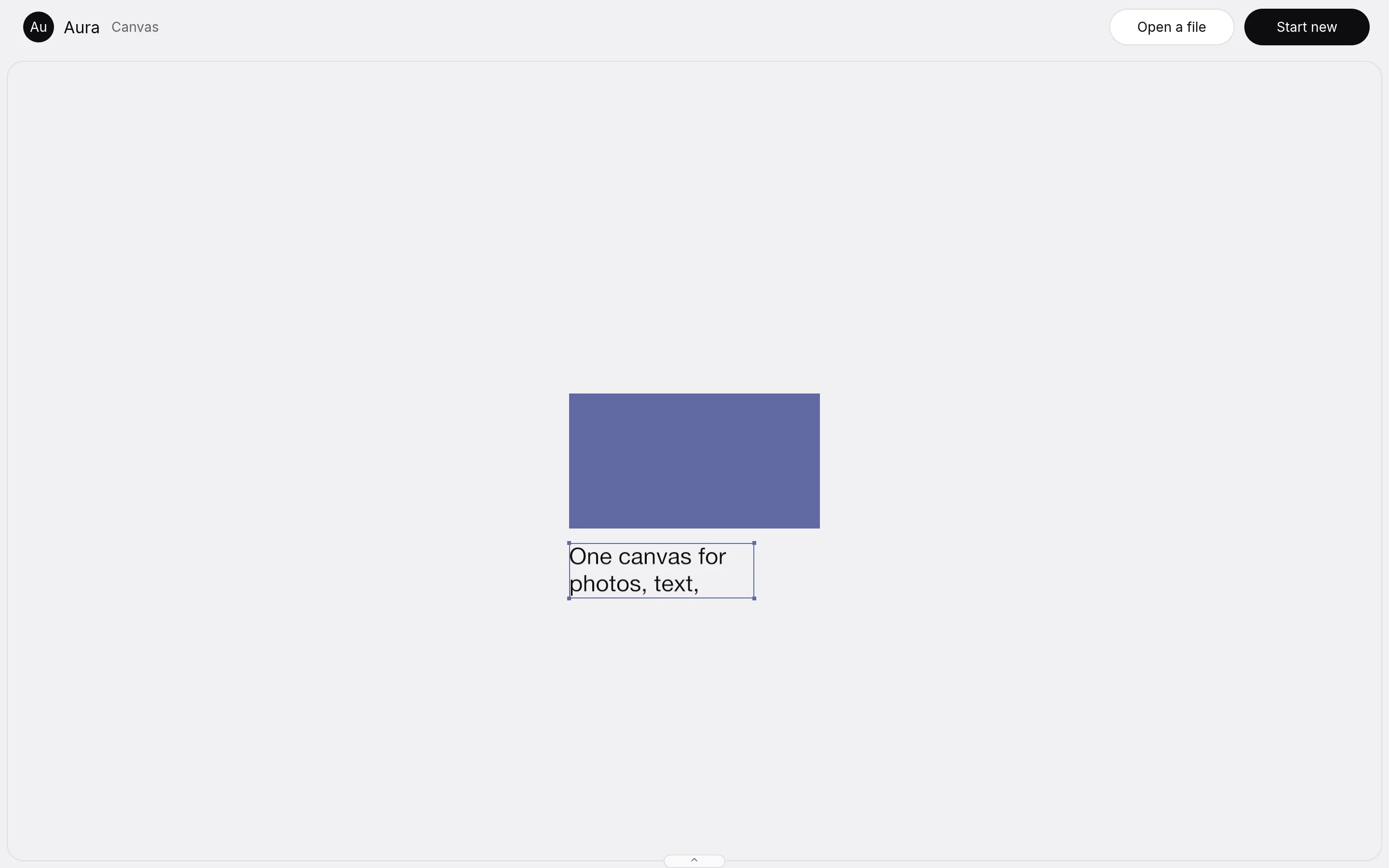
Brand kit, resize to channel, variants and bulk posts, all on the canvas
Aura runs, is measured, and is not finished
Aura is in development and is not released. It runs as a Mac app on the studio's machines, with all eight modes open in one window.
Here is what is measured. The canvas held 100,003 layers at 1920 by 1080, and 99 frames in 100 took 1.1 milliseconds or less. The 16 photo adjustments run on the merged engine, each with a test that reads its pixels. All 56 interface parts are drawn by Aura. Four of the six post ideas are done, and two are partly done.
What is not built yet. Canvas mode holds text, shapes and images today. Vector, RAW develop, depth and motion layers are not on that one canvas yet. The Code toolkit is not built. AI mode asks you to sign in before it makes anything. Of the 55 merge rows, one is proved.
Tools should follow the work, and nothing should be faked
A creative app should change its tools to suit the job and leave your work alone. Aura switches modes without touching the document, and it checks that every time. We call a feature built only when we have seen it work. A mock is a mock, and we say so.
We keep every engine's licence and say where each piece came from. These are the same habits Therum brings to client systems: say what is built, say what is not, and show it working.